AI scene effects place a person from a photo into a short performance, interaction or visual joke. Choose the situation first, then check the matching detail page. This collection keeps the newest published scenes first rather than ranking them by popularity.
Choose your AI scene effects
Scene effects put the setting and interaction first. Some focus on one performer; others depend on two subjects taking different roles. Read the description and compare the available example before selecting photos. A scene title describes the intended situation, while the full detail page explains the current version, format and limits.
Match photos to the scene
Choose clear subject photos with visible faces. For a two-person scene, assign each photo to the requested role; do not assume a group photo replaces separate inputs. You provide photos only. Open a connected scene to confirm its photo count and current quote, sign in and confirm permission, then follow progress on the creation page.
Check examples and expectations
Card covers distinguish reviewed website results, reference frames and labelled concepts. A concept cover explains an idea and does not demonstrate a finished result. When a real example is available, watch the interaction through to the end. Faces, hands, clothing and background details can vary. Check your complete result and download it before its temporary link expires.
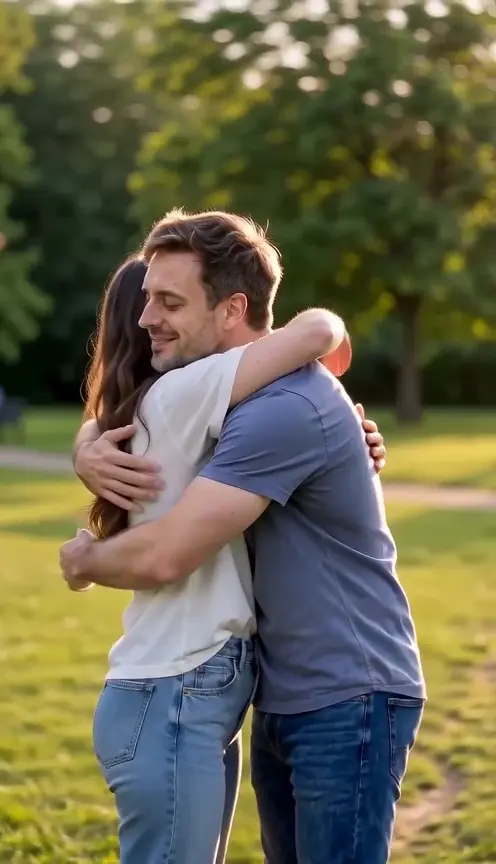
Make a hug AI video from two adult photos. Watch the real eight-second demo, check photo tips and review the credit quote before creating your own embrace.
2 photos · 8 seconds · 9:16
Reviewed website example available
Use one consenting adult in each photo, facing forward with a sharp face and even light. Waist-up or knee-up framing gives the arms room to move. Similar crops help keep body scale believable. Avoid sunglasses, crossed arms and another face in the background. Preserve a clear original when scanning an older print.
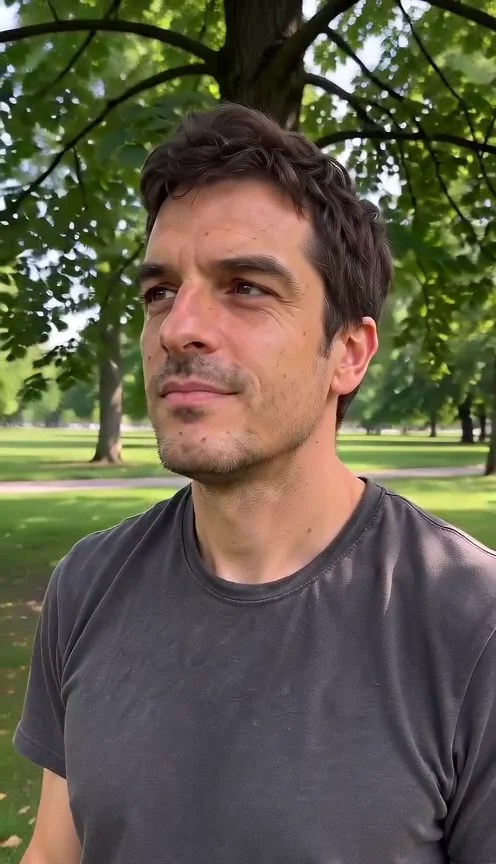
Create an ai camera orbit video effect from one adult photo. Compare the complete real demo, check the partial camera arc and review credits before you generate.
1 photos · 8 seconds · 9:16
Reviewed website example available
Use a clear photo of one consenting adult, ideally framed from the waist upward. Keep the hair and shoulders inside the edges, with even light on the face. A visible foreground and background help you judge depth. Avoid sunglasses, heavy blur, another face crossing the subject or a crop through the chin. The output can invent details that are absent from the photograph, including the side of a hairstyle or clothing. Choose another photograph when those details need to be exact.
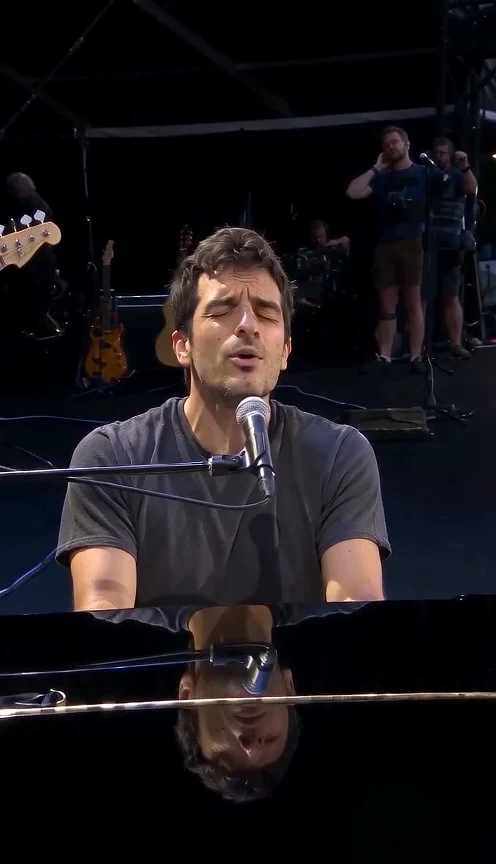
Try the human version of dog bohemian rhapsody AI with one adult photo. Compare the real piano demo, see the slow close-up and check the credits before generating.
1 photos · 15 seconds · 9:16
Reviewed website example available
Choose one sharp photo of one adult with their hair, face and shoulders visible. Even daylight helps preserve recognizable features. Avoid sunglasses, face filters, a second person or an animal. Keep your own visible outfit in the photo. You do not need a piano, costume, microphone or stage in your picture; the preset creates that setting.
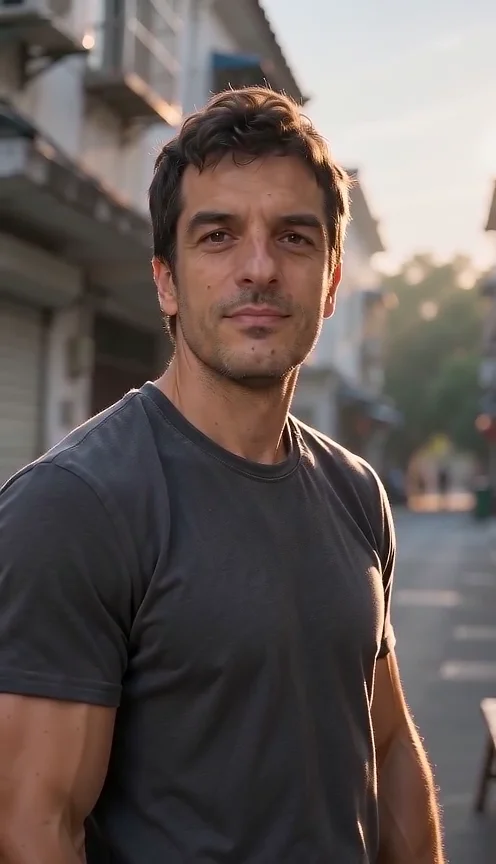
China Daily Life AI Video: A morning breakfast stop on a fictional Chinese neighborhood lane. Upload one adult photo and compare the real input with the reviewed demo.
1 photos · 8 seconds · 9:16
Reviewed website example available
Use a clear adult portrait with the full face, hair and shoulders visible. A plain background and even lighting help define the person. The preset supplies the street, stall and morning atmosphere. You do not need a travel clip, a room photograph or filming equipment. Keep your original image handy so you can compare the face after generation.
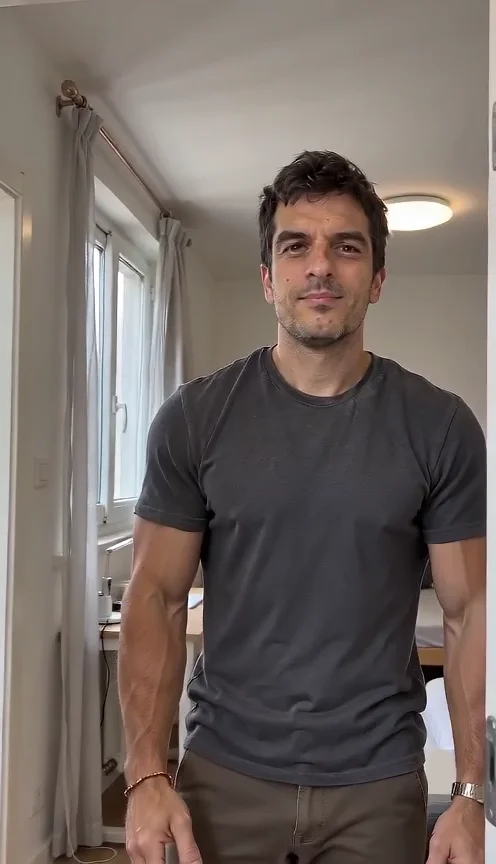
Chinese Apartment Tour AI Video: You host a short reveal of a fictional compact apartment. Upload one adult photo and compare the real input with the reviewed demo.
1 photos · 8 seconds · 9:16
Reviewed website example available
Upload a clear portrait of one adult with the face and shoulders unobstructed. The preset supplies the apartment and a restrained host movement. You do not need room photos, floor plans or a property link. If you need an accurate tour of an actual rental, this fictional scene cannot establish its layout, accessibility, amenities or condition.
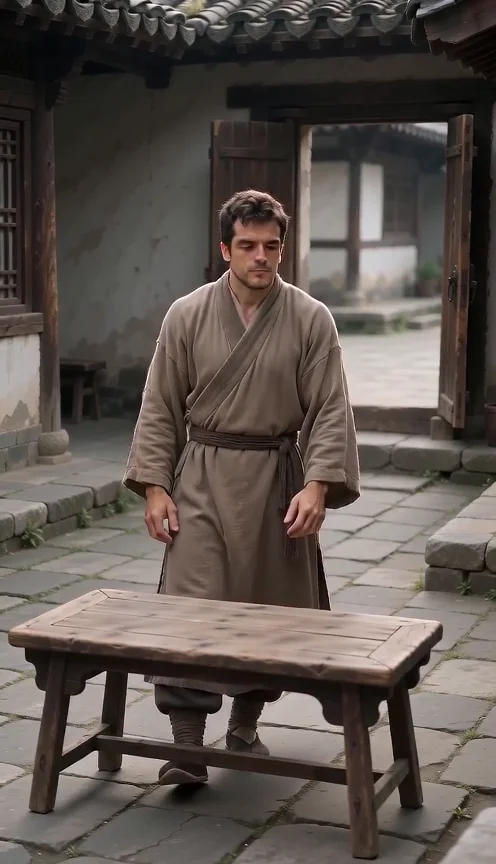
History Surveillance Camera AI Video: A fixed elevated camera observes your fictional ancient courtyard entrance. Upload one adult photo and compare the real input with the reviewed demo.
1 photos · 8 seconds · 9:16
Reviewed website example available
Choose one clear adult portrait with visible hair and facial features. The preset supplies an original period-inspired robe, courtyard and quiet movement. No costume, action video or historical photograph is required. The face may be smaller than in a selfie because the camera shows the scene; compare it with the exact example input before choosing this style.
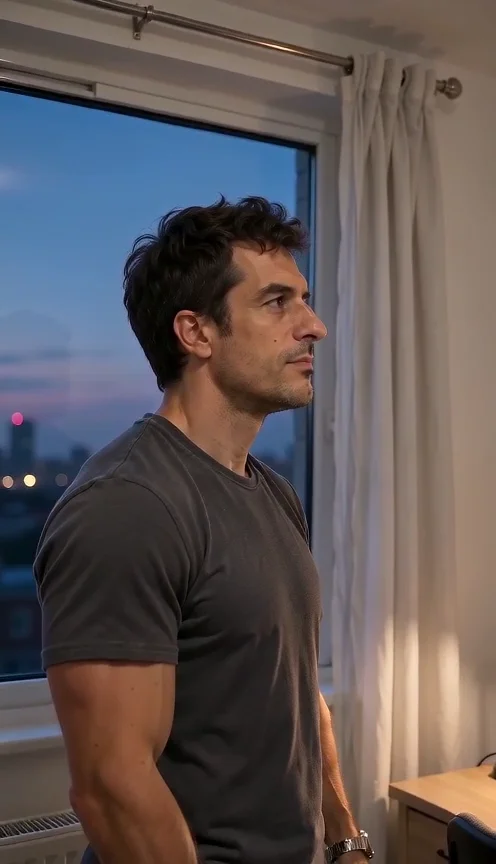
Living Alone in China AI Video: A quiet fictional studio evening, with one adult and warm window light. Upload one adult photo and compare the real input with the reviewed demo.
1 photos · 8 seconds · 9:16
Reviewed website example available
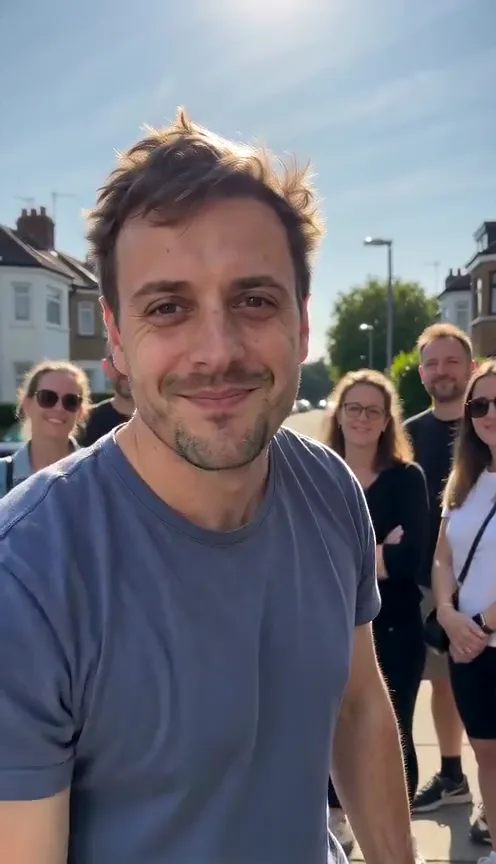
Choose an evenly lit adult portrait with a clear face and shoulders. The preset builds the room and evening light around that identity. No apartment footage or room photo is needed. A calm expression suits this restrained scene. Keep hair and the face unobstructed; heavy face filters make it harder to judge whether the generated person still resembles your photo. For a clear comparison, choose a photo taken at eye level. Keep both eyes visible if possible, and avoid sunglasses, hats or hands covering the face. After downloading, compare the hairline, eyes and mouth at the beginning and ending instead of judging identity from the room alone.
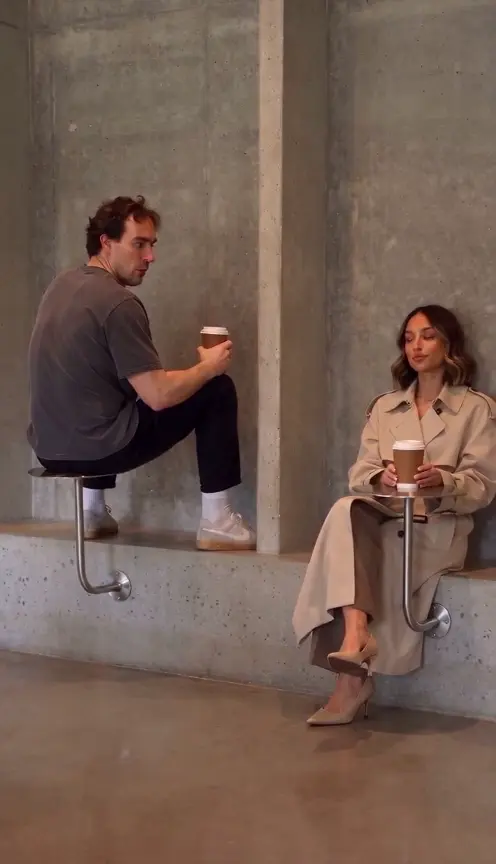
Make first time in a fancy cafe ai with one or two photos: a 15-second wrong-table POV, a guest who knows where to sit, and the awkward final reveal.
1–2 photos · 15 seconds · 9:16
Reviewed website example available
Use one subject per image in even light, facing the lens. A natural selfie works, while a waist-up or full-body image gives more clothing and body information. Avoid dark sunglasses, heavy filters, motion blur and hands over the face. A pet should be shown clearly rather than hidden in a blanket. You do not need to photograph a cafe, act out the scene or balance on furniture. The form accepts JPEG or PNG and displays its file limit.
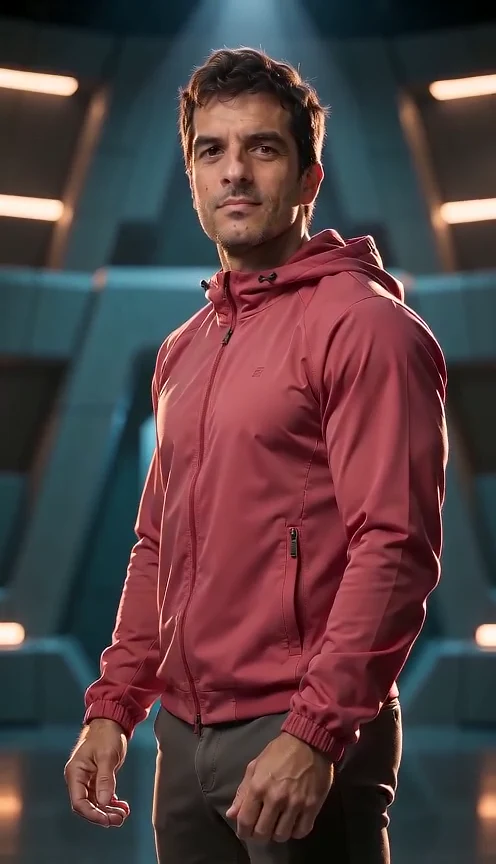
Create a Squid Game AI video from one adult photo. Enter an original game arena, turn toward the camera and hold the final pose. Watch the real paired demo.
1 photos · 8 seconds · 9:16
Reviewed website example available
Use one clear adult portrait with visible eyes and hair. An upper-body or full-body photo gives the outfit more information. Avoid masks, sunglasses and group shots. The new outfit and arena are added around your photo.
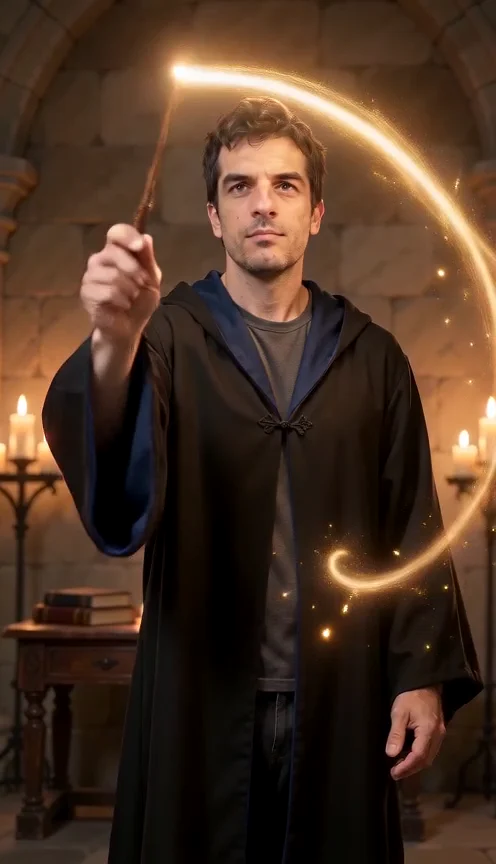
Make a Harry Potter AI video from one adult photo. Cast a glowing spell in an original candlelit room, with an eight-second real demo and clear photo steps.
1 photos · 8 seconds · 9:16
Reviewed website example available
Use a sharp portrait with visible eyes and hair. Even light helps the face remain readable in the darker scene. Avoid masks, sunglasses and group shots. The room, robe and wand are added automatically.
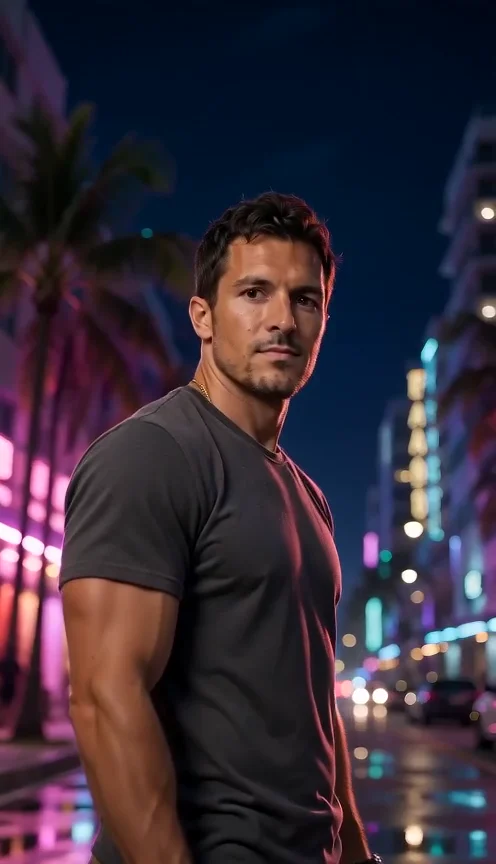
Make a GTA 6 AI video from one adult photo for a fifteen-second neon-city trailer, a convertible drive and your own hero shot. Watch the real paired demo.
1 photos · 15 seconds · 9:16
Reviewed website example available
Choose a clear adult portrait with visible hair and face. Avoid sunglasses and group shots. A portrait is enough. Use even light and leave space around your head. Clothing and body proportions may be invented beyond the visible portrait.
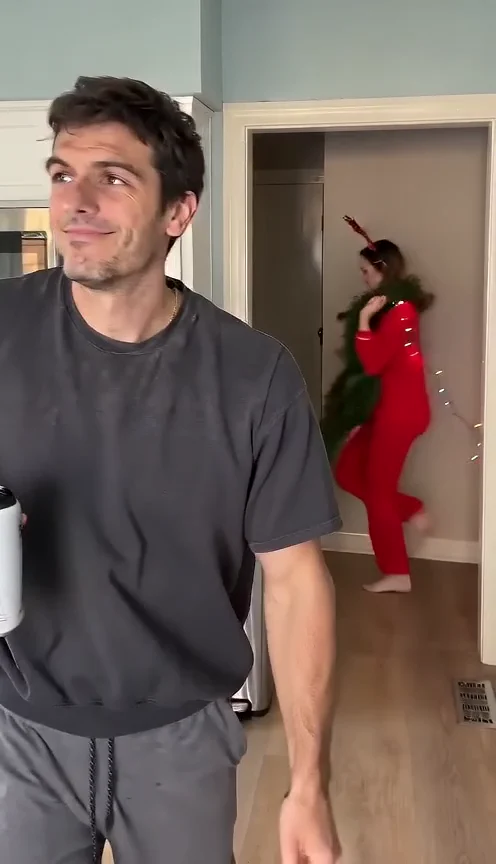
Make Christmas Lights Wife AI from one adult photo: an eight-second kitchen joke with a festive runner, trailing lights and your deadpan reaction. Watch the real demo.
1 photos · 8 seconds · 9:16
Reviewed website example available
Your photo plays the foreground adult; a distinct fictional adult carries the decorations. This version accepts one image. A bright front-facing selfie or waist-up photo works best. Avoid group shots, sunglasses and heavy filters. You do not need decorations or a kitchen photo.
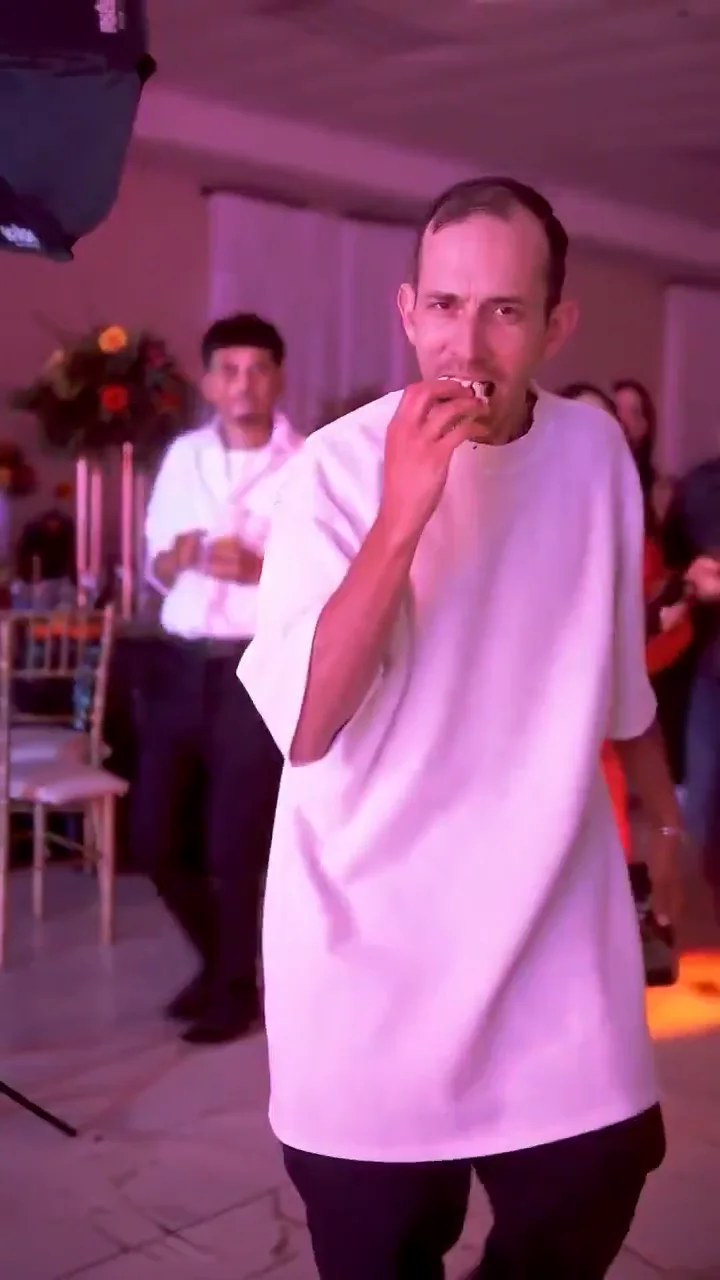
Explore bby wow guy AI from one adult selfie: enter a quinceañera-style party, bite a concha, stare into the camera and walk away. Photo adaptation, not yet visually tested here.
1 photos · 10 seconds · 9:16
No reviewed website example yet
One clear adult selfie or waist-up portrait, face unobstructed, with permission to use the image. No child photos.
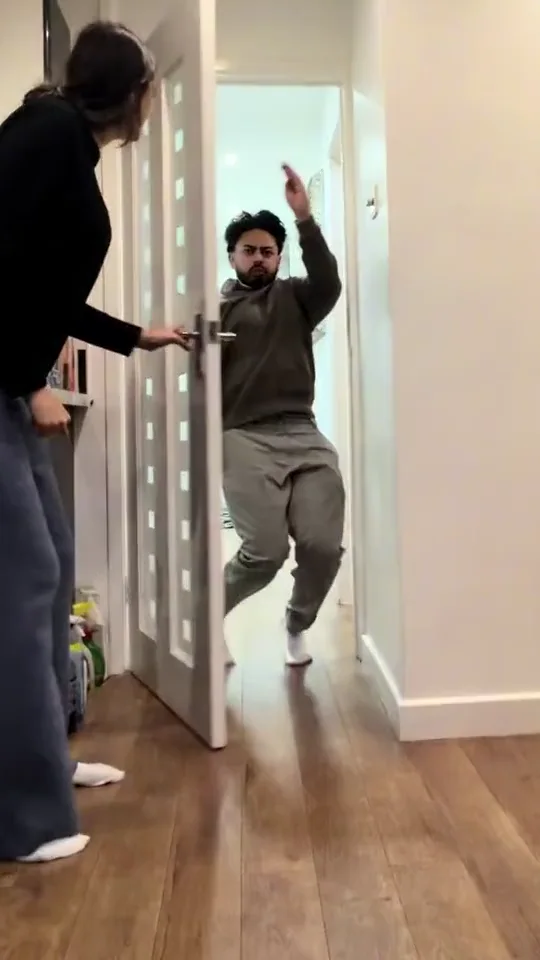
Closing door prank AI turns one adult photo into a proposed ten-second doorway gag: an abrupt door close, a surprised pause and a reaction. No child photos; output not yet visually tested here.
1 photos · 10 seconds · 9:16
No reviewed website example yet
Use one clear photo of a consenting adult, front-facing or waist-up, with an unobstructed face. Do not upload a minor’s image.
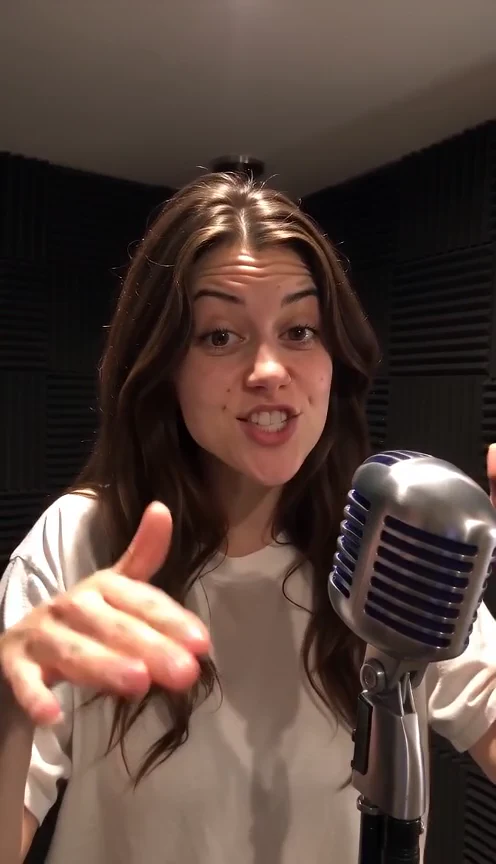
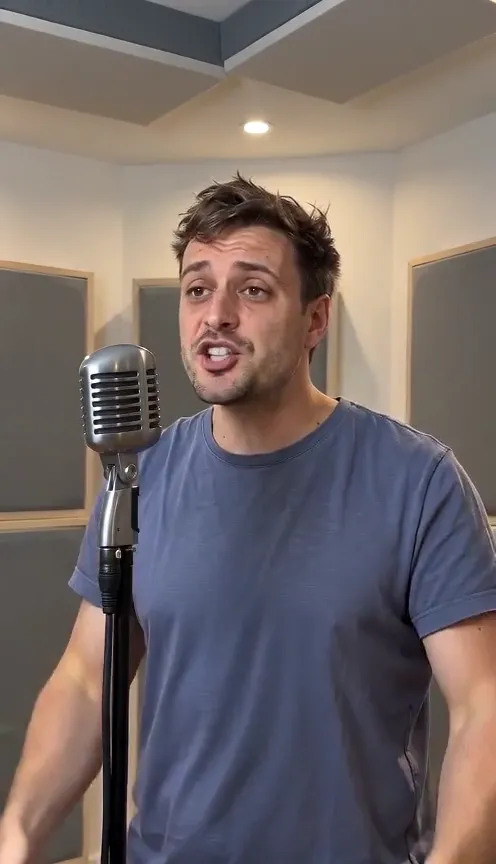
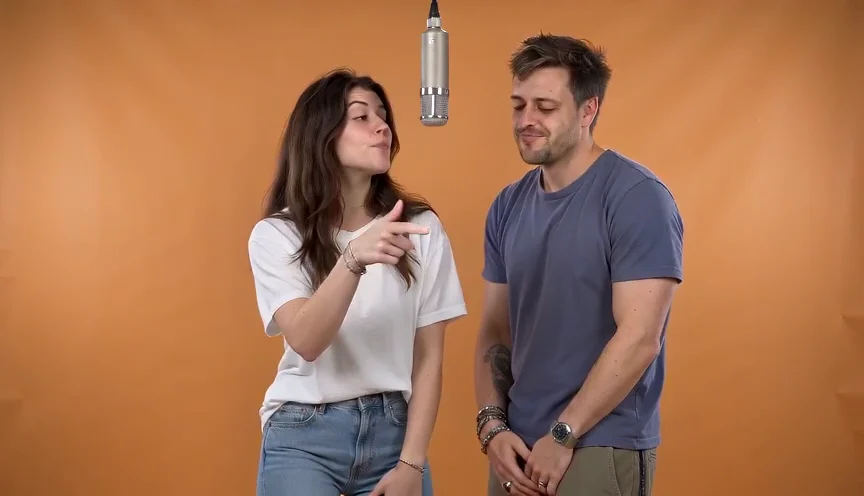
Create a 15-second rap performance from photos with original vocals and a beat. Compare solo room, orange-booth duet and street styles. Custom lyrics and song uploads are not supported.
1 photos · 15 seconds · 9:16
Reviewed website example available
Use one clear adult portrait for solo or street freestyle. For the orange-booth duet, upload one photo per person: A and B take turns rapping full verses on the left and right. Keep faces unobstructed. Use JPEG or PNG, up to 10 MB each; larger photos are optimized automatically.
Make a Bulin 47-style street-rap scene from one adult portrait. Watch a real 15-second result with its input photo, and check gestures, crowd and vocals.
1 photos · 15 seconds · 9:16
Reviewed website example available
Use one sharp adult portrait showing the face, hair and upper outfit. Keep the face unobstructed and avoid a group photo. You supply the lead only; there are no photo inputs for individual onlookers.
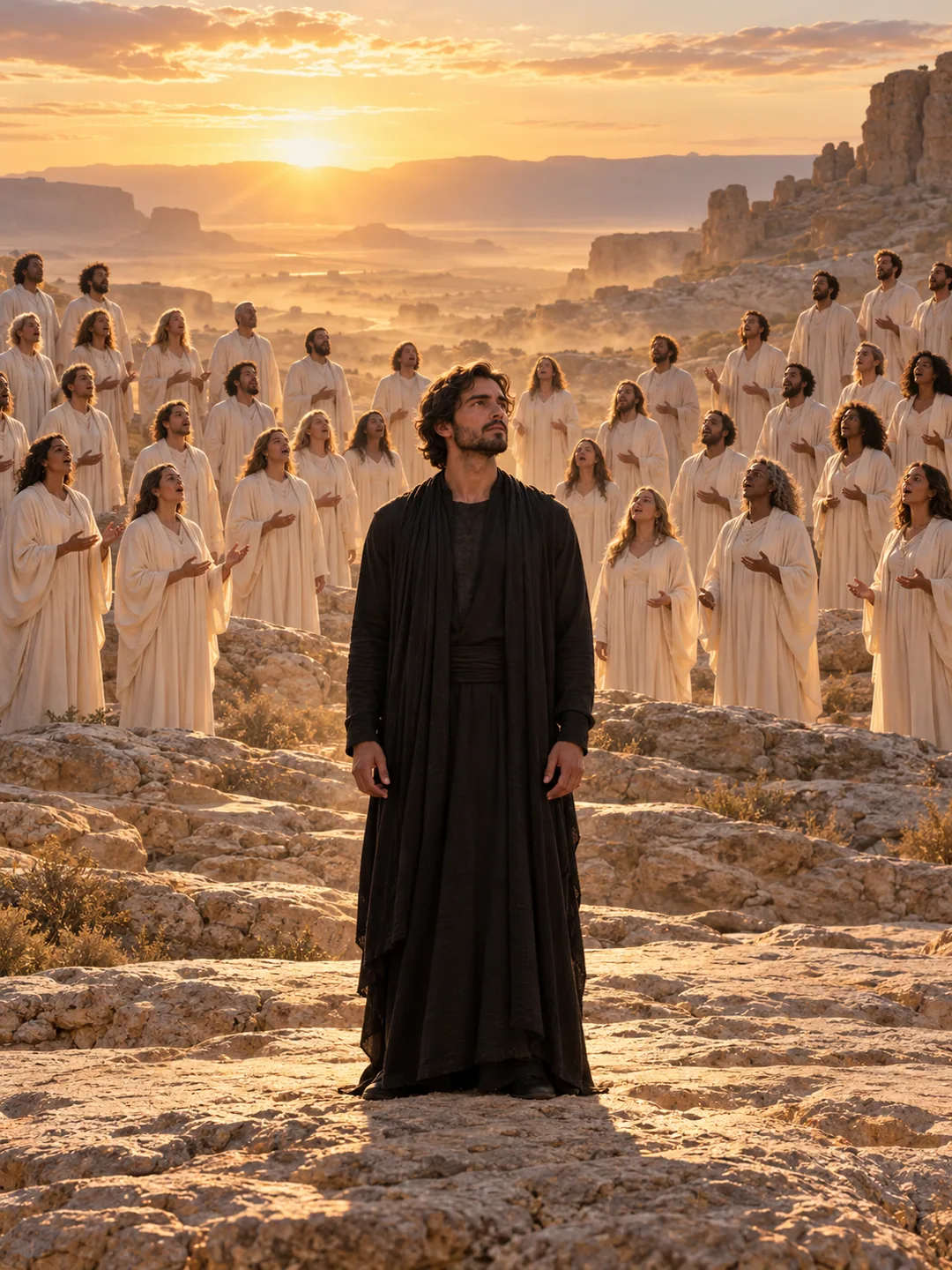
Explore the Closed on Sunday AI choir effect from one photo: a calm central subject, moving choir and 12-second landscape format. See current limits.
1 photos · 12 seconds · 16:9
No reviewed website example yet
Choose one clear adult portrait with a relaxed, closed mouth and visible facial edges. If using a pet, show its muzzle, ears and markings clearly. A neutral pose makes unintended singing or facial movement easier to spot.
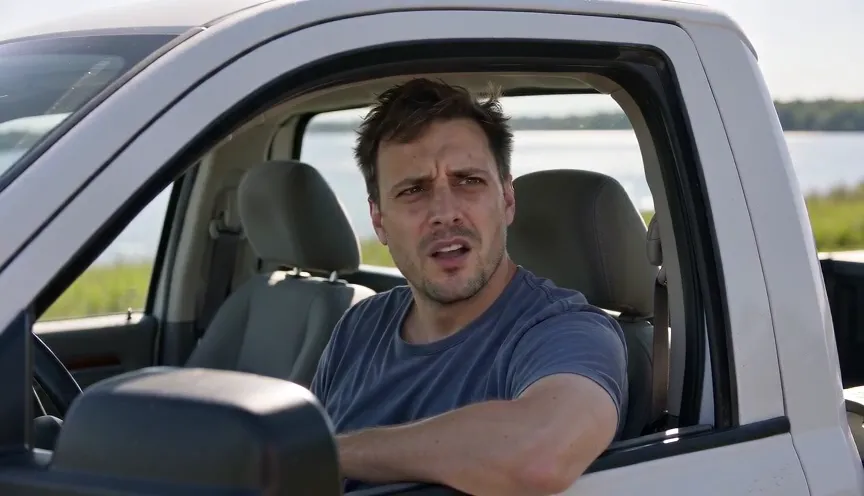
Make a 15-second Hit the Road Dude AI pickup-window scene from one photo. Preview the real example, generated dialogue and speaker-timing limitations.
1 photos · 15 seconds · 16:9
Reviewed website example available
Use an evenly lit adult portrait with a clear face and mouth. You do not need a photo of yourself inside a pickup. Avoid a hand covering the jaw or a wide-open mouth, which makes the listening pose harder to judge.
Create the orange-booth Hotel Lobby AI rap duet from two portraits. Watch a real example and compare the 15-second format, photo roles and audio limits.
2 photos · 15 seconds · 16:9
Reviewed website example available
Upload one clear adult portrait for A and a separate portrait for B. Keep both faces unobstructed and use similar camera heights. A group photo is not a substitute for the two role inputs; check the A/B previews before generating.
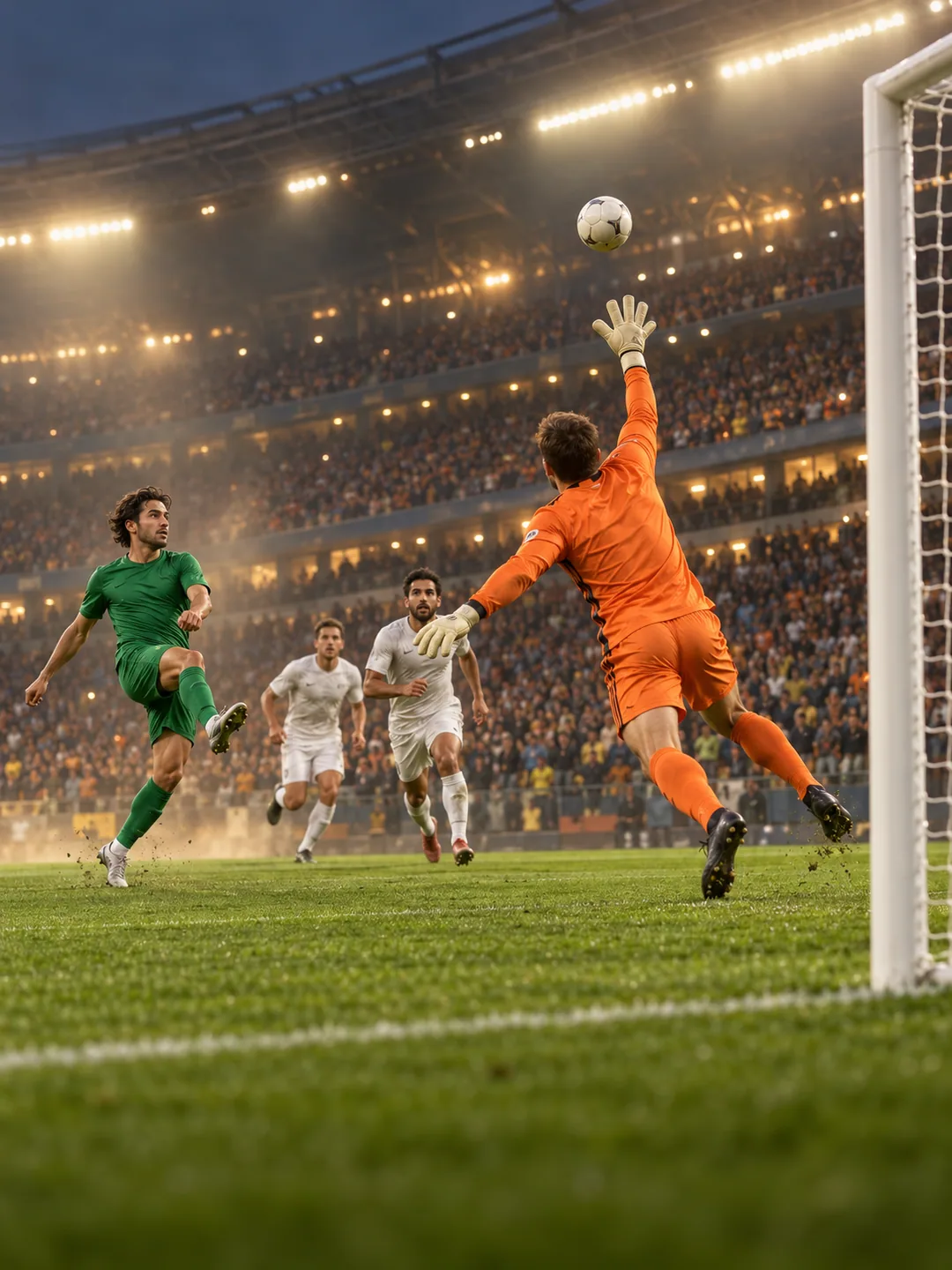
Explore the Özil goal AI video trend from one photo. Review the chip, keeper, defenders and finish in a 15-second scene, with clear verification limits.
1 photos · 15 seconds · 16:9
No reviewed website example yet
Prefer a clear full-body adult photo with the face and shoes visible. Avoid a ball or another person covering the body. The effect provides the pitch and football scene; you do not upload match footage.
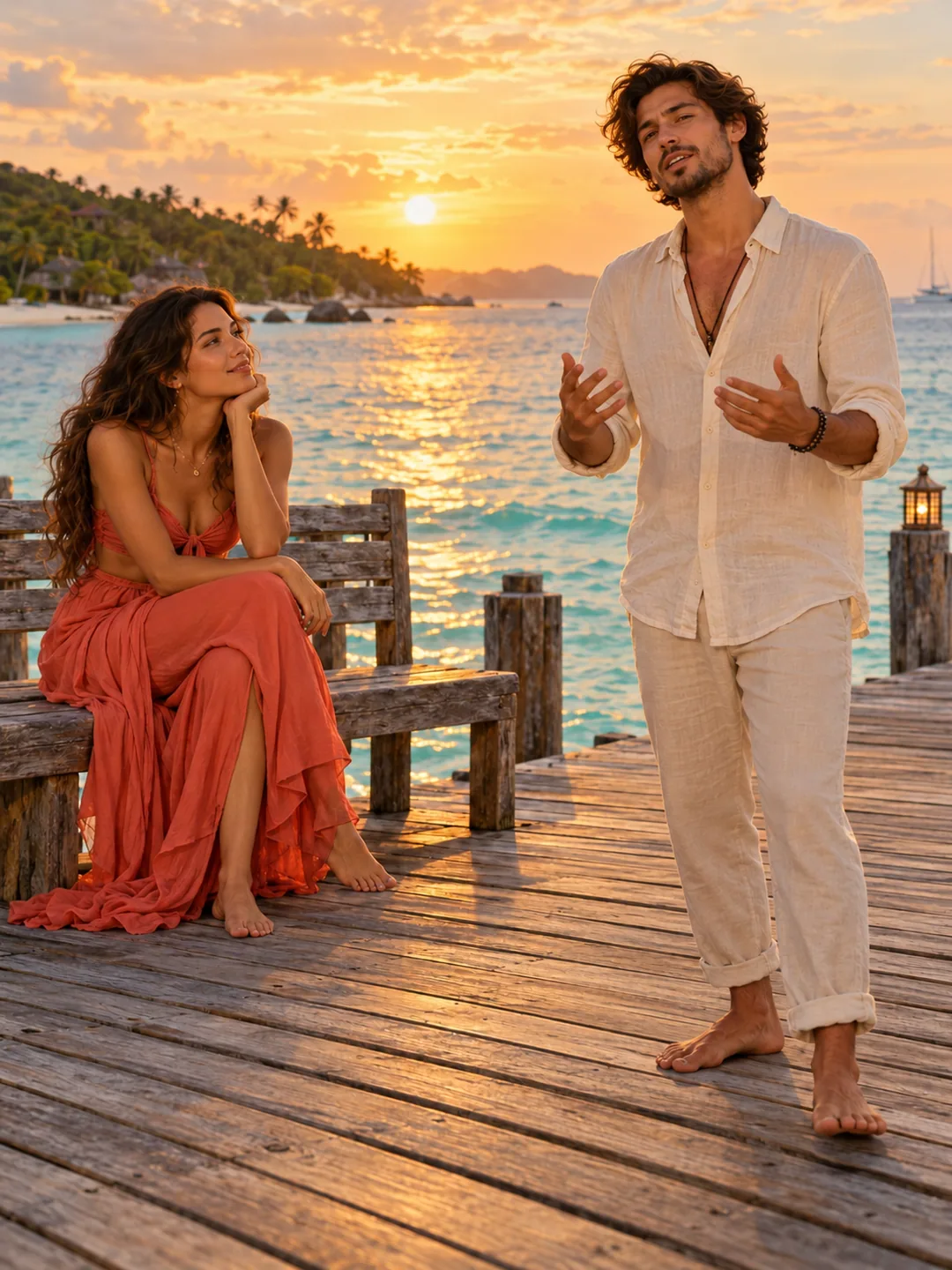
Explore a Raindance AI seaside-pier duet from two portraits. Compare the 10-second vertical format, seated and standing roles, photo setup and audio limits.
2 photos · 10 seconds · 9:16
No reviewed website example yet
Upload separate clear portraits for A and B at similar camera heights. A is the seated listener and B the standing performer. Keep both faces and hairstyles visible; you do not need to supply a pier background or an audio file.
The scene’s situation or interaction is the main idea. For effects centred on repeated dance movements, use the separate dance collection.
Can I make a scene with two people?
Some scenes support two roles. Open the individual page to check the required number of photos and how to assign them.
Does every card show a generated example?
No. Covers are labelled as website results, reference frames or concepts. Check the detail page for the available evidence and current generation entry.
We use cookies to improve your experience, analyze site usage and support our marketing. You can accept or reject non-essential cookies; essential cookies needed for sign-in always stay on.