First Time in a Fancy Cafe AI · The Wrong Seat POV
First time in a fancy cafe ai puts your photo in a quiet cafe mishap: you sit on the little table, a guest takes the proper seat, and the mistake finally sinks in. Use one photo for the newcomer or add a second to cast the guest. Watch through the last second before making yours.
Make my cafe POV · 30Photo → real cafe POV demo

Made from the exact fictional adult photo shown. The full ending is preserved; faces are small in this wide shot, and resemblance can vary.
The first time in a fancy cafe ai story, second by second
The requested sequence is a single wide cafe shot. 0–4 seconds: the newcomer confidently drinks coffee while perched on a tiny round wall table. 4–8 seconds: a guest enters, sits on the low bench and sets a cup on a separate table. 8–11 seconds: the newcomer looks across, looks down and realises the mistake. 11–14 seconds: they slide off the table onto the bench. 14–15 seconds: the camera holds the awkward side glance. These timings are a guide; inspect the actual result before sharing.
Two roles, one clear joke
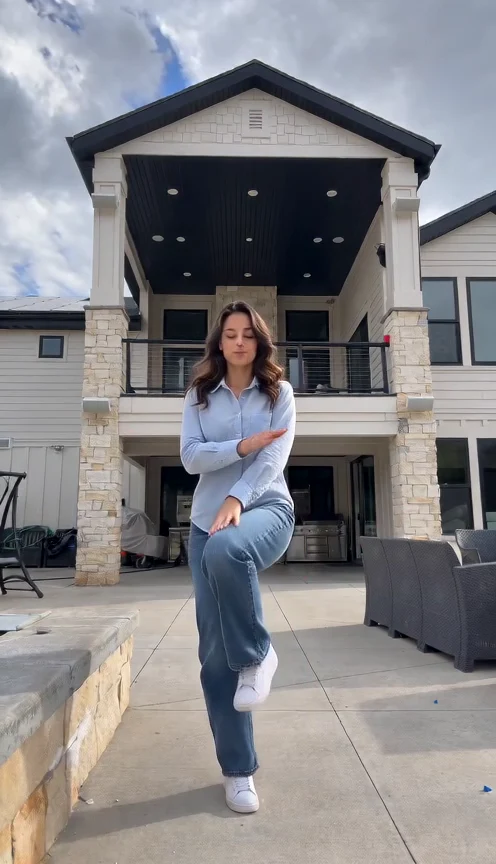
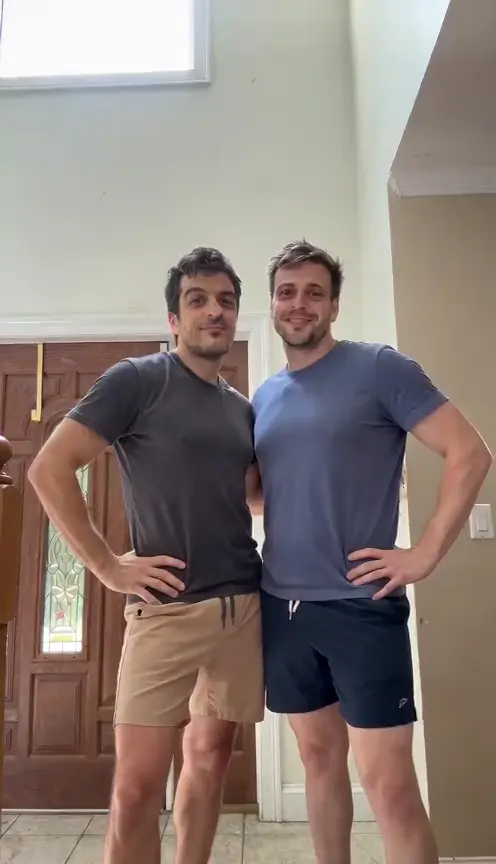
Photo A is always the person on the table. Photo B, when supplied, is the guest who walks in and shows how the furniture works. Leave B empty for a distinct fictional adult guest. Add a friend’s photo only with their permission. You can also try your own pet as the newcomer: choose an image with its muzzle, ears and coat markings visible. Two separate pictures are easier to assign than a group photo. Switching their upload positions switches their roles.
Make my cafe POV · 30Keep the ending in your edit
Do not trim away the climb down or the final pause. The setup alone can look like an unusual seat; the guest and the quiet correction make it a joke. Keep both characters in view when cropping for TikTok, Reels or Shorts, and leave space around the little tables and the bench. Add your own POV caption in the posting app. A short pause after the correction gives viewers time to catch the embarrassment, even with the sound muted.
Choose a clear everyday photo
Use one subject per image in even light, facing the lens. A natural selfie works, while a waist-up or full-body image gives more clothing and body information. Avoid dark sunglasses, heavy filters, motion blur and hands over the face. A pet should be shown clearly rather than hidden in a blanket. You do not need to photograph a cafe, act out the scene or balance on furniture. The form accepts JPEG or PNG and displays its file limit.
Check the whole download
The request is approximately fifteen seconds in vertical 480p. Check that each face stays with the same body, the guest sits on the bench, and the newcomer actually leaves the table. Small faces, cup contact and the descent can vary. The displayed credit price applies to a new generation; another attempt costs credits again. Refreshing progress does not create a second video. Keep the complete original download so you can compare an edit against its ending.
Make your version in three steps
Upload the cast
Add photo A, optionally add photo B, and confirm that you have permission to use the images.
Review and generate
Sign in, check the credit quote and press Generate once. Only photos are needed; the cafe scene and timing are already set.
Watch to the end and download
Follow the progress, download the MP4 and check the complete final seat change before posting.
Before you try it
What is first time in a fancy cafe ai?
It is the photo version of the wrong-table cafe POV: someone mistakes a tiny table for a stool, sees another guest sit correctly and quietly moves down to the bench.
Do I need one photo or two?
One photo casts A on the table, with a fictional guest. A second photo casts B walking in. Use separate pictures, each showing one consenting adult or your own pet.
Why should I keep the ending?
The seat correction is the payoff. Leave the slide down and the final pause in your edit; otherwise viewers may miss what the newcomer got wrong.
What should I expect to hear?
The template requests quiet cafe ambience and cup sounds. Listen to your download before posting; you can choose a sound available to you in your posting app.