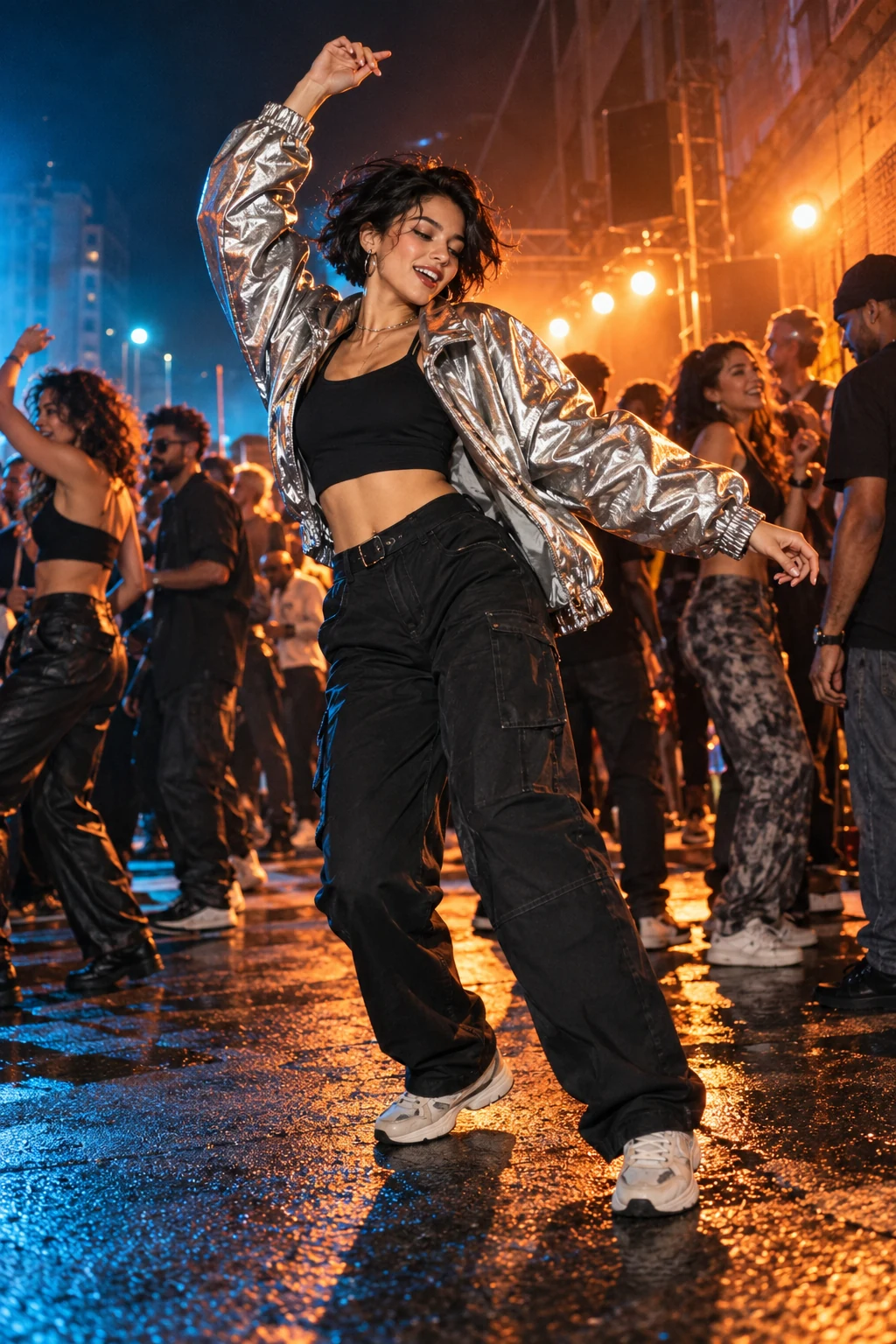
Compare every photo-to-video effect by scene, photo count, duration and format. Open a detail page to check examples and the current credit cost.
26 / 26 · AI Video Effects
Choose an effect by the moment you want to create. Dance effects focus on movement, entrances give the subject an arrival, and scene templates place the subject in a short performance or interaction. This directory lists the complete configured effect collection, including the dedicated Rap page. Each card leads to its own detail page rather than starting a generation.
Check the number of photos before choosing a scene. Single-person effects ask for one subject photo; two-person scenes ask for two photos assigned to their roles. You provide only photos as creative material. The scene, movement and sound are prepared. Sign-in, permission confirmation, progress and download stay in the existing generation flow.
A reviewed website example and an existing trend reference are different kinds of evidence. Where a reviewed VideoTrendKit example exists, the detail page labels it. Other effects disclose that a reviewed result is not available. A familiar trend image does not establish the quality of a future result made from your photo. Inspect the complete result before sharing.
Use the displayed duration and aspect ratio to compare formats, then check the current quote on the detail page before generating. Credit packs hold a balance; they do not guarantee the same number of videos across effects. Checking an existing task does not start another generation. If you are exploring Bicep Heart, the linked meme, template and practical guide answer different questions before taking you to the same creation entry.
Try Stateside dance AI from one adult photo: a 15-second empty-theatre dance with original music. See photo requirements and the untested limits.
1 photos · 15 seconds · 9:16
No reviewed website example yet
Use one consenting adult, head to shoes visible, a clear face and empty hands. A selfie can identify the face, but a full-body photo gives better clothing and limb detail. JPEG or PNG, up to 10 MB; larger images are optimized automatically.
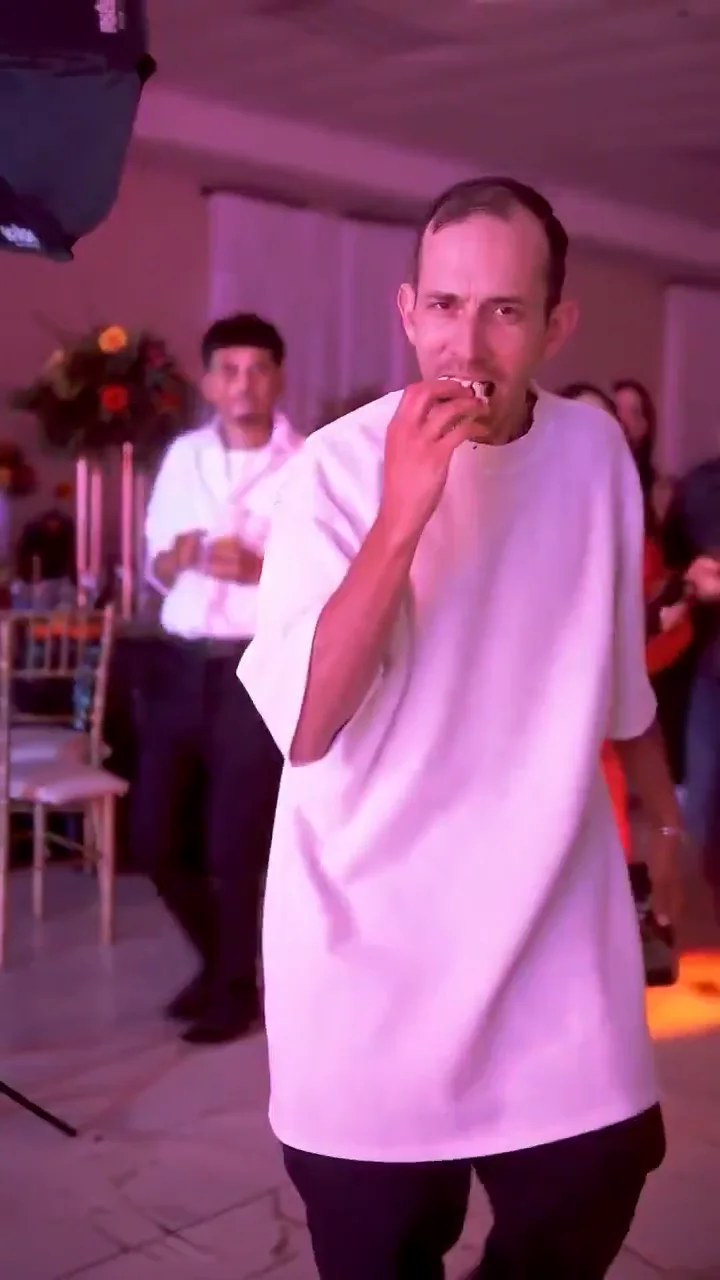
Explore bby wow guy AI from one adult selfie: enter a quinceañera-style party, bite a concha, stare into the camera and walk away. Photo adaptation, not yet visually tested here.
1 photos · 10 seconds · 9:16
No reviewed website example yet
One clear adult selfie or waist-up portrait, face unobstructed, with permission to use the image. No child photos.
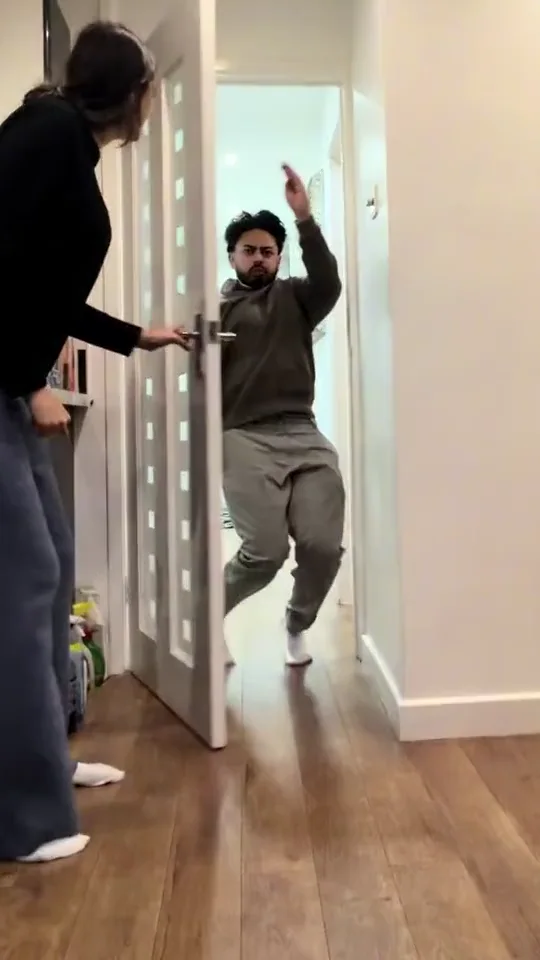
Closing door prank AI turns one adult photo into a proposed ten-second doorway gag: an abrupt door close, a surprised pause and a reaction. No child photos; output not yet visually tested here.
1 photos · 10 seconds · 9:16
No reviewed website example yet
Use one clear photo of a consenting adult, front-facing or waist-up, with an unobstructed face. Do not upload a minor’s image.
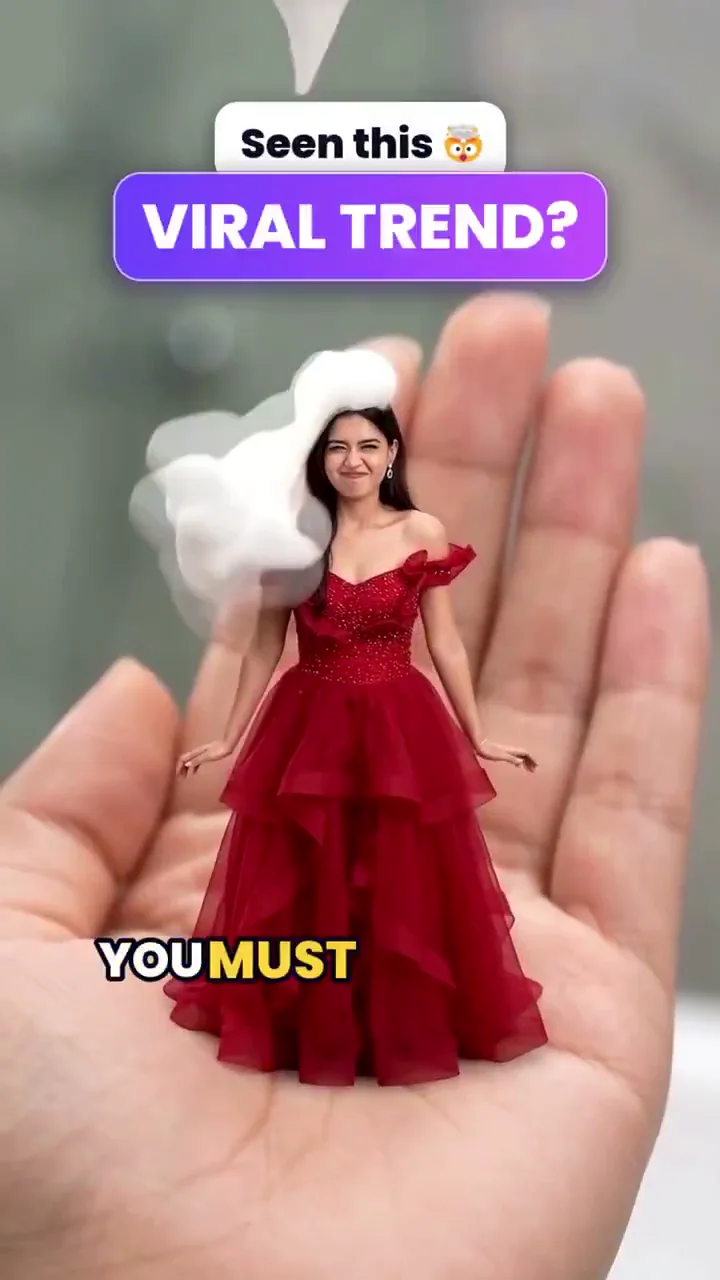
Mini me AI starts with one adult photo and aims for a tiny version of you standing on an open palm. Explore the eight-second photo adaptation and real reference frames; site output remains untested.
1 photos · 8 seconds · 9:16
No reviewed website example yet
One sharp adult portrait with visible clothing; a full-body photo provides more outfit detail. Do not use a child’s photo.
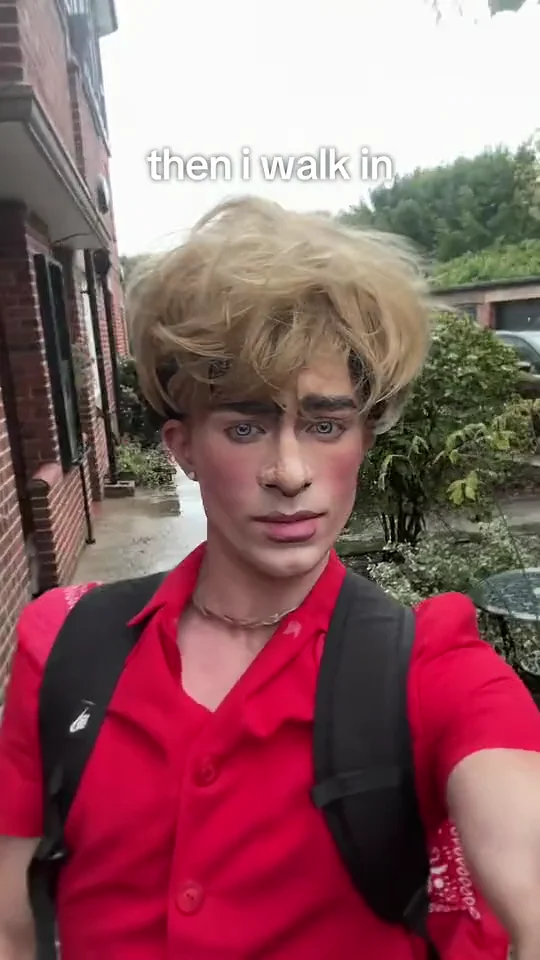
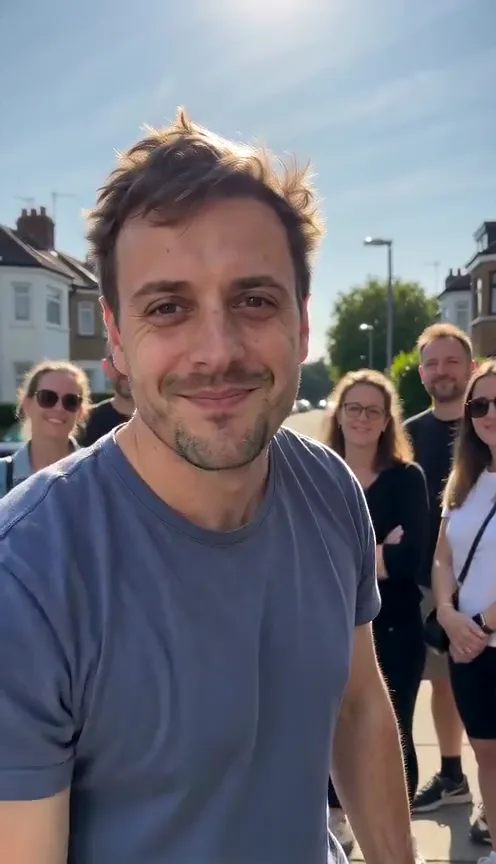
Explore then i walk in AI from one photo: a deadpan selfie walk, a small head tilt and the familiar caption. See real reference frames and the untested limits.
1 photos · 8 seconds · 9:16
No reviewed website example yet
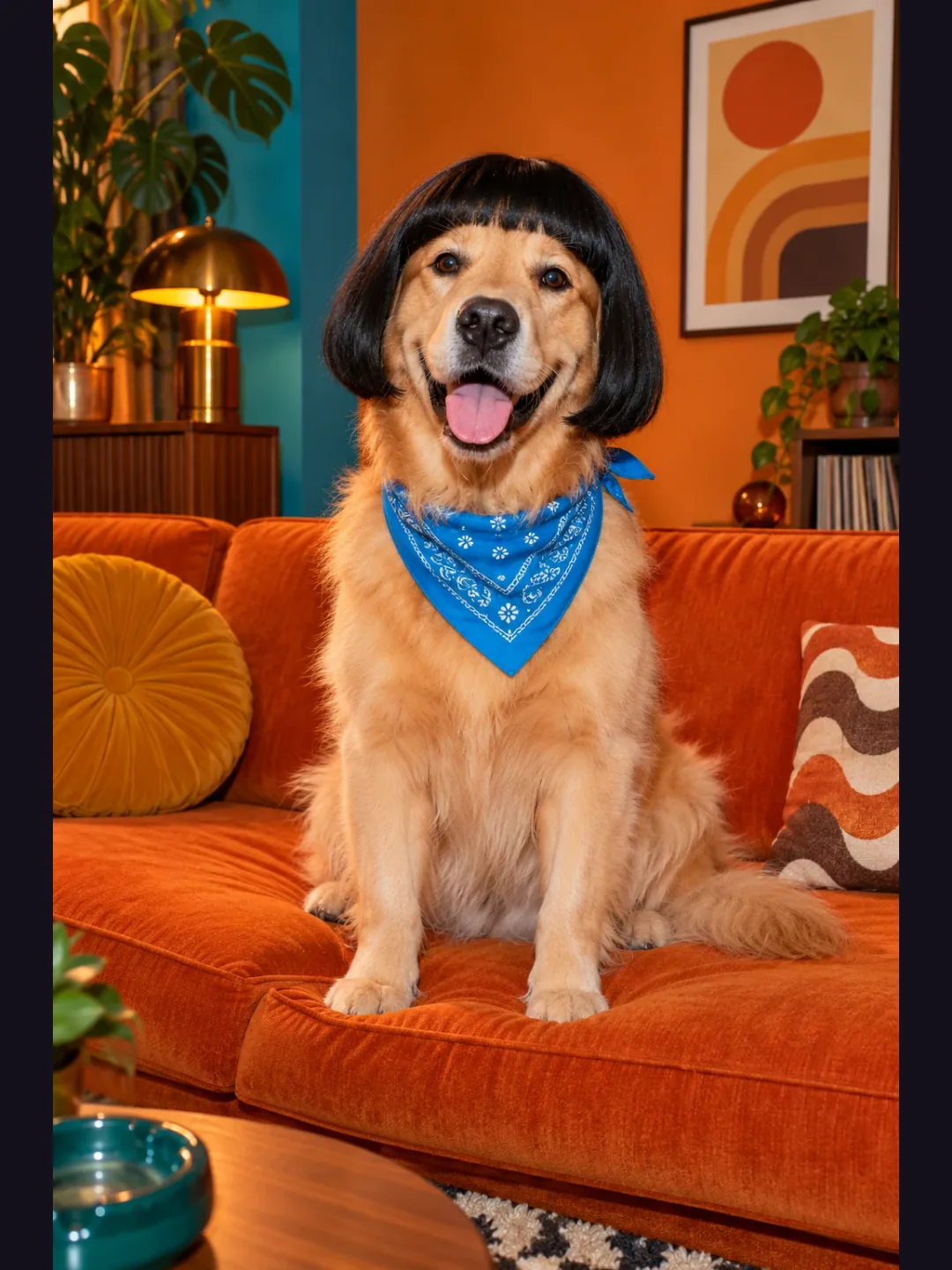
Use one sharp adult portrait, chest up or wider, with an unobstructed face, visible clothing and even daylight. Stay alone in the frame. Avoid sunglasses, motion blur and heavy filters. Your photo supplies the identity and outfit; no wig or costume is required.
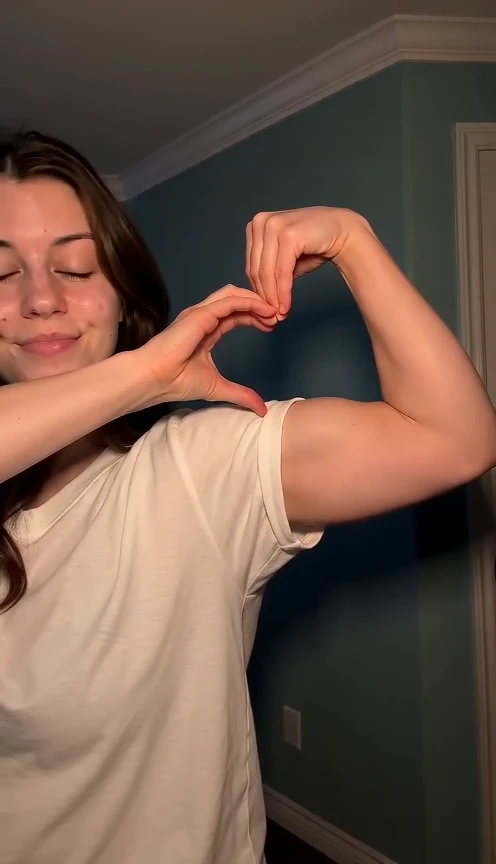
Make a bicep heart AI video from one photo: smile, cross one arm, flex the other and curl the hand into a heart on the bicep. See the photo rules and current limits.
1 photos · 7 seconds · 9:16
Reviewed website example available
Use one clear adult photo from the head to at least the waist, with both arms visible, empty hands and even light. A full-body photo also works. Avoid sunglasses, heavy filters, crossed arms, hidden hands and group shots.
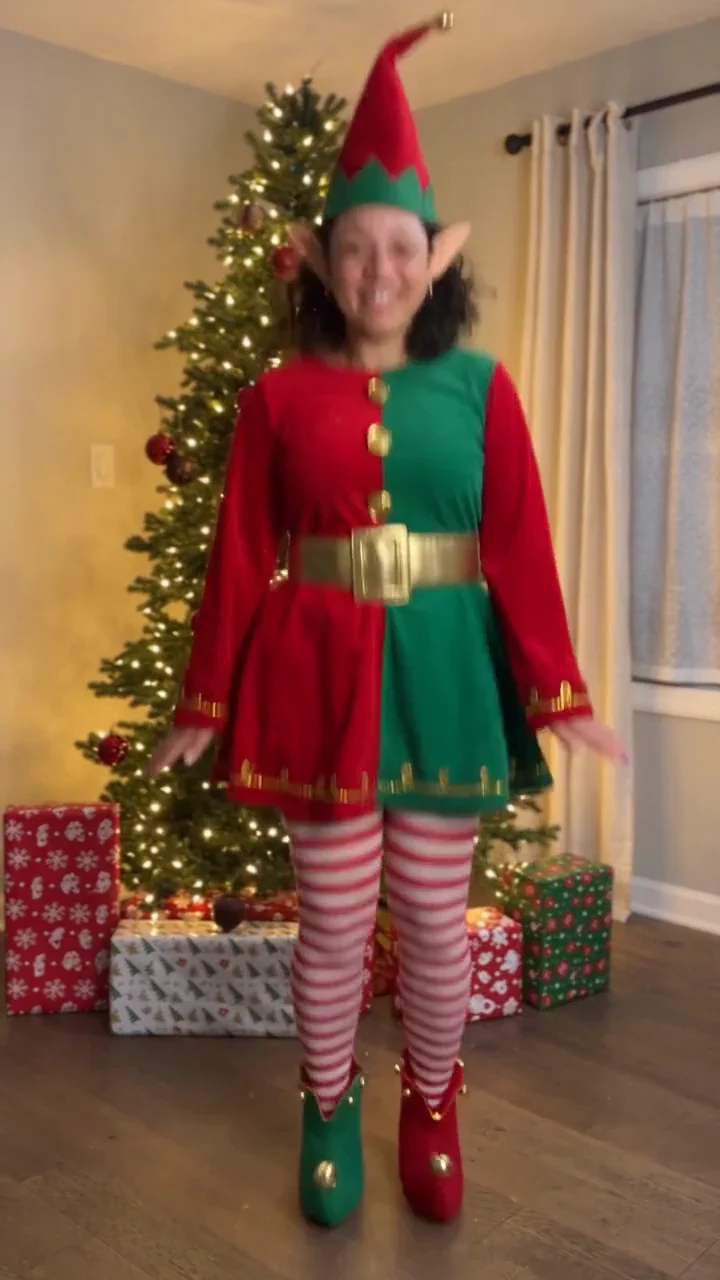
Create an elf dance video from one adult photo: a festive costume, cheerful steps and a Christmas tree in a 10-second vertical clip.
1 photos · 10 seconds · 9:16
No reviewed website example yet
Choose one clear photo of a consenting adult, preferably showing the full body from head to shoes. Face the camera in even light, with empty hands and no sunglasses. A close selfie gives less information about the body; clothing and unseen details may vary.
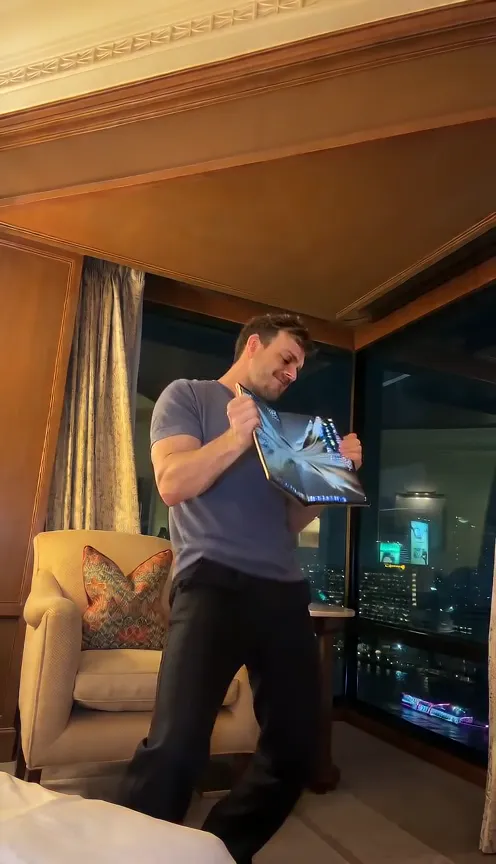
Make an iPhone Kupi Dance AI video from one photo: unfold an unbranded foldable at the lens, step back, dance and toss it. See the photo rules and current limits.
1 photos · 15 seconds · 9:16
Reviewed website example available
Use one clear adult photo from the head to at least the knees, with both hands empty and visible and even light. A full-body photo with the shoes visible is preferred. Avoid sunglasses, heavy filters, group shots and crops that hide the hands.
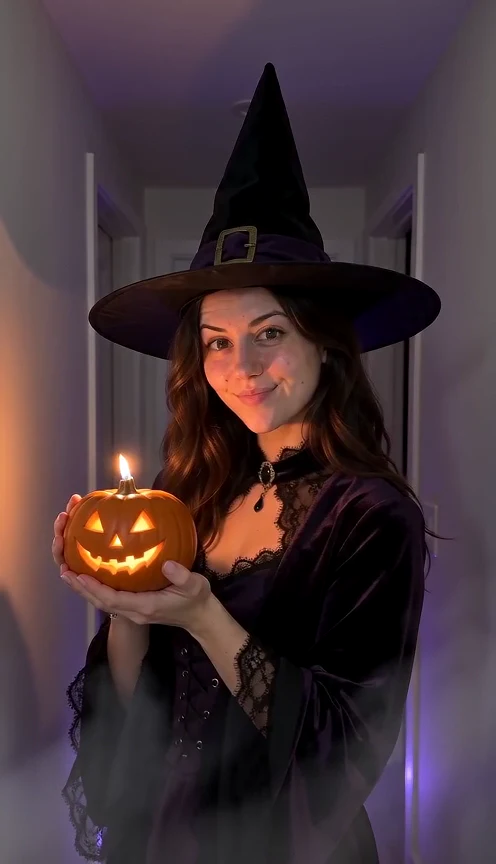
Make a Halloween costume reveal AI video from one photo: stand still, let a candle flash cross the lens, and return in an original hat-and-coat look with a glowing pumpkin.
1 photos · 10 seconds · 9:16
Reviewed website example available
One clear front-facing adult portrait, head and shoulders visible, even light. Avoid sunglasses, masks, heavy filters and tight crops.
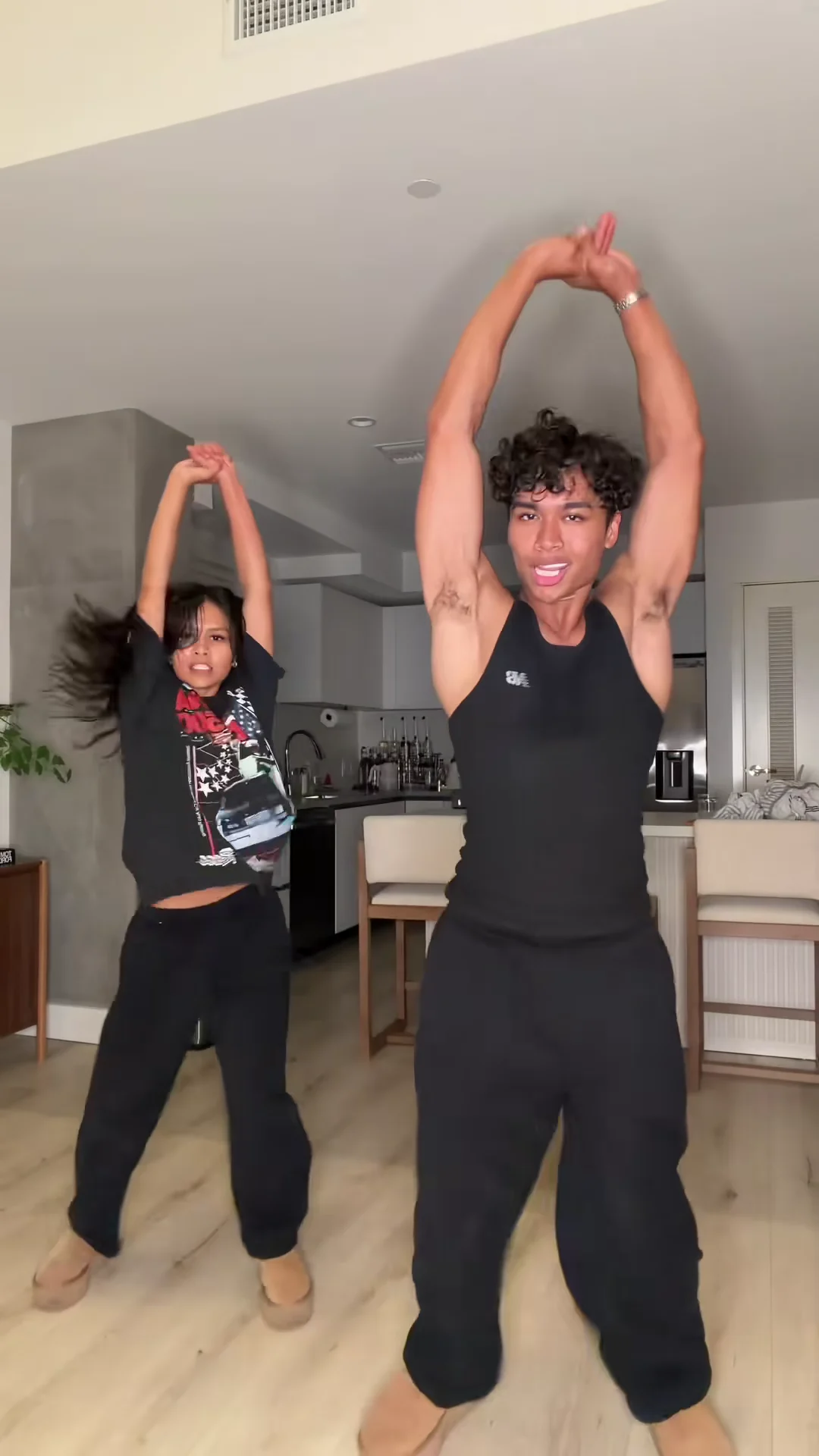
Make the Toc Toc dance AI clip from one photo: one-foot hops, two knocks and a kicked finish in a plain room, with the current format and limits.
1 photos · 10 seconds · 9:16
No reviewed website example yet
Use one clear full-body photo of an adult you have permission to use, head to shoes visible. Avoid sunglasses, masks, heavy filters and tight face crops.
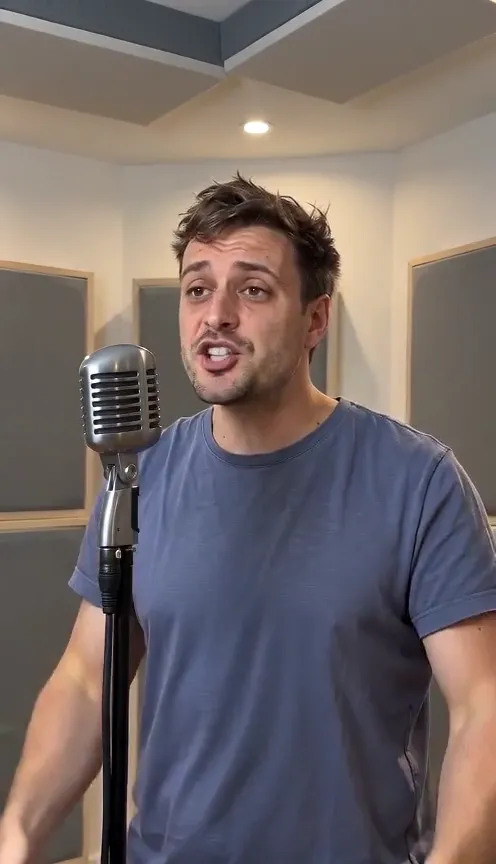
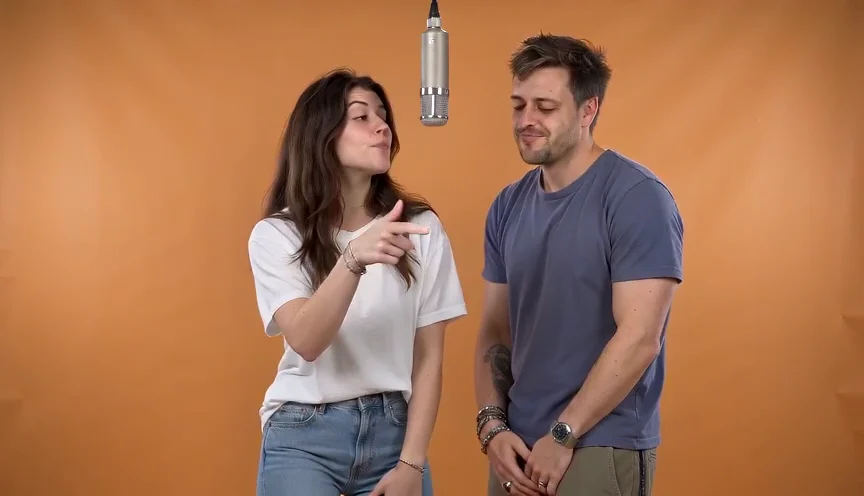
Create a 15-second rap performance from photos with original vocals and a beat. Compare solo room, orange-booth duet and street styles. Custom lyrics and song uploads are not supported.
1 photos · 15 seconds · 9:16
Reviewed website example available
Use one clear adult portrait for solo or street freestyle. For the orange-booth duet, upload one photo per person: A and B take turns rapping full verses on the left and right. Keep faces unobstructed. Use JPEG or PNG, up to 10 MB each; larger photos are optimized automatically.
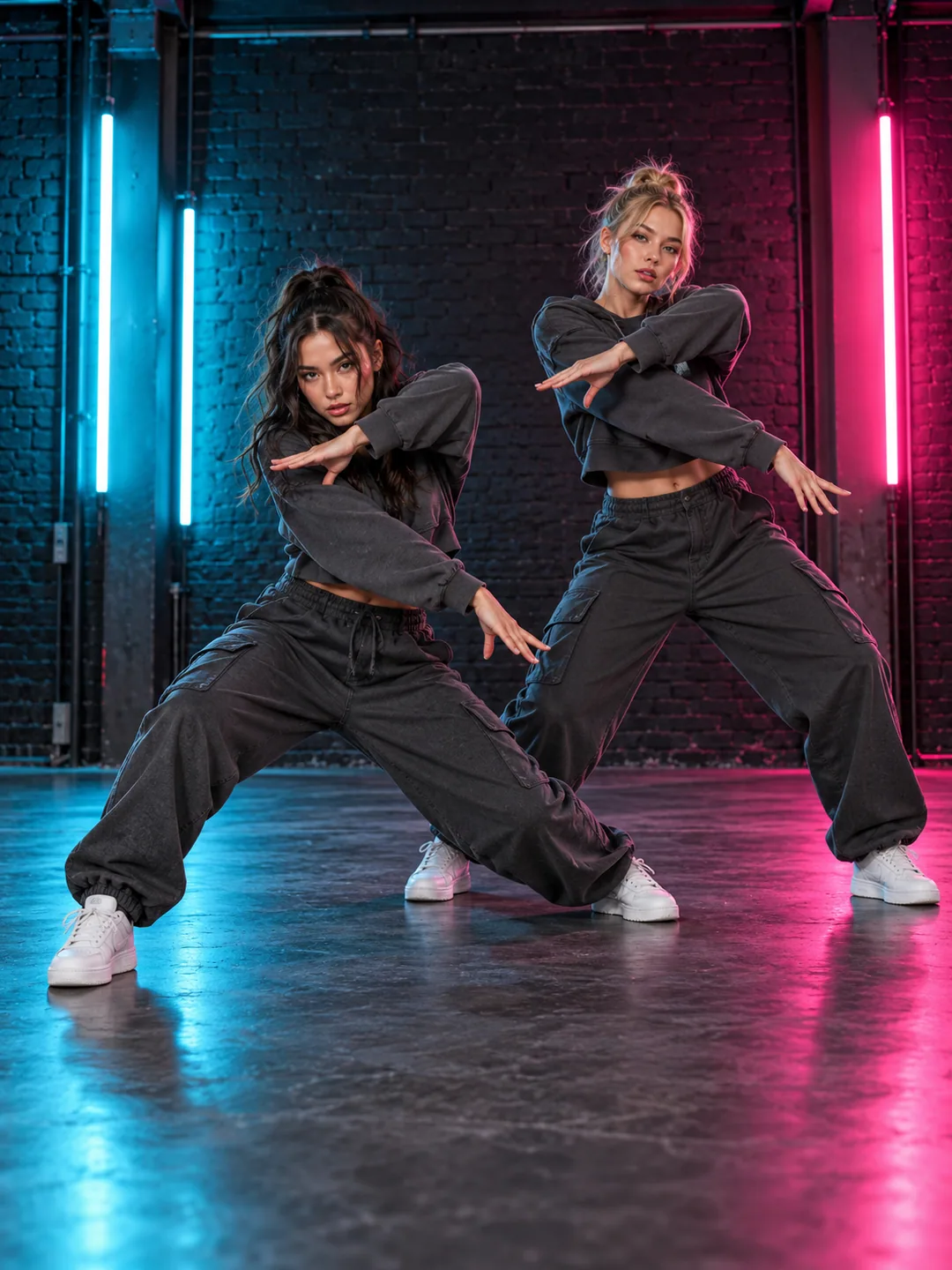
Explore the A2O LITE NEON AI two-person dance from two portraits. Check left/right roles, full-body framing and synchronization limits in 15 seconds.
2 photos · 15 seconds · 9:16
No reviewed website example yet
Use two full-body photos with similar camera heights and subject scale. Show both faces, hands and shoes. Distinct outfits help separate A and B; check that each preview contains only its assigned person.
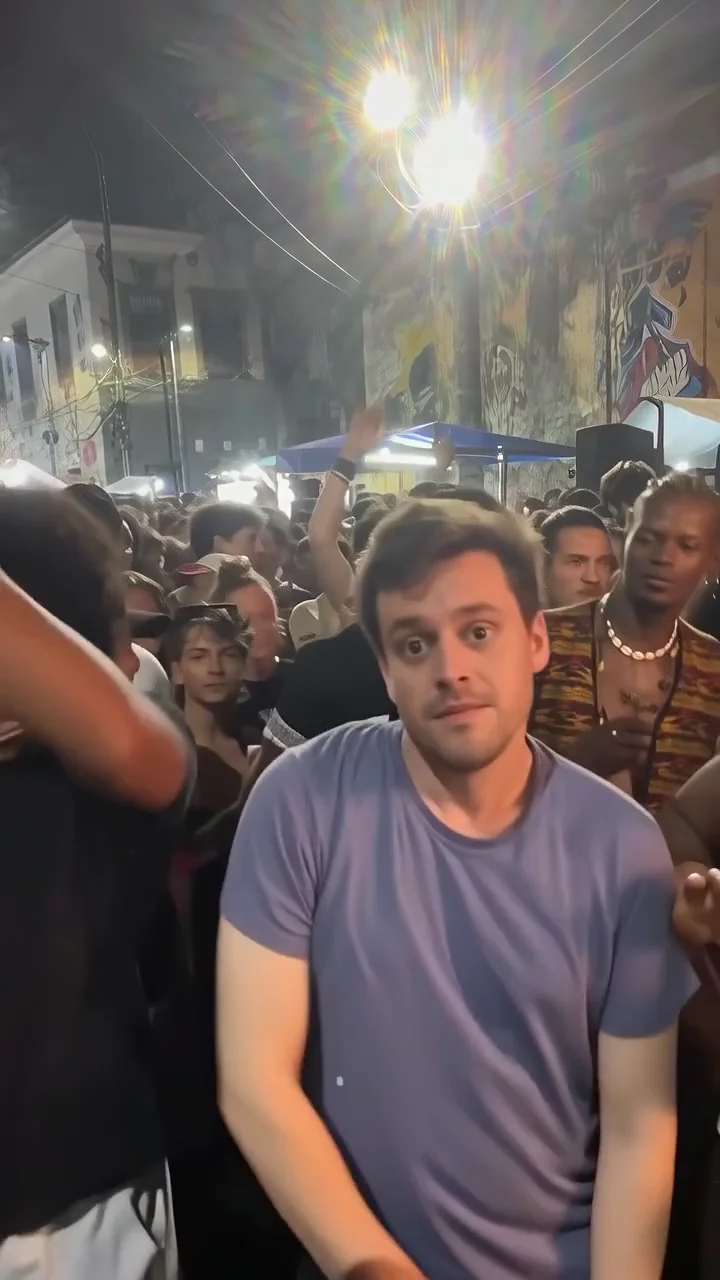
Make a Bulin 47-style street-rap scene from one adult portrait. Watch a real 15-second result with its input photo, and check gestures, crowd and vocals.
1 photos · 15 seconds · 9:16
Reviewed website example available
Use one sharp adult portrait showing the face, hair and upper outfit. Keep the face unobstructed and avoid a group photo. You supply the lead only; there are no photo inputs for individual onlookers.
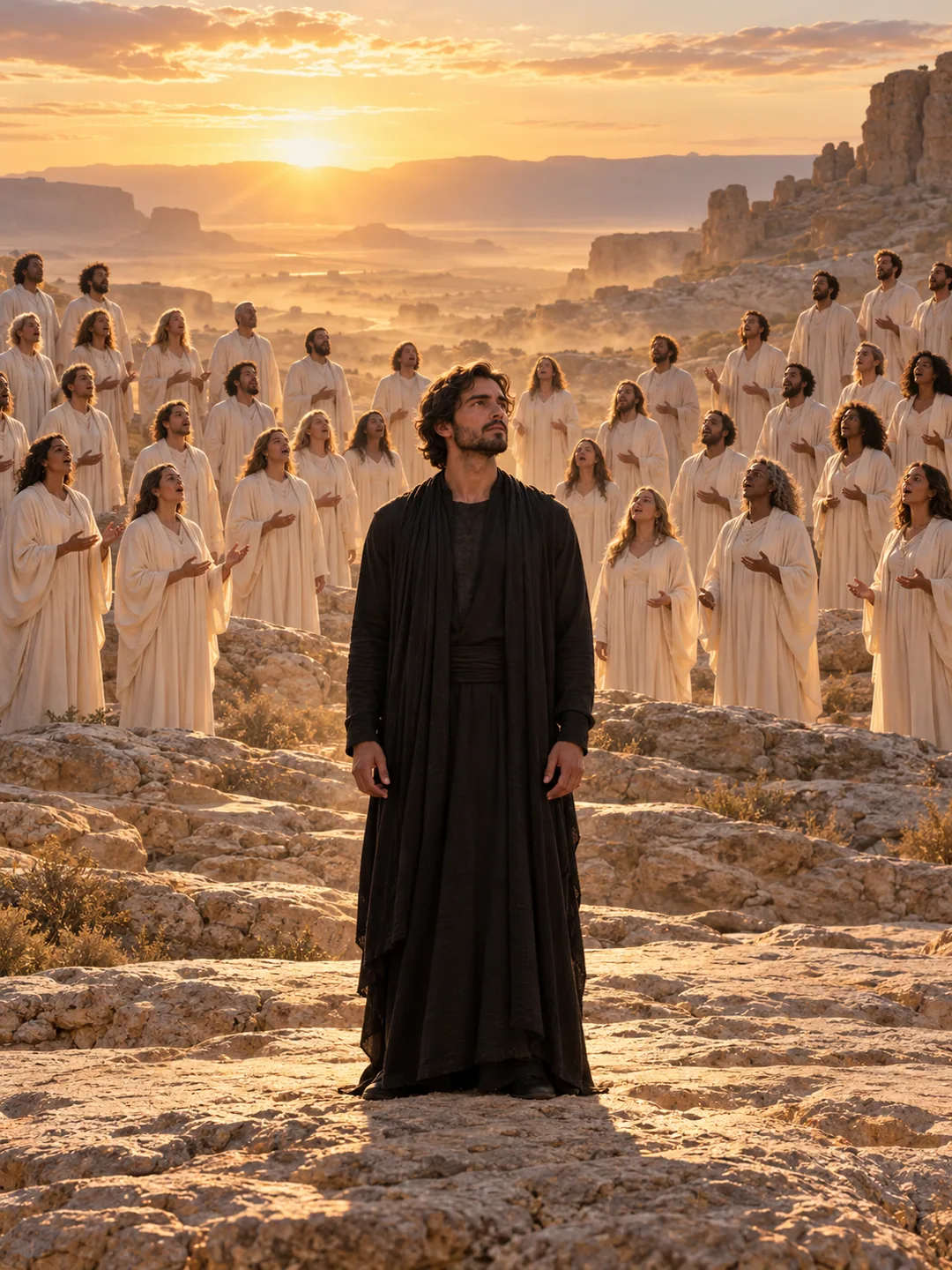
Explore the Closed on Sunday AI choir effect from one photo: a calm central subject, moving choir and 12-second landscape format. See current limits.
1 photos · 12 seconds · 16:9
No reviewed website example yet
Choose one clear adult portrait with a relaxed, closed mouth and visible facial edges. If using a pet, show its muzzle, ears and markings clearly. A neutral pose makes unintended singing or facial movement easier to spot.
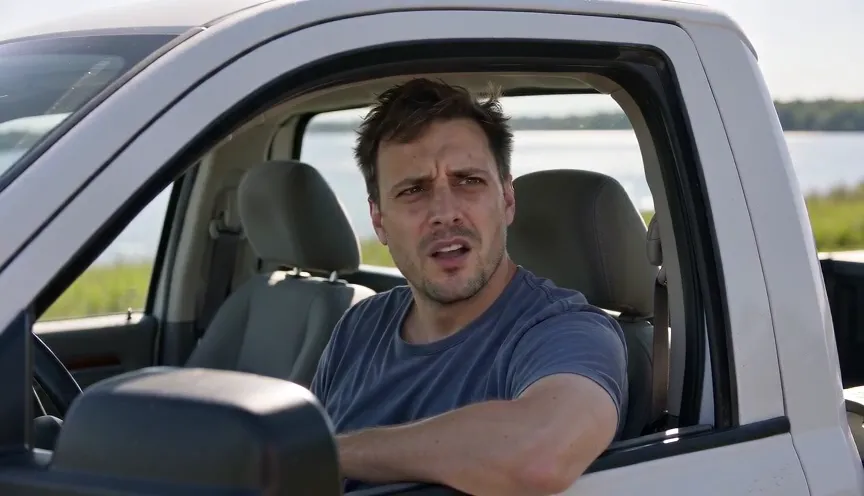
Make a 15-second Hit the Road Dude AI pickup-window scene from one photo. Preview the real example, generated dialogue and speaker-timing limitations.
1 photos · 15 seconds · 16:9
Reviewed website example available
Use an evenly lit adult portrait with a clear face and mouth. You do not need a photo of yourself inside a pickup. Avoid a hand covering the jaw or a wide-open mouth, which makes the listening pose harder to judge.
Create the orange-booth Hotel Lobby AI rap duet from two portraits. Watch a real example and compare the 15-second format, photo roles and audio limits.
2 photos · 15 seconds · 16:9
Reviewed website example available
Upload one clear adult portrait for A and a separate portrait for B. Keep both faces unobstructed and use similar camera heights. A group photo is not a substitute for the two role inputs; check the A/B previews before generating.
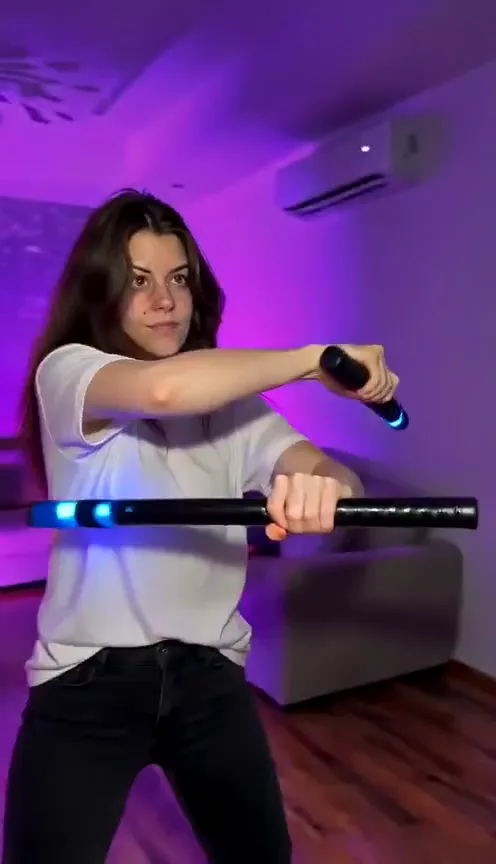
Create a 15-second Nightwing mask-and-baton dance from one photo. Preview a real result from the current template, with photo tips and limitations.
1 photos · 15 seconds · 9:16
Reviewed website example available
Choose a sharp adult photo from the knees up or head to toe, with an unobstructed face and your outfit clearly visible. The mask and batons are included; you do not need to hold them in your photo.
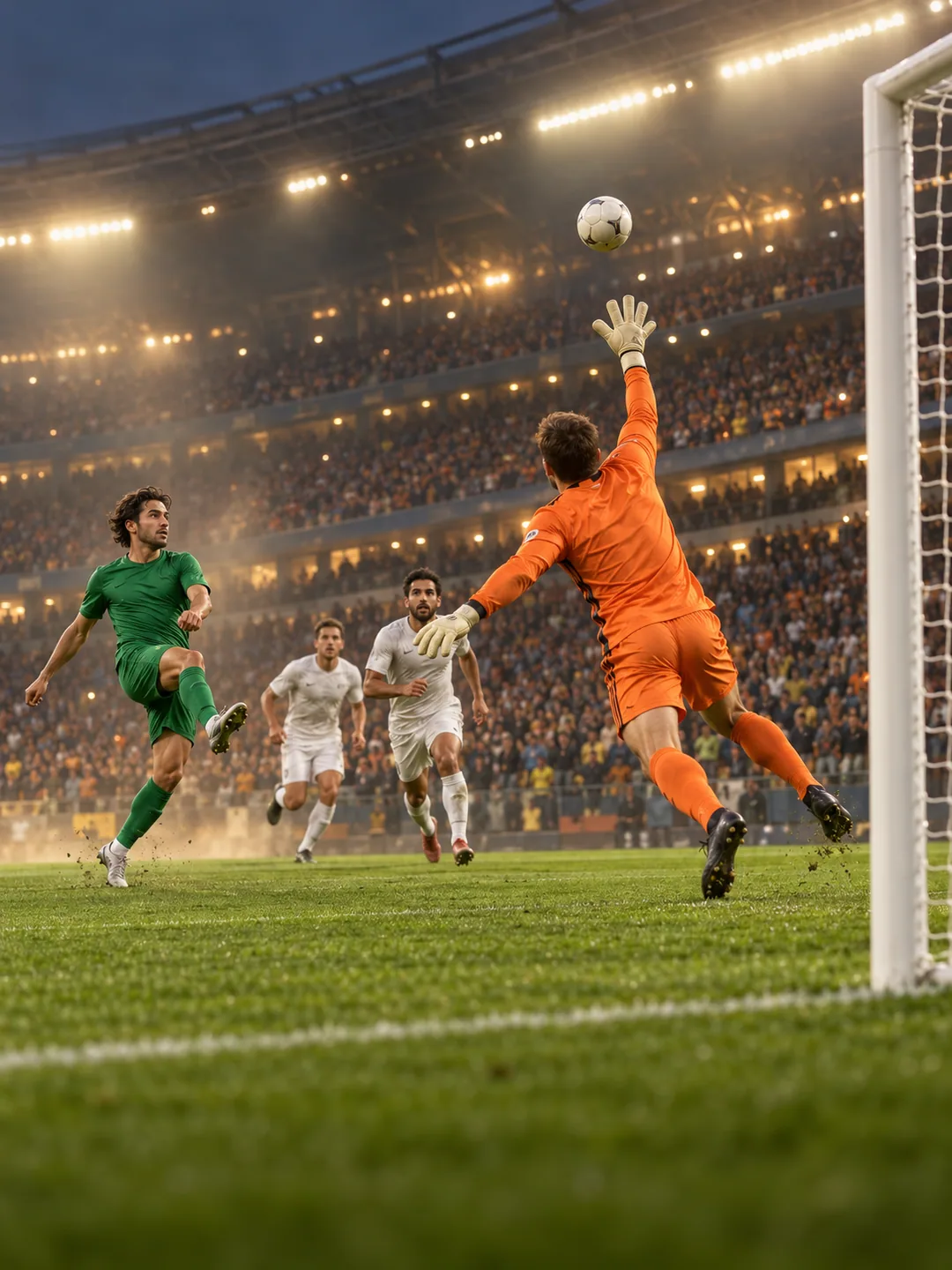
Explore the Özil goal AI video trend from one photo. Review the chip, keeper, defenders and finish in a 15-second scene, with clear verification limits.
1 photos · 15 seconds · 16:9
No reviewed website example yet
Prefer a clear full-body adult photo with the face and shoes visible. Avoid a ball or another person covering the body. The effect provides the pitch and football scene; you do not upload match footage.
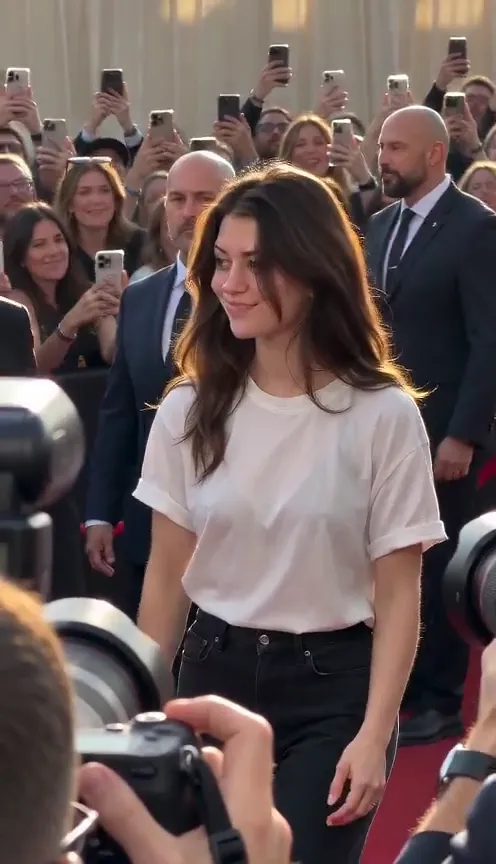
Turn one portrait into a 10-second paparazzi walk video. Watch the real example and learn what to check in the steps, wave, camera flashes and crowd.
1 photos · 10 seconds · 9:16
Reviewed website example available
Use a clear portrait with your face and hairstyle visible. A wider photo showing the outfit helps communicate clothing, but the event scene and styling may differ. Avoid hands, phones or sunglasses covering your face.
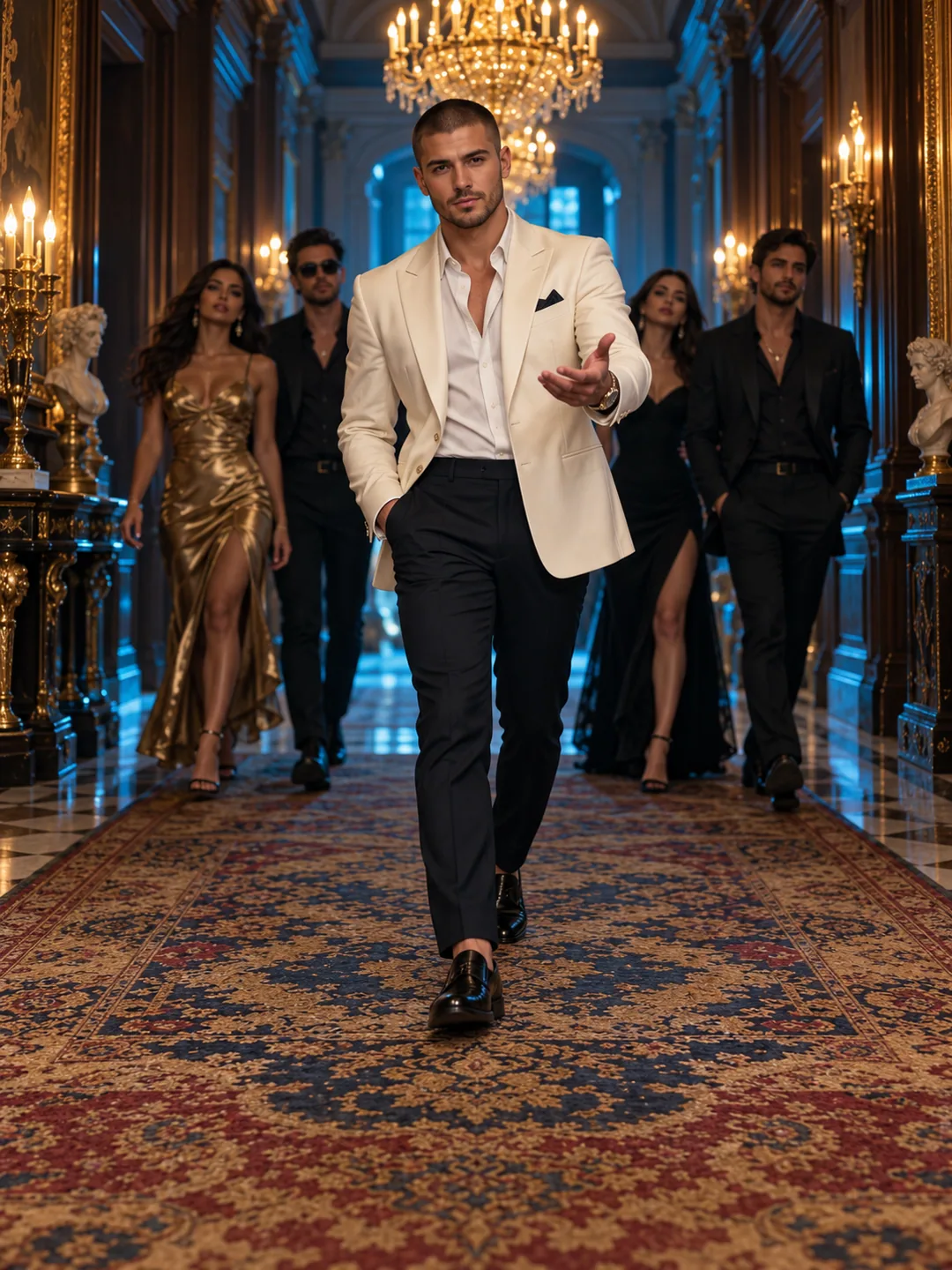
Turn one portrait into a Popstar AI mansion-hallway entrance. Check photo framing, the 10-second format and current limits on faces, steps and audio.
1 photos · 10 seconds · 9:16
No reviewed website example yet
Choose an unobstructed adult portrait with visible hair, shoulders and clothing. A knee-up photo adds useful body and outfit detail. Avoid sunglasses or a phone in front of the face; a mansion background is not required.
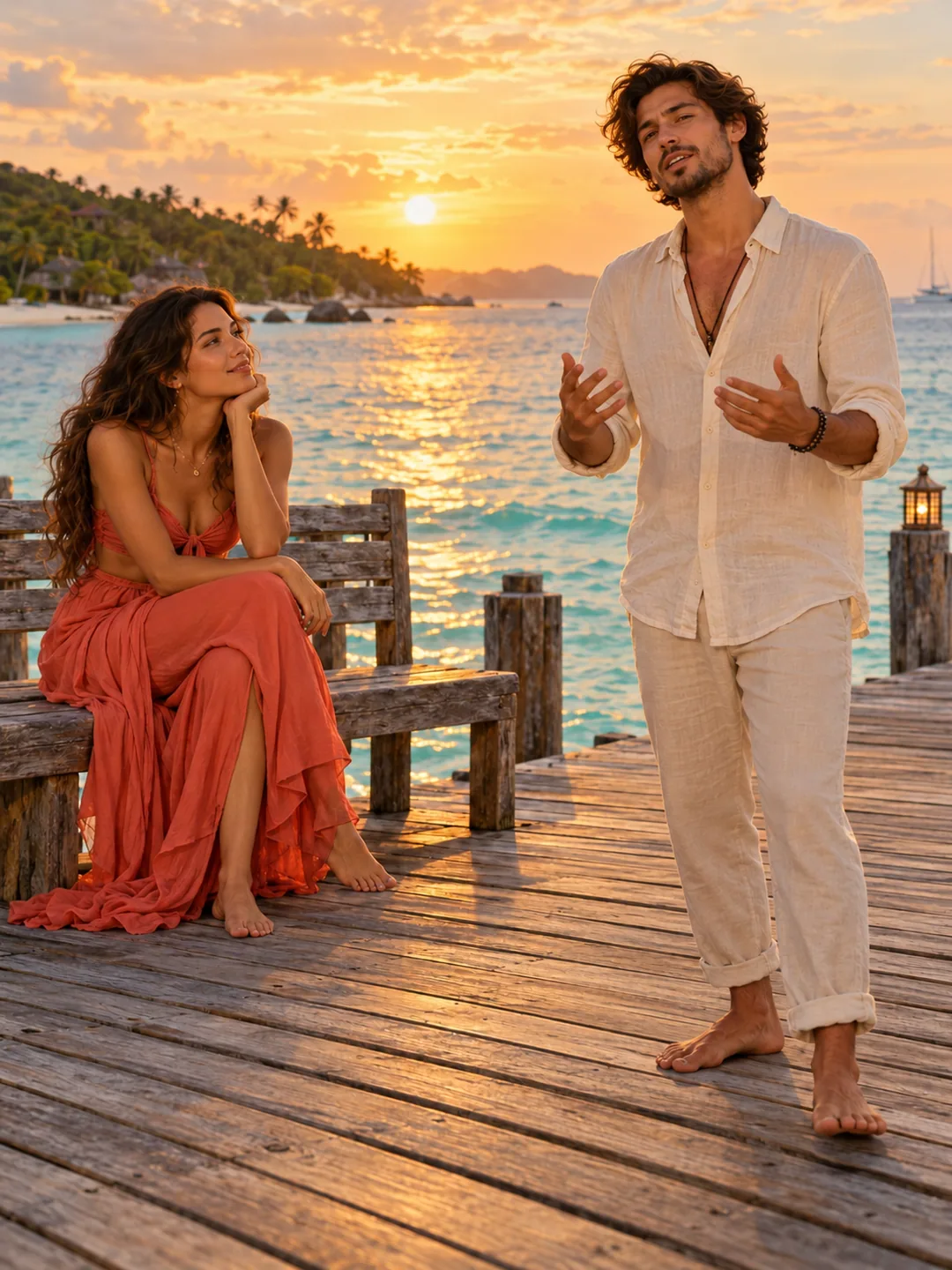
Explore a Raindance AI seaside-pier duet from two portraits. Compare the 10-second vertical format, seated and standing roles, photo setup and audio limits.
2 photos · 10 seconds · 9:16
No reviewed website example yet
Upload separate clear portraits for A and B at similar camera heights. A is the seated listener and B the standing performer. Keep both faces and hairstyles visible; you do not need to supply a pier background or an audio file.
Make a shoes-to-face Ramalama AI reveal from one photo. See the real outfit variation and learn why a full-body image matters for shoes and clothing.
1 photos · 10 seconds · 9:16
Reviewed website example available
Prefer one full-body adult photo with the face, lower garment and shoes all visible. A half-body selfie provides no evidence of your shoes or lower outfit, so those areas have to be invented. Keep feet inside the frame and avoid motion blur.
Explore the greeting-led Sawadika Dance AI effect from one full-body photo. Check hands, turns and kicks in the 15-second vertical format and its limits.
1 photos · 15 seconds · 9:16
No reviewed website example yet
Show the face, both hands and both shoes, with space around the head and body. Avoid crossed arms, cropped feet and objects covering the hands. This is a human dance version; the pet groove is a separate effect.
Explore the Smalltown Boy AI foreground/background role swap. Use two portraits for a 15-second vertical scene and check identity, crossings and timing.
2 photos · 15 seconds · 9:16
No reviewed website example yet
Use two clear adult photos taken at similar camera heights. Keep faces separate and label the previews carefully: A begins near camera and B begins behind. Distinct clothing helps you review which person is which during the exchange.
This Thank You Baby AI effect makes a seated pet groove from one animal photo. Check the 10-second format, pet anatomy and current sample limitations.
1 photos · 10 seconds · 9:16
No reviewed website example yet
Use a front-facing pet photo showing the ears, muzzle, fur markings and front paws. Choose a relaxed seated pose if possible. Do not upload a human baby expecting this pet effect to become a baby-dance tool.
We use cookies to improve your experience, analyze site usage and support our marketing. You can accept or reject non-essential cookies; essential cookies needed for sign-in always stay on.