AI dance effects turn a subject photo into a short dance scene. Start with the movement you like, then open its guide to check the available example and photo requirements. The cards below stay in publication order, with the newest pages first.
Choose your AI dance effects
Solo dances put one person at the centre of the movement; duets give each person a separate role. Compare the stance, arm movements and framing in the example before choosing. A close portrait can show the face well, while an outfit photo may help when the clothing matters. Follow the selected effect’s own photo advice rather than assuming every dance accepts the same crop.
Make the dance with your photos
You provide subject photos only. Open a connected effect, choose the required photos and check its current credit quote. Sign in and confirm photo permission before generating. You do not need to perform the dance yourself. Each effect has its own duration and format; check these on its detail page before spending credits.
Review the whole result
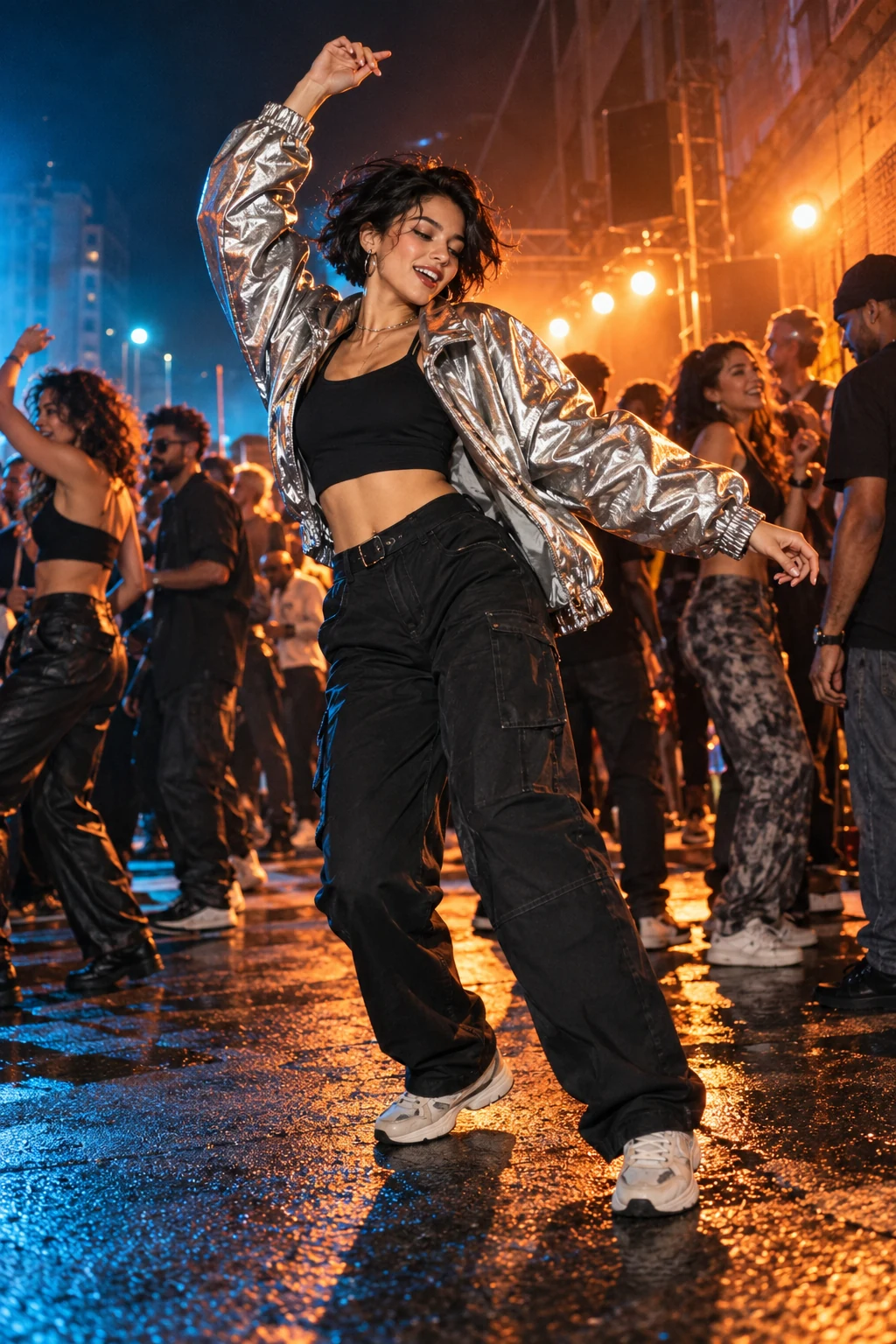
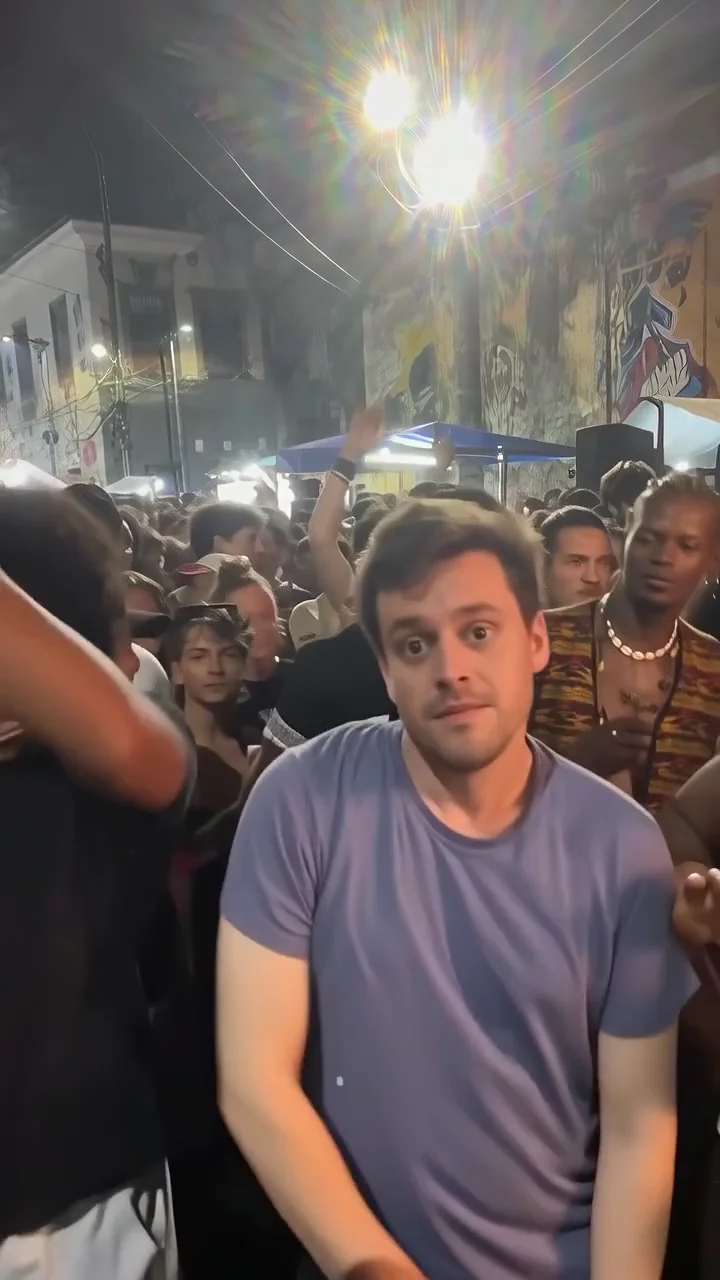
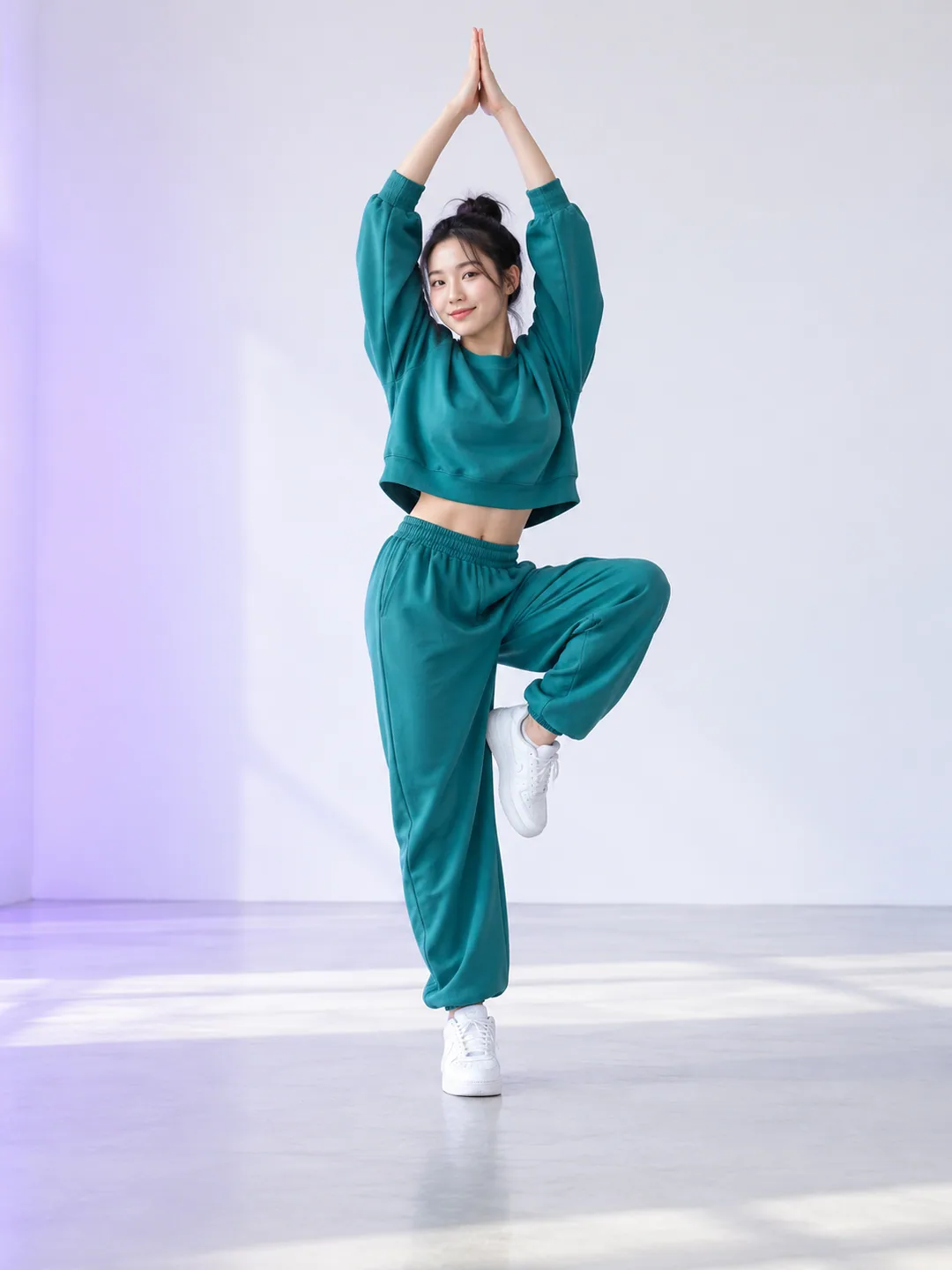
A card can show a reviewed website result, a reference frame or a labelled concept image. These are different kinds of evidence. Watch a real example where available, and check the face, hands, foot contact and movement in your own download. Fast motions can change fine details. A familiar dance or example does not guarantee identical timing, identity or audio.
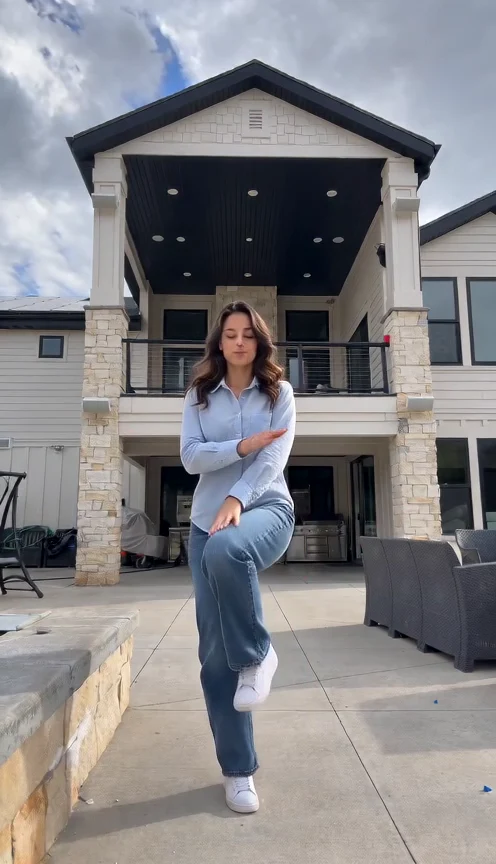
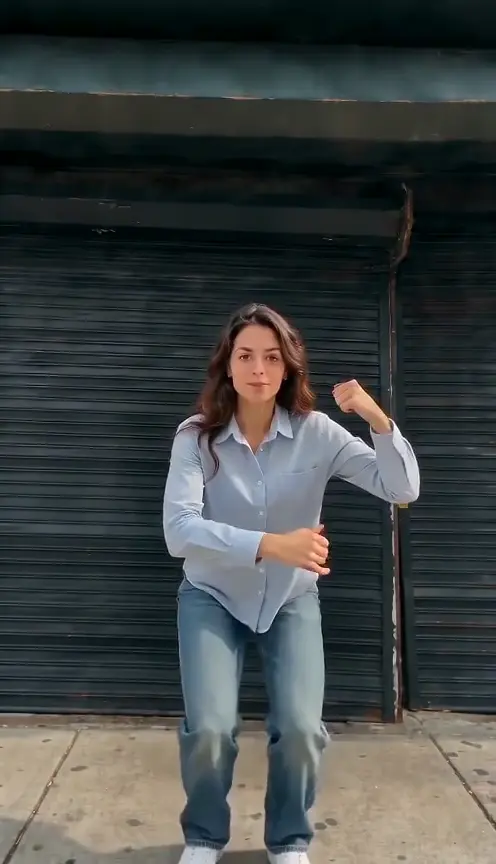
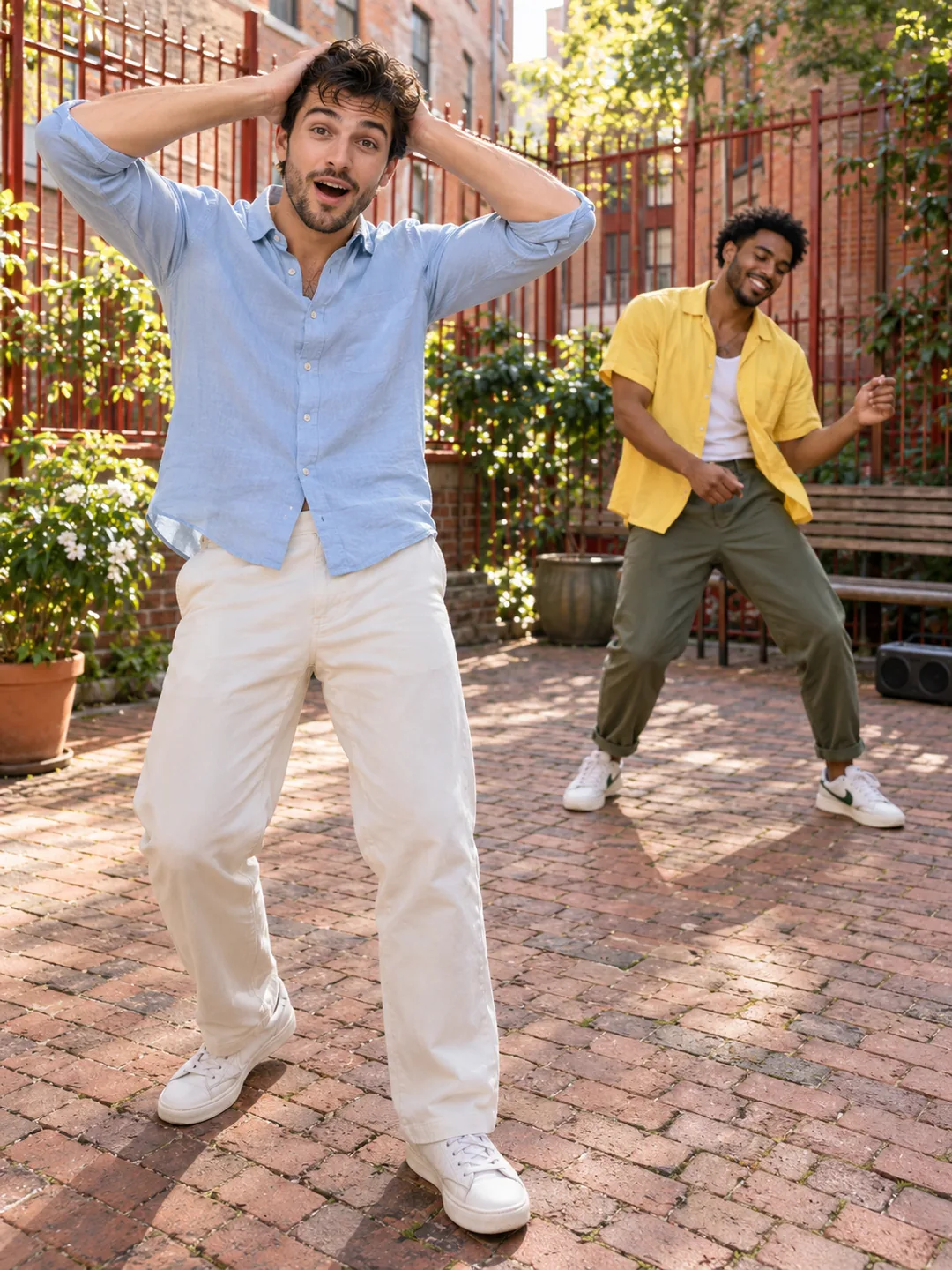
Create christian dior dance AI from one adult photo. See a real eleven-second patio demo, photo tips, the knee-lift sequence and the price before generating.
1 photos · 11 seconds · 9:16
Reviewed website example available
Use one sharp standing photo, facing the camera, with your hands relaxed and your shoes visible. Even daylight helps keep the face readable. Leave space above your head and around both arms. Avoid group shots, sunglasses, strong filters and crossed arms. Your photo supplies your appearance and outfit; you do not need a patio photo or any dancing experience. Only upload an adult who agreed to this use.
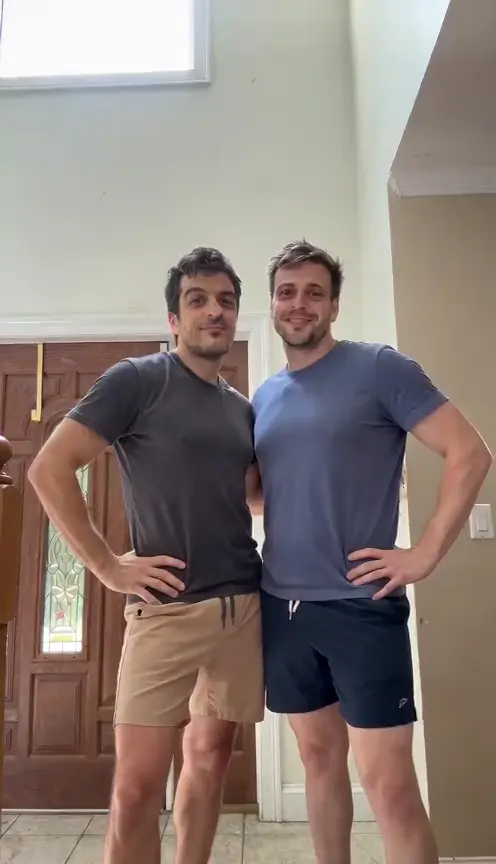
Create barbie girl dance AI from two adult photos. Check the left and right roles, thirteen-second format and current credit quote before generating.
2 photos · 13 seconds · 9:16
Reviewed website example available
Upload one sharp adult photo for the left dancer first, then one for the right. Show the whole face in even light. A waist-up or full-body picture helps define clothes. Avoid sunglasses, heavy filters and extra people. Each adult must agree to the use of their photo. No dancing experience is needed.
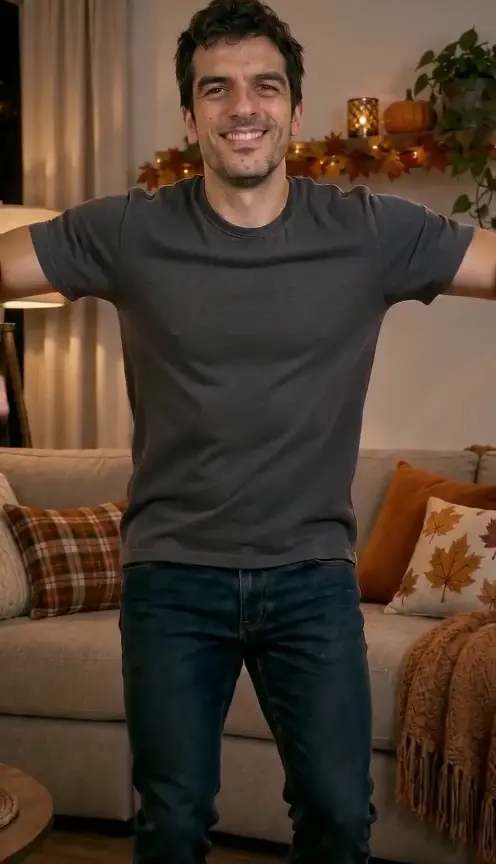
Create a Thanksgiving dance from one adult photo. Watch the real cross-arm, bend-and-grin demo and check the credit quote before generating.
1 photos · 9 seconds · 9:16
Reviewed website example available
Use a clear adult portrait with uncovered face and even light. A wider crop helps define clothing. The room and movement appear automatically; no dancing or extra material is required.
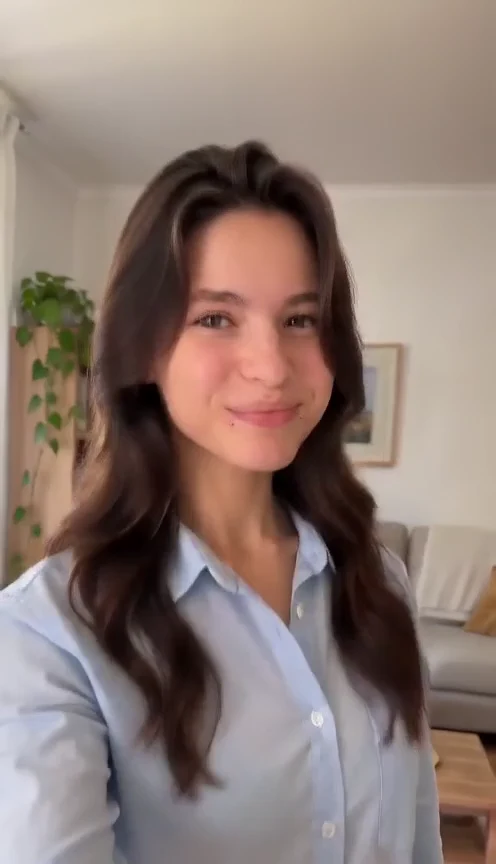
Make a dame hombro dance ai video from one adult photo. Watch the reviewed solo demo, prepare your image and check the credits before creating your shoulder dance.
1 photos · 15 seconds · 9:16
Reviewed website example available
Use one permitted photo of one adult, ideally from head to shoes or at least to the knees. Keep the face sharp, both arms visible and the hands empty. Everyday clothes work. Avoid a tight selfie crop, crossed arms, other people and heavy filters that hide facial detail.
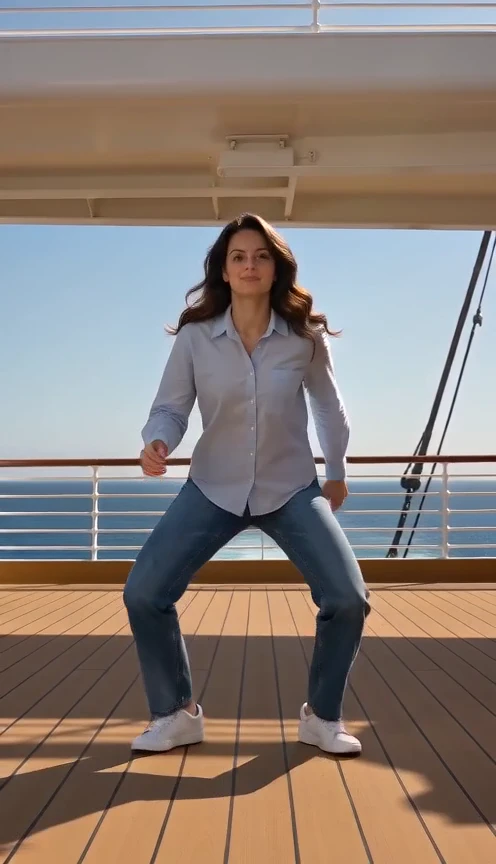
Watch a real 24K Magic AI Dance generated from one photo: eight seconds of solo cruise-deck funk with original instrumental music. Upload your photo to try it.
1 photos · 8 seconds · 9:16
Reviewed website example available
For 24K Magic AI Dance, use a clear full-body or three-quarter adult photo with both arms visible. A collared shirt helps the opening gesture. Face the camera in even light, leave space around the body and avoid group pictures or hands over the face. You do not need to learn choreography, pose mid-dance or take the photo on a ship.
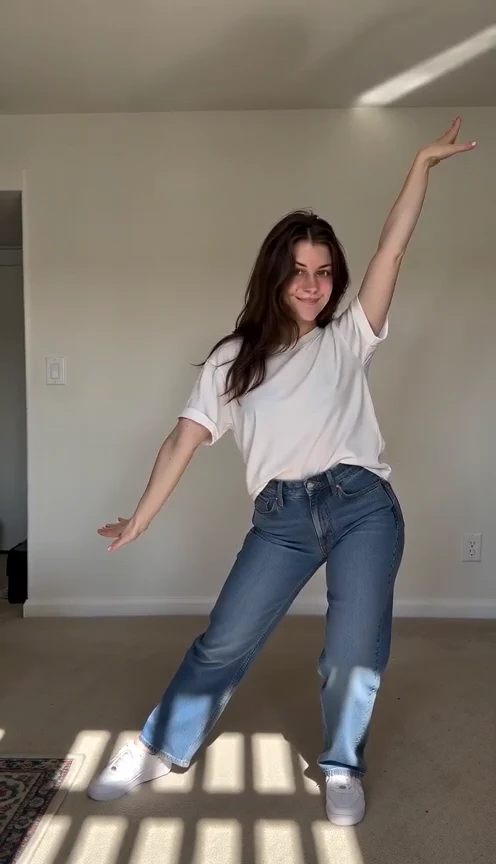
Make an 8-second Stateside dance AI video from one photo. Compare the real demo, check photo tips, and see the brief hand-framing limitation before generating.
1 photos · 8 seconds · 9:16
Reviewed website example available
One clear adult photo is enough. A full-body picture gives more detail; you do not need to pose or learn the dance.
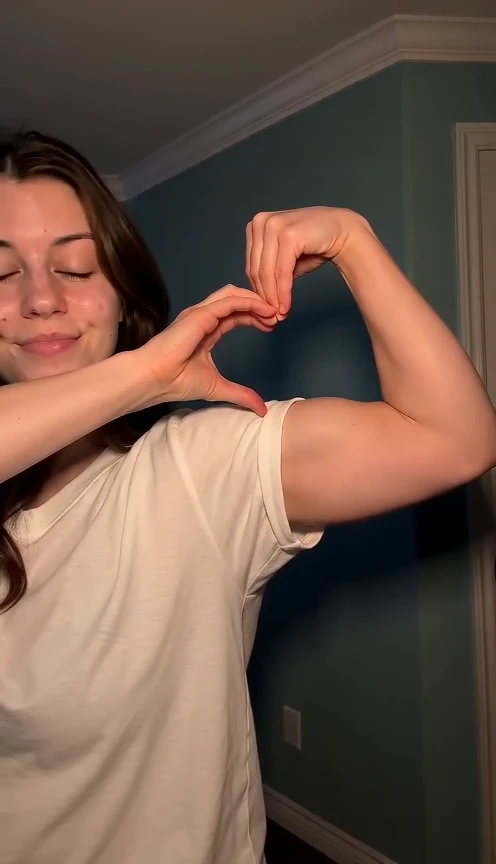
Make a bicep heart AI video from one photo: smile, cross one arm, flex the other and curl the hand into a heart on the bicep. See the photo rules and current limits.
1 photos · 7 seconds · 9:16
Reviewed website example available
Use one clear adult photo from the head to at least the waist, with both arms visible, empty hands and even light. A full-body photo also works. Avoid sunglasses, heavy filters, crossed arms, hidden hands and group shots.
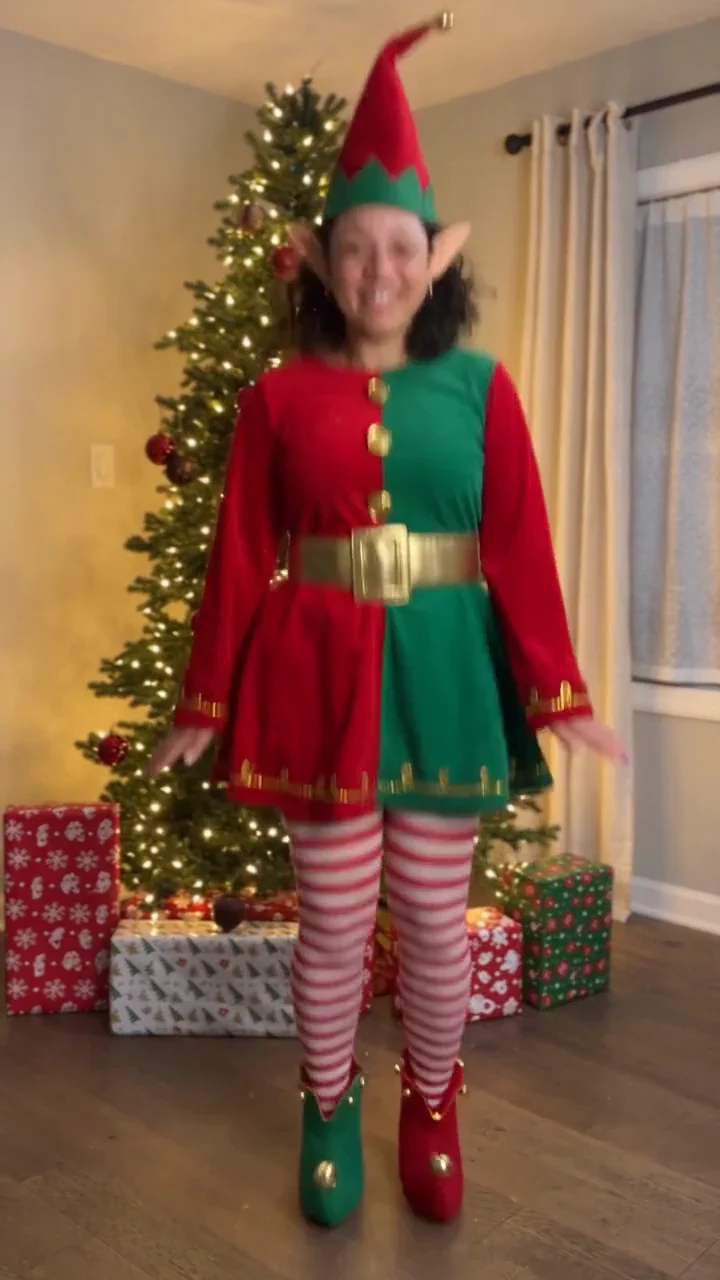
Create an elf dance video from one adult photo: a festive costume, cheerful steps and a Christmas tree in a 10-second vertical clip.
1 photos · 10 seconds · 9:16
No reviewed website example yet
Choose one clear photo of a consenting adult, preferably showing the full body from head to shoes. Face the camera in even light, with empty hands and no sunglasses. A close selfie gives less information about the body; clothing and unseen details may vary.
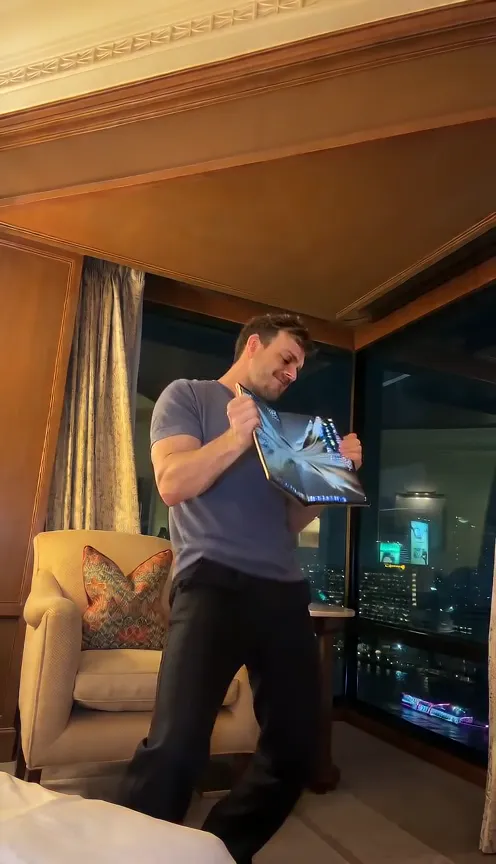
Make an iPhone Kupi Dance AI video from one photo: unfold an unbranded foldable at the lens, step back, dance and toss it. See the photo rules and current limits.
1 photos · 15 seconds · 9:16
Reviewed website example available
Use one clear adult photo from the head to at least the knees, with both hands empty and visible and even light. A full-body photo with the shoes visible is preferred. Avoid sunglasses, heavy filters, group shots and crops that hide the hands.
Make the Toc Toc dance AI clip from one photo: one-foot hops, two knocks and a kicked finish in a plain room, with the current format and limits.
1 photos · 10 seconds · 9:16
No reviewed website example yet
Use one clear full-body photo of an adult you have permission to use, head to shoes visible. Avoid sunglasses, masks, heavy filters and tight face crops.
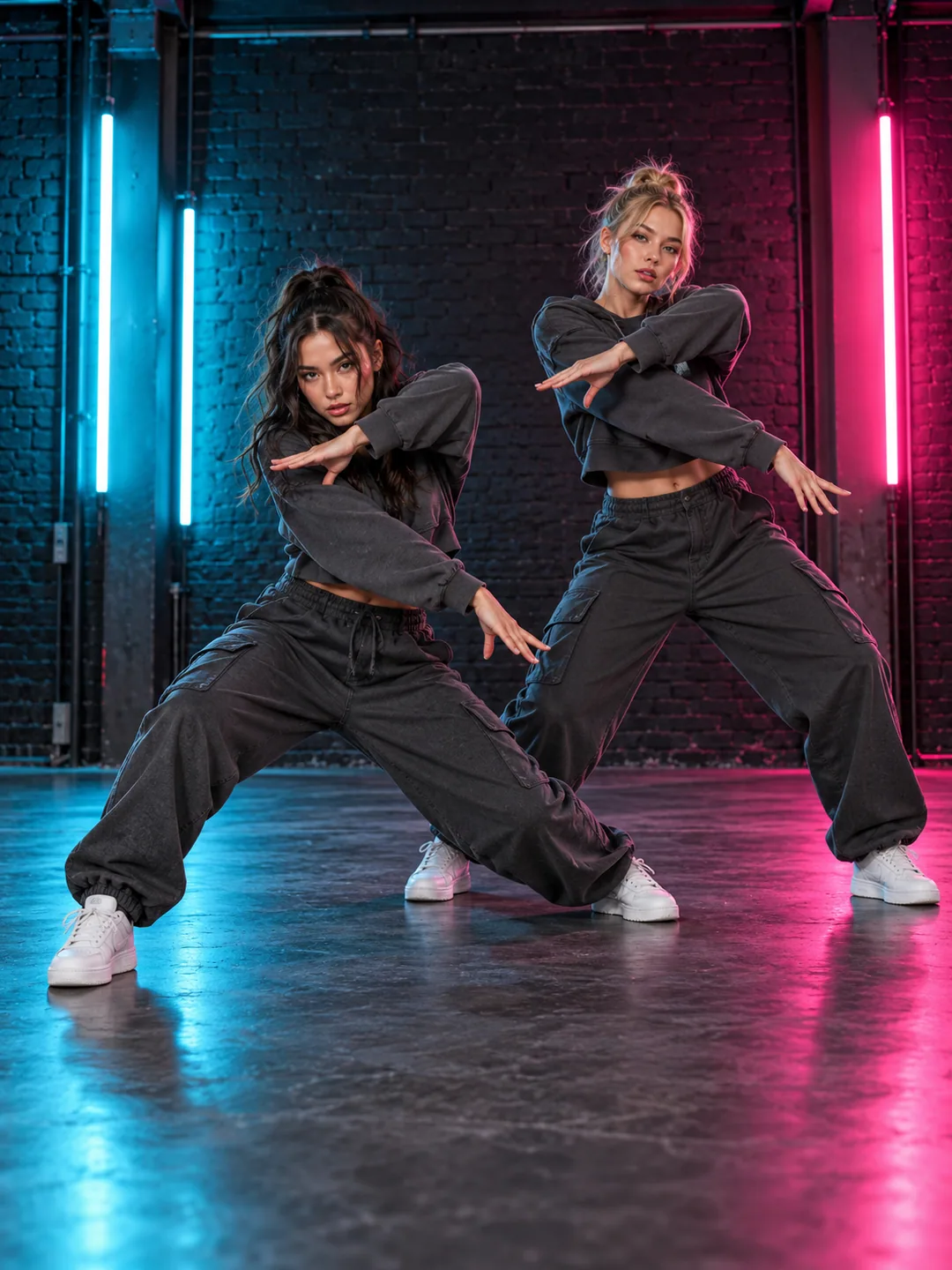
Explore the A2O LITE NEON AI two-person dance from two portraits. Check left/right roles, full-body framing and synchronization limits in 15 seconds.
2 photos · 15 seconds · 9:16
No reviewed website example yet
Use two full-body photos with similar camera heights and subject scale. Show both faces, hands and shoes. Distinct outfits help separate A and B; check that each preview contains only its assigned person.
Explore the greeting-led Sawadika Dance AI effect from one full-body photo. Check hands, turns and kicks in the 15-second vertical format and its limits.
1 photos · 15 seconds · 9:16
No reviewed website example yet
Show the face, both hands and both shoes, with space around the head and body. Avoid crossed arms, cropped feet and objects covering the hands. This is a human dance version; the pet groove is a separate effect.
Explore the Smalltown Boy AI foreground/background role swap. Use two portraits for a 15-second vertical scene and check identity, crossings and timing.
2 photos · 15 seconds · 9:16
No reviewed website example yet
Use two clear adult photos taken at similar camera heights. Keep faces separate and label the previews carefully: A begins near camera and B begins behind. Distinct clothing helps you review which person is which during the exchange.
We use cookies to improve your experience, analyze site usage and support our marketing. You can accept or reject non-essential cookies; essential cookies needed for sign-in always stay on.