Skip to content
Music & scenes

Bulin 47 AI Guide

Plan a Bulin 47 AI street-freestyle scene. Prepare a clear subject photo and permitted movement reference, then describe the performance in a prompt recipe.

1 photo Reference-matched · production planMotion-reference plan

Plan your version locally. Live video generation is not connected.

A scene worth making yours.
Bring the subject. We’ll help you prepare the direction.

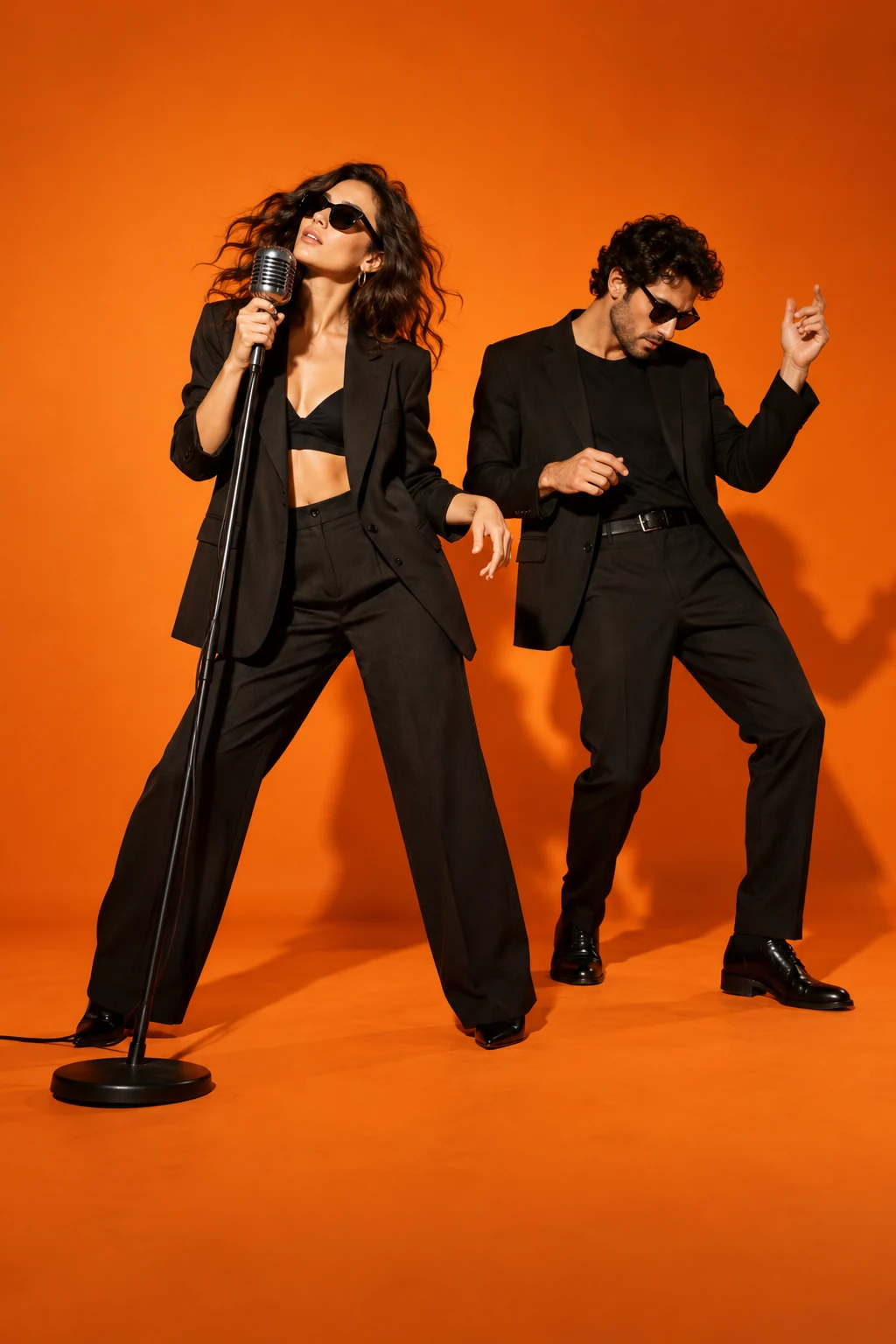
Concept artwork for Bulin 47 AI; not a generated video example
CONCEPT ARTWORKMusic & scenes
Bulin 47 AIYOUR NEXT
MAIN CHARACTER
MOMENT.
THE INPUTOne clear subject photo

JPEG, PNG or WebP. Up to 10 MB each.

THE APPROACHRecast the scene

Review the scene and transition carefully.

THE FORMATReference-matched

About 23 seconds; segment and verify as needed. Design target, not a current generation quote.

THE ACTUAL EFFECTRECIPE V2 · Reference-matched

What Bulin 47 AI should look like

Replace the street-freestyle lead while preserving performance gestures, crowd and timing.

This is a rap-performance replacement, not an arbitrary street dance.

The recognizable sequence

  1. 01

    Establish the selected lead within the street crowd.

  2. 02

    Follow the reference hand accents and vocal-performance timing.

  3. 03

    Complete the excerpt with crowd roles unchanged.

What this effect needs before generation
  • Approved street-freestyle performance with selected lead mask.
  • Cleared vocal recording and audio-conditioned mouth performance.

What a finished result must pass

  • Only the selected lead identity is replaced.
  • Gestures and mouth timing follow the permitted performance.
  • Crowd, clothing and camera stay continuous.

This production plan was inferred from public examples and descriptions. It is not a tested generator or a recovered competitor prompt. Rendering stays paused until its assets and workflow pass visual review.

1

Choose the Bulin 47 AI lead

Bulin 47 AI focuses on a central freestyle performer inside a lively street scene. Describe the lead replacement in your recipe and choose a permitted performance reference for your video workflow. Identify that role before choosing a photo. A crowd scene can contain several prominent faces, and the nearest person is not always the person you mean to replace. In your direction, separate the lead identity from people and objects that belong to the background.

2

Prepare your Bulin 47 AI character photo

Choose a sharp photograph with a clearly visible face and enough of the upper body to communicate clothing. A large accessory across the face or a side-facing crop gives less information during fast head movements. If preserving a particular outfit matters, show it in the source image rather than relying on a small face crop. For a Bulin 47 AI generator recipe, describe the intended performer clearly so your chosen video workflow can distinguish the lead from the surrounding crowd.

3

Keep the Bulin 47 AI cast focused

The first workflow is deliberately limited to one replacement role. Changing several crowd members at once introduces additional identity assignments and more opportunities for characters to merge. Start with the Bulin 47 AI lead, retain a simple reference setting, and evaluate the result before requesting elaborate scenery. Motion, gestures and camera behavior are reference goals, not guaranteed copies. A fixed setup also makes different input photographs easier to compare, because the performance instructions do not change each time you test another character.

4

Review Bulin 47 AI through occlusion

Street performance footage contains hands, people and objects that pass in front of the lead. Watch those moments closely. A replacement can look convincing in an unobstructed frame yet lose facial detail when the subject turns or passes behind another person. Review the lead outfit, body proportions and facial identity across the full clip. Bulin 47 AI should be assessed as a moving result, not by a selected thumbnail. If the role becomes unclear, simplify the input before adding extra creative direction.

5

Separate performance from soundtrack

The visual reference and its accompanying music need separate handling. A familiar freestyle does not automatically make every recording available for reuse. Identify the visual reference and audio treatment in your brief before rendering in a suitable workflow. Check the export settings there, and review lip movement rather than assuming an exact match to the soundtrack. For sharing, choose a permitted recording, label the clip as synthetic where required, and confirm that the person you feature agreed to the edit.

BEFORE THE SPOTLIGHT

A few good
questions.

Who does Bulin 47 AI replace?

Your recipe describes replacing the central performer with your chosen subject. Reference footage and video rendering are not supplied by this local studio.

Can I change the whole crowd?

The initial design keeps one lead role. Additional crowd identities require a separately tested workflow.

Will every gesture match exactly?

A reference guides the performance, but exact gestures, facial details and occluded frames can vary.

Can I generate a video in this studio?

The studio prepares a text brief and local photo previews. Take the brief to a video workflow with a permitted performance reference.

RESEARCH REFERENCES

Public competitor pages inspected on 23 October 2026. These references show how the effect is offered; they do not verify popularity or generated quality.

Bulin47-ai.com Bulinai.com