What closing door prank AI recreates
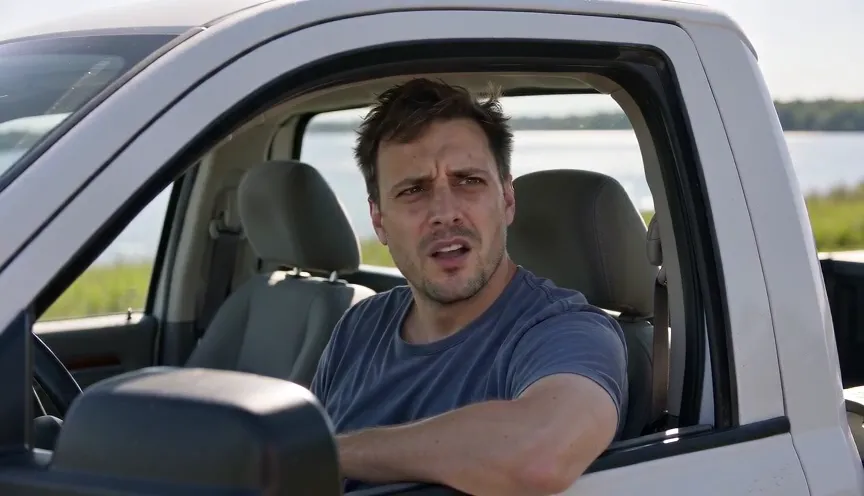
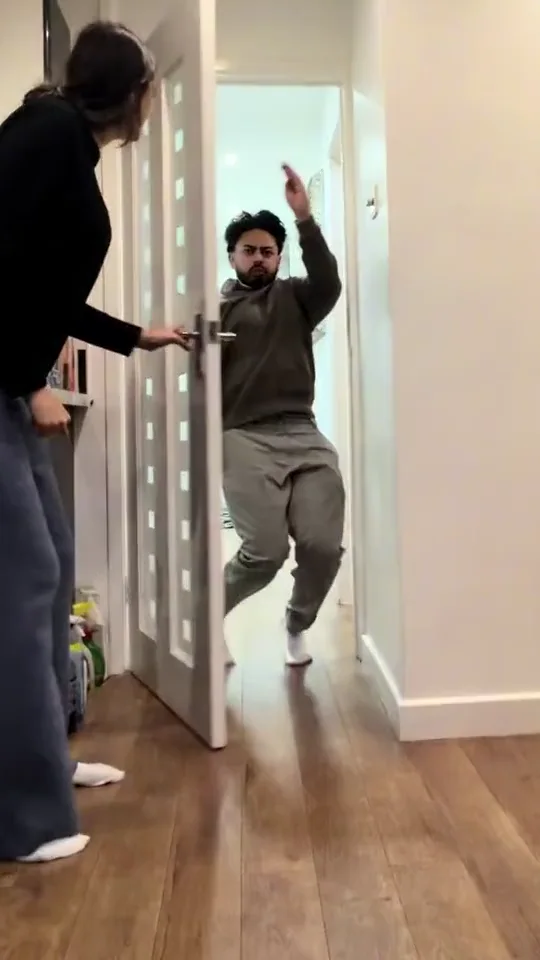
The real-world joke starts with an ordinary doorway moment. Someone abruptly closes the door in front of a child or family member, and the camera stays on the reaction. It is the sudden interruption and confused look that make the clip, rather than a magic disappearing door or a horror reveal. Closing Door Prank AI adapts the visual setup with adults only. Your uploaded adult becomes the person reacting at the doorway; a generated adult closes it from inside. The target is a harmless fictional reaction, without contact, injury or distress.
Close the door prank: what the posts establish
Early-November X discussion points to family videos circulating on TikTok. One post says the trend has hundreds of millions of views and that ESPN posted it; another shows a family closing doors on their children. Those are source claims and observable examples, not an independently audited audience count. We do not publish the reported totals as verified reach. This fictional adult adaptation changes the participants to adults and does not ask families to film or upload children. A widely shared live-action prank is context for the format, not proof that an AI adaptation has been tested. The closing edge should remain clearly visible throughout the take.
Closing Door Prank AI: ten seconds at a doorway
The proposed take stays in one vertical view. In the first three seconds the uploaded adult approaches an open interior doorway while another adult stands inside. During the next two seconds the inside adult closes the door abruptly, leaving a clear gap from all hands and faces. The following three seconds hold on the outside adult’s puzzled look and small raised-hand reaction. In the final two seconds the door opens slightly and both adults relax. This ten-second plan falls within the nine-to-fifteen-second format described by current AI template pages.
Pick an adult photo for closing door prank AI
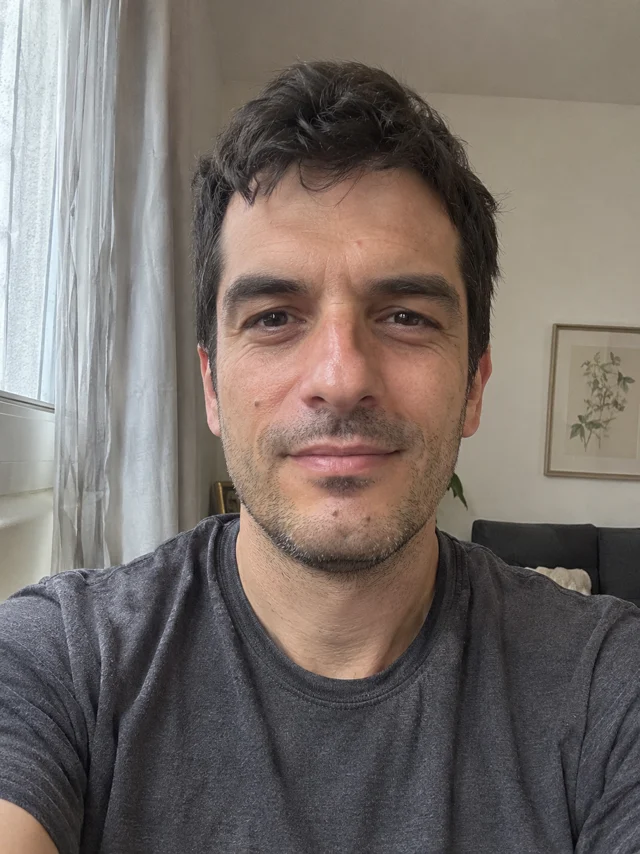
Choose a well-lit front-facing or waist-up adult portrait, with one person and visible facial details. Use an image you are allowed to animate. No reference door, child image or family group shot is required. The template adds a plain hallway and a second adult automatically. Upload the photo, confirm permission, sign in and inspect the current credit quote. You do not provide a video, sound file, prompt or URL. The target output is 480p, vertical 9:16, with progress and download handled in My creations.
Review the door and reaction before sharing
A door should rotate on a stable hinge rather than melt through the wall. Check its edge against the subject’s hands and face throughout the close. The uploaded adult must remain outside and visible after the door shuts, with the same identity and clothing. Closing Door Prank AI has no reviewed site output yet; believable hinges, timing and facial reactions remain untested. The sound plan uses a newly generated latch and quiet room tone, not a copied family recording. Reject any result depicting a child, a collision or a frightened person trapped behind a door.