GTA 6 AI Video · Your Neon City Trailer
GTA 6 AI video puts your adult photo in an original neon-city trailer with street lights, a convertible drive and a final hero shot.
Make my trailer · 30Photo → city trailer

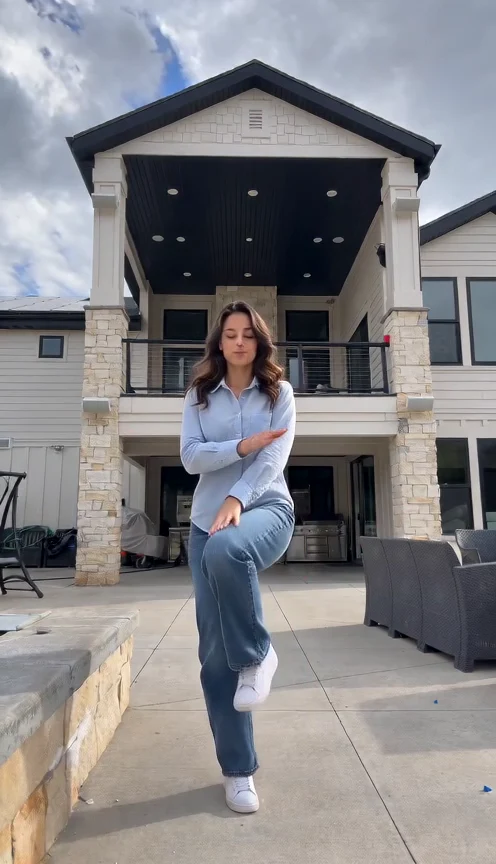
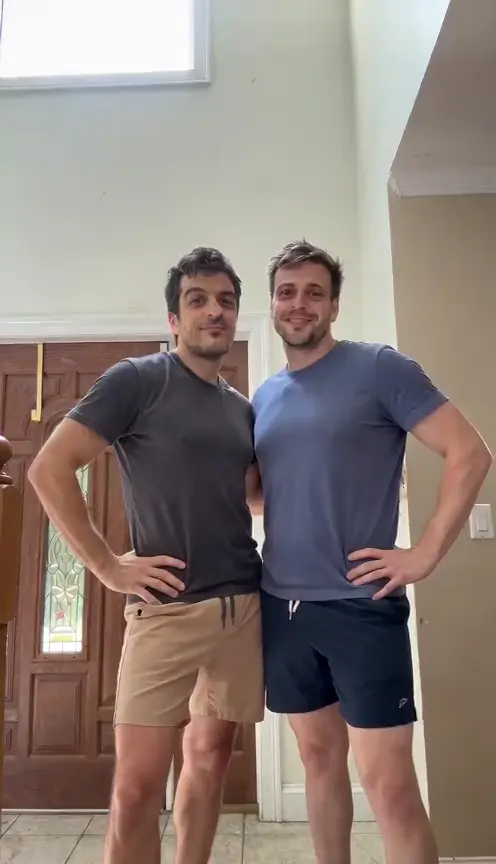
Real test using this fictional input. Cinematic lighting and body proportions differ.
The GTA 6 AI video story
Neon streets introduce you, followed by a coastal convertible ride and a final arrival. Keep the complete ending. Expect quick changes between night streets and sunset roads. The indoor bag scene adds a short pause before the driving sequence returns to the neon finale.
Choose your GTA 6 AI video photo
Choose a clear adult portrait with visible hair and face. Avoid sunglasses and group shots. A portrait is enough. Use even light and leave space around your head. Clothing and body proportions may be invented beyond the visible portrait.
Make my trailer · 30Check the complete trailer
Check face, outfit and hands at each cut. Save the MP4 before cropping for social apps. Watch the full fifteen seconds before choosing a cover frame.
Create in three steps
Upload yourself
Add one JPEG or PNG and confirm photo permission.
Review and generate
Sign in, check the credits and press Generate once.
Watch and download
Follow progress, check every scene and save your MP4.
Quick questions
What is a GTA 6 AI video?
An original neon-city concept trailer starring your adult photo.
Is GTA 6 AI video real gameplay?
No. This independent template creates fictional footage without official game scenes or characters.
What format and price should I expect?
About fifteen seconds, 480p, vertical MP4. Review the quote. Another attempt spends credits again.
Can I change the city or song?
The preset fixes the scene. Add captions or available music afterward.