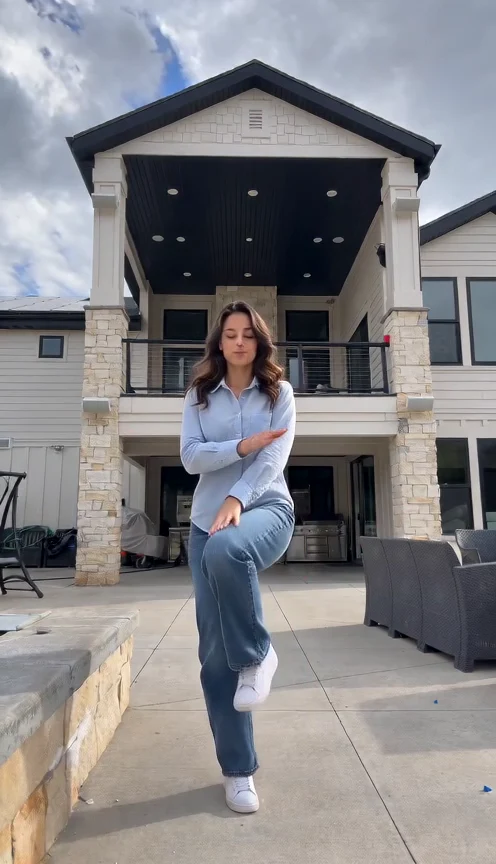
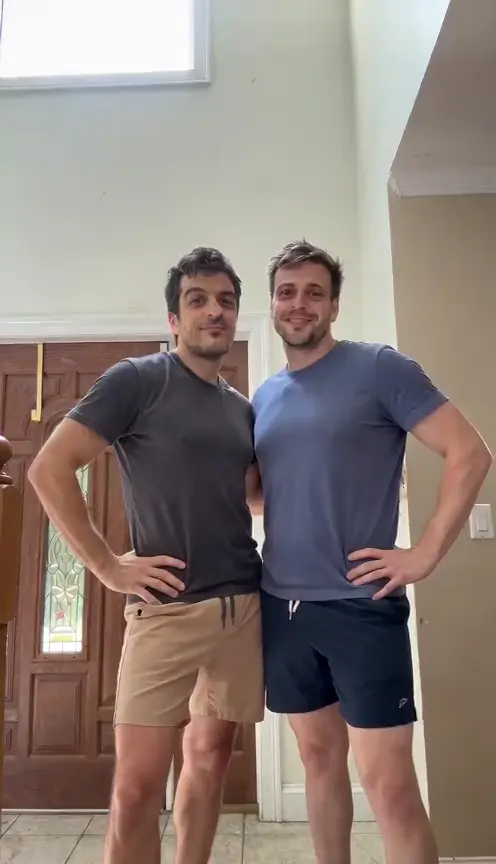
Hug AI · Two Photos, One Gentle Embrace
Hug AI brings two adults from separate photos into one gentle embrace. Upload one clear photo for each person; the park scene and movement are included.
Make our hug video · 20Two photos → one embrace
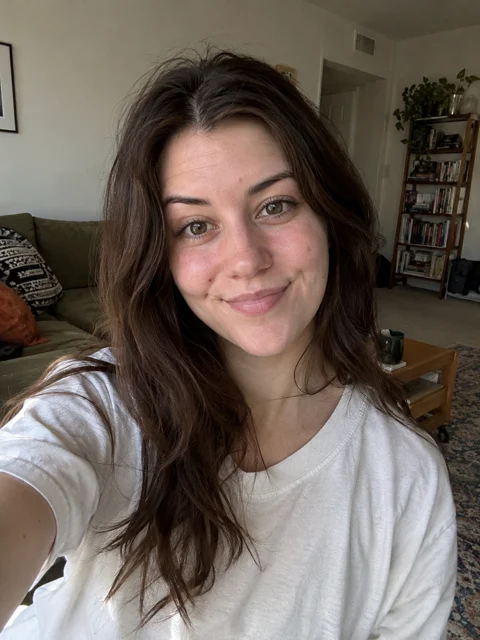

This hug AI sample uses the two fictional adults shown here. Faces naturally turn away during contact; a photograph cannot guarantee an exact moving likeness.
How hug AI turns photos into motion
Both adults begin a short step apart, open their arms, move together and hold the embrace. The camera stays calm so the contact is easy to follow. This preset creates a friendly reunion in a sunlit park; it has no separate kissing, solo-hug or background-editing mode.
Choose two photos with visible shoulders
Use one consenting adult in each photo, facing forward with a sharp face and even light. Waist-up or knee-up framing gives the arms room to move. Similar crops help keep body scale believable. Avoid sunglasses, crossed arms and another face in the background. Preserve a clear original when scanning an older print.
Make our hug video · 20Check the contact before sharing
Pause as the arms meet. Follow each wrist to its hand, check that bodies stay separate and watch both faces before they turn. Shoulders can hide a face during a normal hug; a merged face, floating hand or extra arm is a defect. Keep the full ending and disclose that the clip was made with AI.
Our hug AI contact check
In this real test, arms open around 1.2 seconds and the embrace is complete near 3 seconds. The man’s hand rests on the woman’s back through the hold. Her face is mostly hidden from about 2.5–6.5 seconds, then reappears in profile. Contact looks coherent, with minor softness at the hands. This sample does not prove exact finger detail.
Make your video in three steps
Add the two adult photos
Upload one permitted JPEG or PNG per person. The first photo is person A and the second is person B. No video, audio or written direction is needed.
Check credits and generate
Sign in, review the quote and press Generate once. Following progress does not create another video.
Watch and download
Review both identities and the complete embrace. Download the MP4 you accept. Another attempt spends credits again.
Questions before your reunion
What do I upload for hug AI?
Two photos, one consenting adult in each. Clear faces and visible upper bodies work better than tight face crops.
What are the format and cost?
The preset creates about eight seconds at 480p in vertical 9:16. The current quote is 20 credits; always check the Generate button before spending. It is not an unlimited free tool.
Does the video include the original trend song?
No licensed trend song is included. The preset requests quiet original park ambience. You can add music you may use after downloading.
Will both faces stay exact?
Likeness can change as faces turn and overlap. Arms and hands can also distort. Use the complete demo to judge the effect, and review your own result before sharing.
What if generation fails?
A failed generation returns its deducted credits through the task flow. Checking progress is free; deliberately generating a new version costs credits again.
Can I use an old family photo?
Use an adult photo you have permission and rights to use. This preset does not support childhood photos or promise restoration of missing facial detail.