AI transformation effects focus on a change, reveal or entrance. This collection brings walks and transformations together so you can compare an arrival with an outfit reveal before choosing a specific effect. Newer published pages appear first.
Choose your AI transformation effects
An entrance builds a moment around how a person arrives; a reveal makes the change itself the focus. These are related ideas, but individual effects behave differently. Compare the example and read the description to see whether the intended result is a walk, a costume change or another visual transition. Do not assume that every effect changes clothing.
Choose a photo for the reveal
Use a clear face and the framing requested by the selected effect. If the outfit should remain visible, choose a photo that shows it clearly. Check whether the effect supports one person or asks for more than one photo. You provide only photos, with no separate performance to record. Open a connected effect and review its current quote before generating.
Watch the transition closely
Check the example through the entrance or reveal, including the frames where the look changes. A reviewed website demo shows one completed result; a reference frame or labelled concept has a different role. Your result may vary in identity, clothing, hand detail or transition timing. Inspect the full video before sharing, then download the result while its temporary link is available.
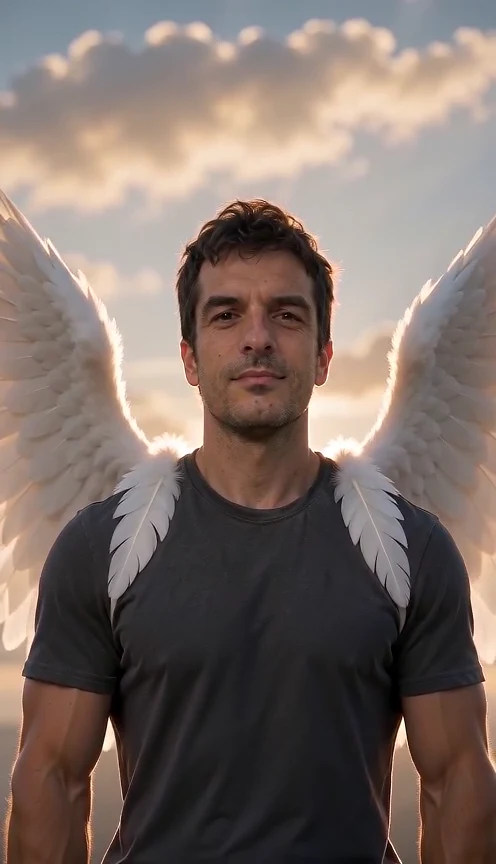
Create an AI Angel Wings video from one adult photo. Watch white feathered wings unfold behind your shoulders, then compare the real input and complete demo.
1 photos · 8 seconds · 9:16
Reviewed website example available
Choose one clear adult portrait with visible hair and shoulders. A waist-up photo and even light give the face and wings room.
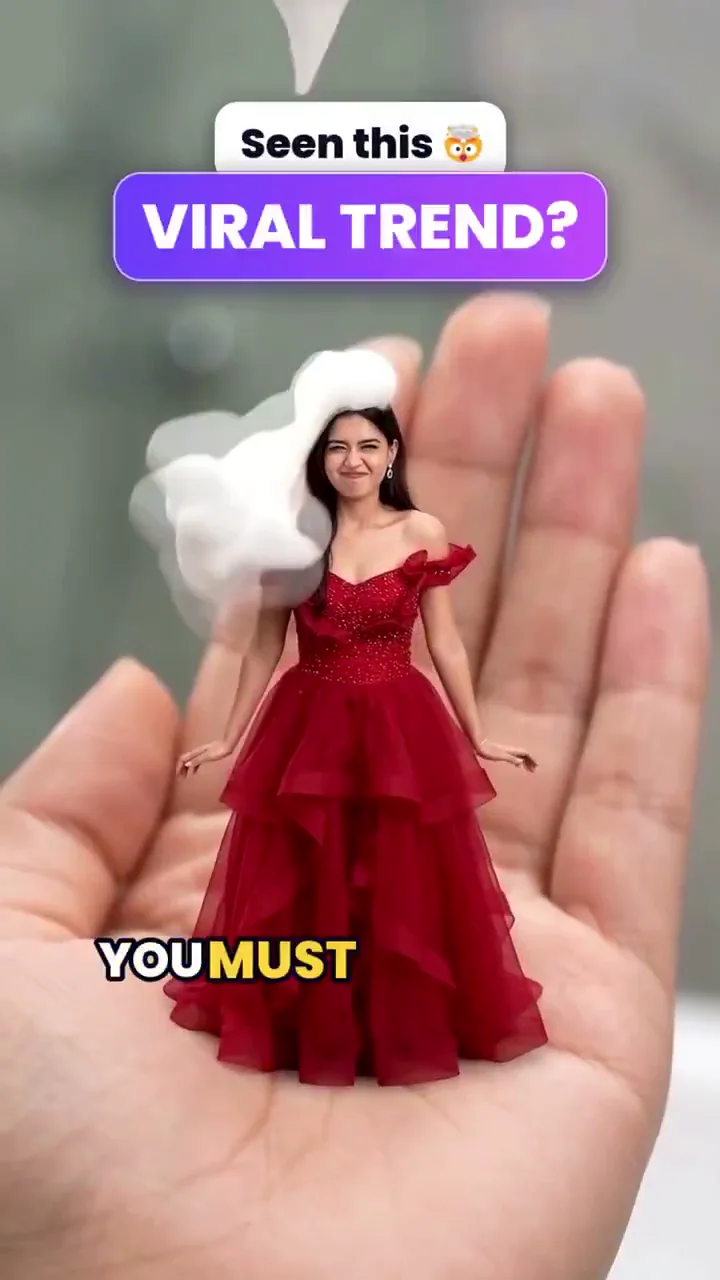
Mini me AI starts with one adult photo and aims for a tiny version of you standing on an open palm. Explore the eight-second photo adaptation and real reference frames; site output remains untested.
1 photos · 8 seconds · 9:16
No reviewed website example yet
One sharp adult portrait with visible clothing; a full-body photo provides more outfit detail. Do not use a child’s photo.
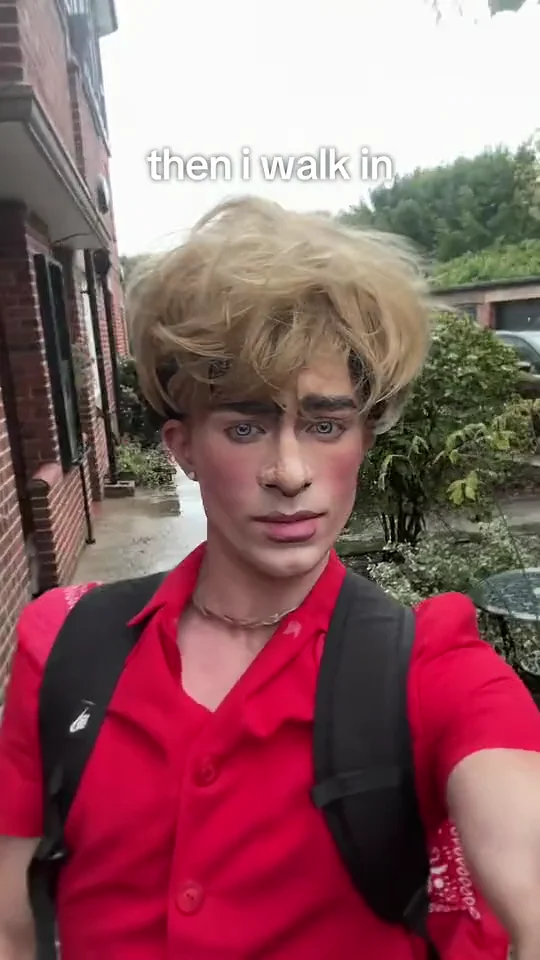
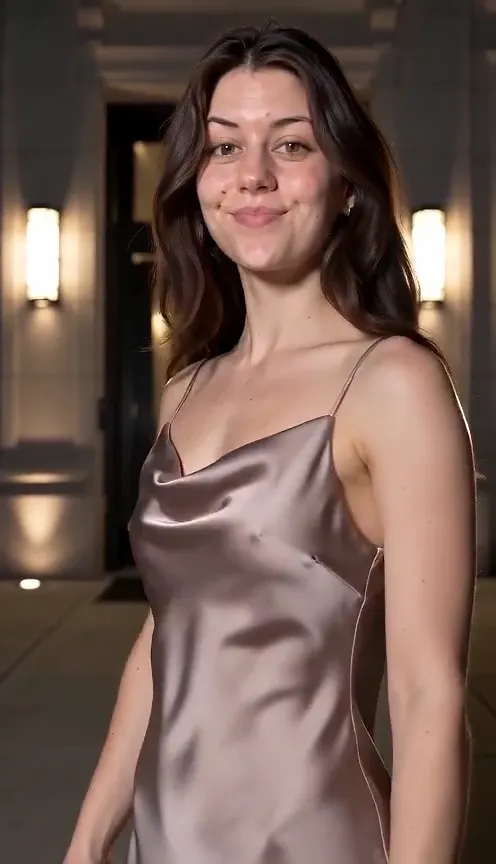
Explore then i walk in AI from one photo: a deadpan selfie walk, a small head tilt and the familiar caption. See real reference frames and the untested limits.
1 photos · 8 seconds · 9:16
No reviewed website example yet
Use one sharp adult portrait, chest up or wider, with an unobstructed face, visible clothing and even daylight. Stay alone in the frame. Avoid sunglasses, motion blur and heavy filters. Your photo supplies the identity and outfit; no wig or costume is required.
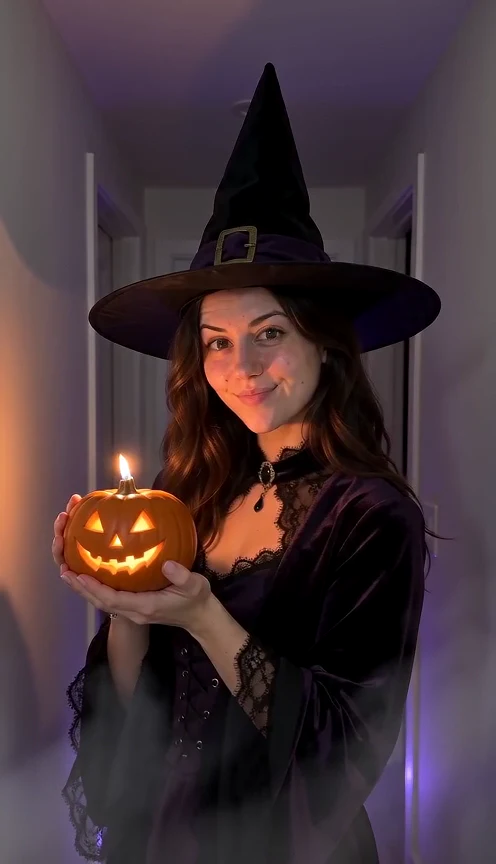
Make a Halloween costume reveal AI video from one photo: stand still, let a candle flash cross the lens, and return in an original hat-and-coat look with a glowing pumpkin.
1 photos · 10 seconds · 9:16
Reviewed website example available
One clear front-facing adult portrait, head and shoulders visible, even light. Avoid sunglasses, masks, heavy filters and tight crops.
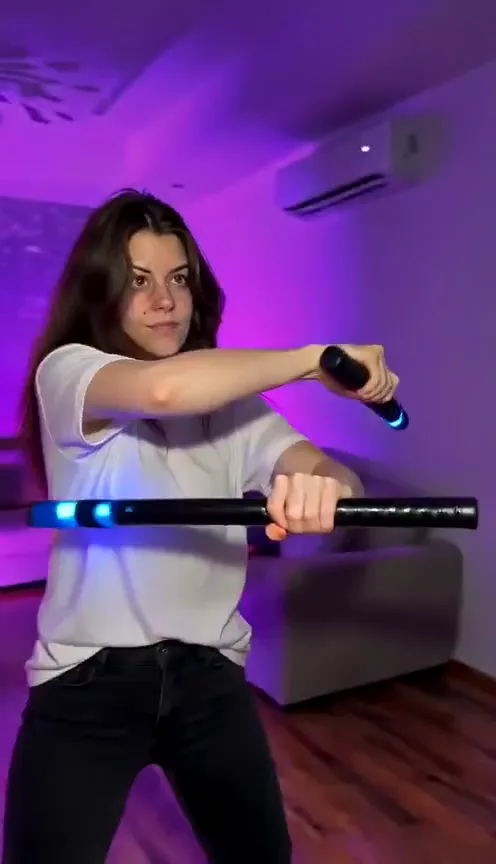
Create a 15-second Nightwing mask-and-baton dance from one photo. Preview a real result from the current template, with photo tips and limitations.
1 photos · 15 seconds · 9:16
Reviewed website example available
Choose a sharp adult photo from the knees up or head to toe, with an unobstructed face and your outfit clearly visible. The mask and batons are included; you do not need to hold them in your photo.
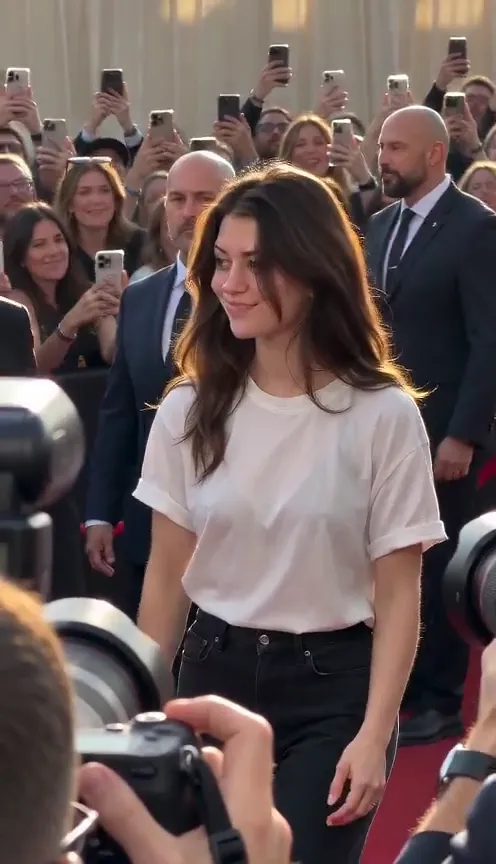
Turn one portrait into a 10-second paparazzi walk video. Watch the real example and learn what to check in the steps, wave, camera flashes and crowd.
1 photos · 10 seconds · 9:16
Reviewed website example available
Use a clear portrait with your face and hairstyle visible. A wider photo showing the outfit helps communicate clothing, but the event scene and styling may differ. Avoid hands, phones or sunglasses covering your face.
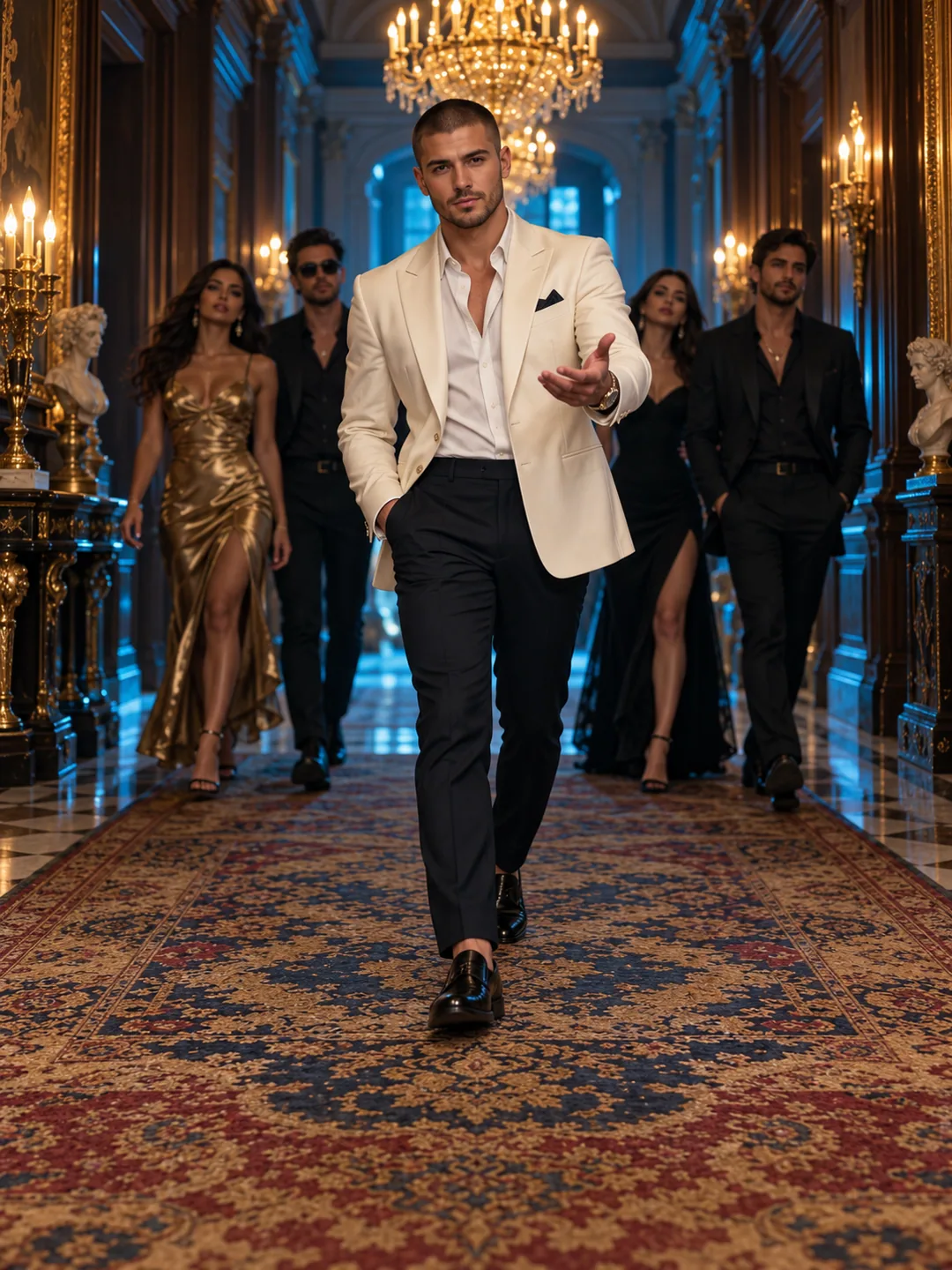
Turn one portrait into a Popstar AI mansion-hallway entrance. Check photo framing, the 10-second format and current limits on faces, steps and audio.
1 photos · 10 seconds · 9:16
No reviewed website example yet
Choose an unobstructed adult portrait with visible hair, shoulders and clothing. A knee-up photo adds useful body and outfit detail. Avoid sunglasses or a phone in front of the face; a mansion background is not required.
Make a shoes-to-face Ramalama AI reveal from one photo. See the real outfit variation and learn why a full-body image matters for shoes and clothing.
1 photos · 10 seconds · 9:16
Reviewed website example available
Prefer one full-body adult photo with the face, lower garment and shoes all visible. A half-body selfie provides no evidence of your shoes or lower outfit, so those areas have to be invented. Keep feet inside the frame and avoid motion blur.
We use cookies to improve your experience, analyze site usage and support our marketing. You can accept or reject non-essential cookies; essential cookies needed for sign-in always stay on.