Skip to content
Music & scenes

Hit The Road Dude AI Guide

Plan a short pickup-window reaction scene with a suspicious pause. Prepare a driver portrait and a shot-by-shot prompt recipe before choosing a video tool.

1 photo 16:9 target · production planMulti-stage storyboard

Plan your version locally. Live video generation is not connected.

A scene worth making yours.
Bring the subject. We’ll help you prepare the direction.

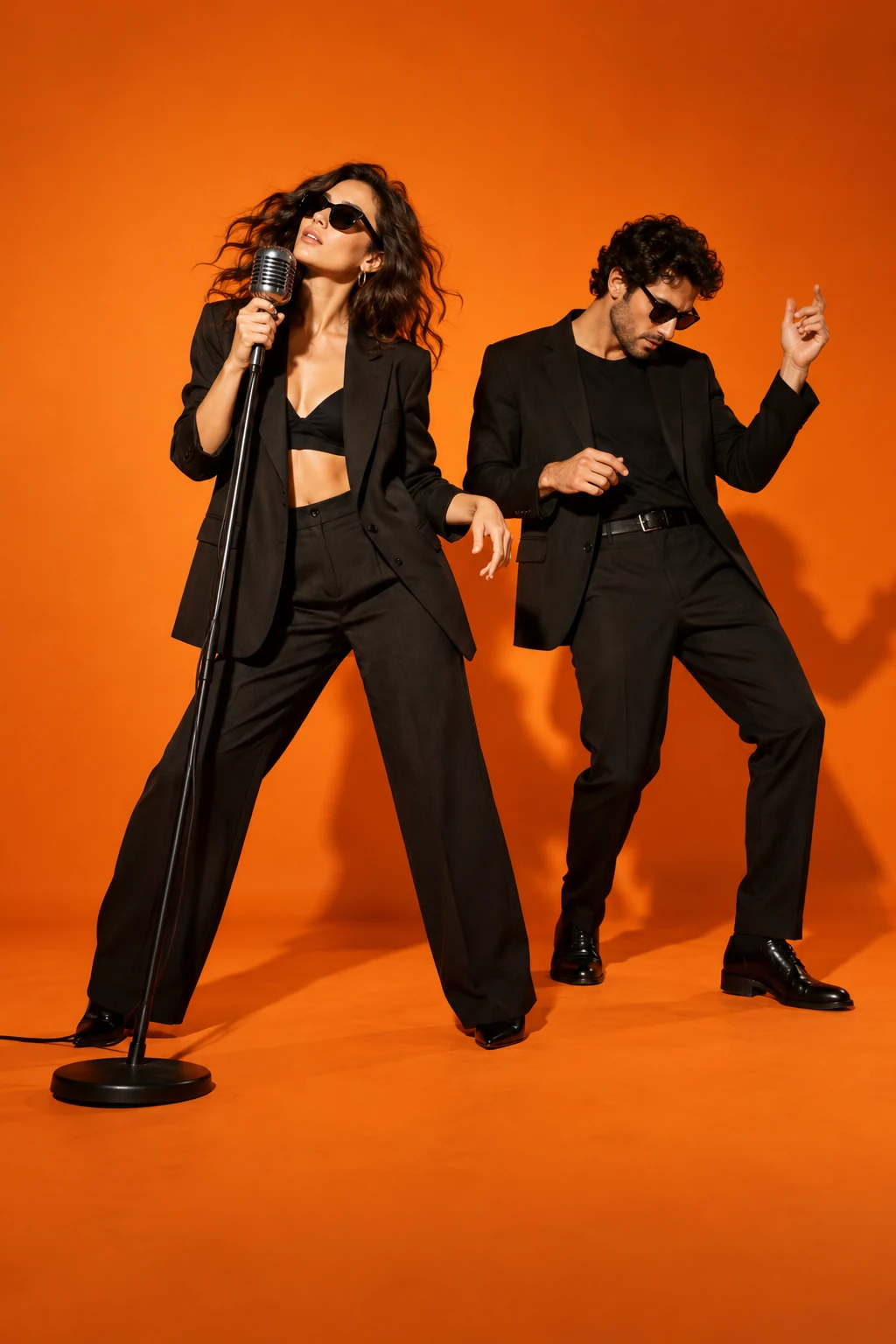
Concept artwork for Hit the Road, Dude; not a generated video example
CONCEPT ARTWORKMusic & scenes
Hit the Road, DudeYOUR NEXT
MAIN CHARACTER
MOMENT.
THE INPUTOne clear subject photo

JPEG, PNG or WebP. Up to 10 MB each.

THE APPROACHRecast the scene

Review the scene and transition carefully.

THE FORMAT16:9 target

11–15 seconds planned for the full exchange. Design target, not a current generation quote.

THE ACTUAL EFFECTRECIPE V2 · 16:9 target

What Hit the Road, Dude should look like

A private-property conversation: challenge, puzzled pause, then dismissal.

The conversational pause and separate speakers carry the joke.

The recognizable sequence

  1. 01

    The owner notices an unseen visitor and challenges them.

  2. 02

    Hear the visitor reply; let the owner pause in disbelief.

  3. 03

    The owner dismisses the visitor with a small gesture.

What this effect needs before generation
  • Pickup-window starting composition and approved reaction reference.
  • Original or cleared two-speaker dialogue and lip sync.

What a finished result must pass

  • The off-screen line does not move the owner mouth.
  • The reaction pause is readable before dismissal.
  • The window frame and face remain intact.

This production plan was inferred from public examples and descriptions. It is not a tested generator or a recovered competitor prompt. Rendering stays paused until its assets and workflow pass visual review.

1

Build the joke around the reaction

Hit the Road Dude AI is a short reaction-scene idea built around a driver challenging an unseen visitor. The recognizable pieces are an open pickup window, a puzzled pause and a dismissive response. Describe those beats in order rather than treating the scene as a generic talking portrait. Keep the lead readable inside the vehicle, while the off-camera visitor remains outside the frame. A simple exchange lets the expression carry the joke. A long conversation or several visible speakers can distract from the driver's short reaction.

2

Prepare your Hit the Road Dude AI portrait

Choose a clear adult portrait with visible eyes and shoulders. The image supplies the driver's appearance; it does not need to contain a vehicle or pond. Avoid hands in front of the mouth and sunglasses that hide the expression. For Hit the Road Dude AI, check your local photo preview before writing the reaction direction. Leave enough visible detail around the jaw for a turn toward the open window. A photograph taken from an extreme angle can make the driver's face harder to recognize in a side-facing seat position.

3

Keep scene and speech controls separate

Describe a pickup beside a pond, an open side window and a camera near the visitor's position. The face needs enough light to show the doubtful pause and the final dismissal. Speech deserves its own review when you render: listen for who is speaking, how long the pause lasts and whether the mouth follows the sound. A silent reaction is another option if you plan to add an authorized recording later in a separate editor.

4

One meme can have several search names

State Property AI and Private Property AI are related names for this confrontation format in the collection. If either phrase is what you remember, use the pickup, open window and doubtful driver to confirm the scene you want. The State Property AI recipe prepares an imagined performance rather than promising original footage, an exact voice or the same dialogue. Keep the exchange brief and make the driver's intended expression explicit. Copy or download your direction, then review face detail and timing through the whole clip in your chosen video workflow.

BEFORE THE SPOTLIGHT

A few good
questions.

What happens in the pickup scene?

The driver notices a visitor, pauses with a doubtful expression and delivers a short dismissal. Keep the camera near the open window so the reaction is visible.

Are State Property AI and this template different?

On this site they are search names for the same making task. A single page covers the reaction, the pickup setting and the photo upload.

Can my dog be the driver?

The current photo recipe is written for an adult driver. A dog version needs different seated proportions and its own movement reference; do not assume a human scene translates directly.

Will it repeat the exact original dialogue?

No exact dialogue or original voice is supplied here. Choose permitted speech or write a short original line, then review its timing in your video workflow.

RESEARCH REFERENCES

Public competitor pages inspected on 23 October 2026. These references show how the effect is offered; they do not verify popularity or generated quality.

Hit the Road Dude AI Vismuse