Skip to content
Dance moves

A2o Lite Neon AI Dance Guide

Plan an A2O LITE NEON AI Dance duet. Map two subject photos, synchronized movement and neon lighting before exporting a prompt recipe for your video workflow.

2 photos Reference-matched, including 16:9 · production planMulti-stage storyboard

Plan your version locally. Live video generation is not connected.

A scene worth making yours.
Bring the subject. We’ll help you prepare the direction.

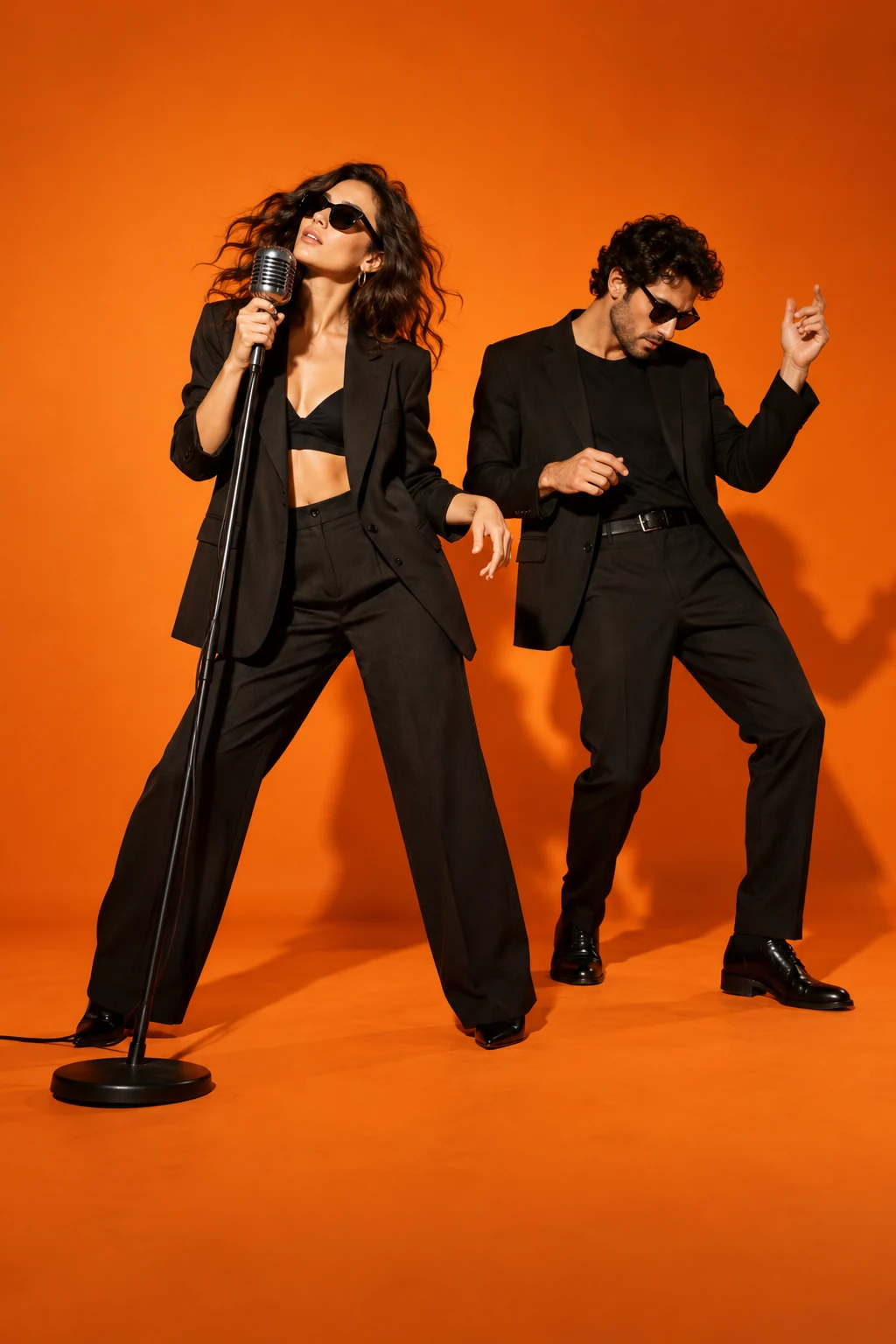
Concept artwork for A2O LITE NEON AI Dance; not a generated video example
CONCEPT ARTWORKDance moves
A2O LITE NEON AI DanceYOUR NEXT
MAIN CHARACTER
MOMENT.
THE INPUT2 labelled subject photos

JPEG, PNG or WebP. Up to 10 MB each.

THE APPROACHBuild a connected sequence

Review the scene and transition carefully.

THE FORMATReference-matched, including 16:9

About 15 seconds. Design target, not a current generation quote.

THE ACTUAL EFFECTRECIPE V2 · Reference-matched, including 16:9

What A2O LITE NEON AI Dance should look like

A two-person NEON choreography with sharp synchronized formation and pose changes.

NEON identifies the choreography; neon lights alone do not recreate it.

The recognizable sequence

  1. 01

    Establish distinct left/right dancers in the reference formation.

  2. 02

    Follow simultaneous sharp arm and level changes.

  3. 03

    Finish together in the reference pose.

What this effect needs before generation
  • Approved synchronized duet reference and two-identity scene frame.

What a finished result must pass

  • The choreography, not just lighting, matches the intended version.
  • Both identities persist through turns.
  • Shared accents stay synchronized.

This production plan was inferred from public examples and descriptions. It is not a tested generator or a recovered competitor prompt. Rendering stays paused until its assets and workflow pass visual review.

1

Map the A2O LITE NEON AI Dance formation

A2O LITE NEON AI Dance is a two-person choreography concept with coordinated poses, changes of level and a shared stage. Start by understanding where the two subjects stand. Neon lighting provides atmosphere, but the formation is what makes the duet legible. Choose the left and right roles before selecting a background. Describe enough room for both bodies and their wide arm positions, so your intended scene reads as a synchronized routine rather than two unrelated portraits moving beside each other.
2

Match the input framing

Use a separate photo for each adult, with a clear face and visible clothing. Similar camera angles help stage the pair. A waist-up photo beside a distant full-body image can produce different apparent body scales. Avoid masks and objects that obscure facial features. For a NEON AI dance generator recipe, write each dancer’s position in the creative direction. Use Swap subjects A and B to change their order.

3

Choose the stage after the cast

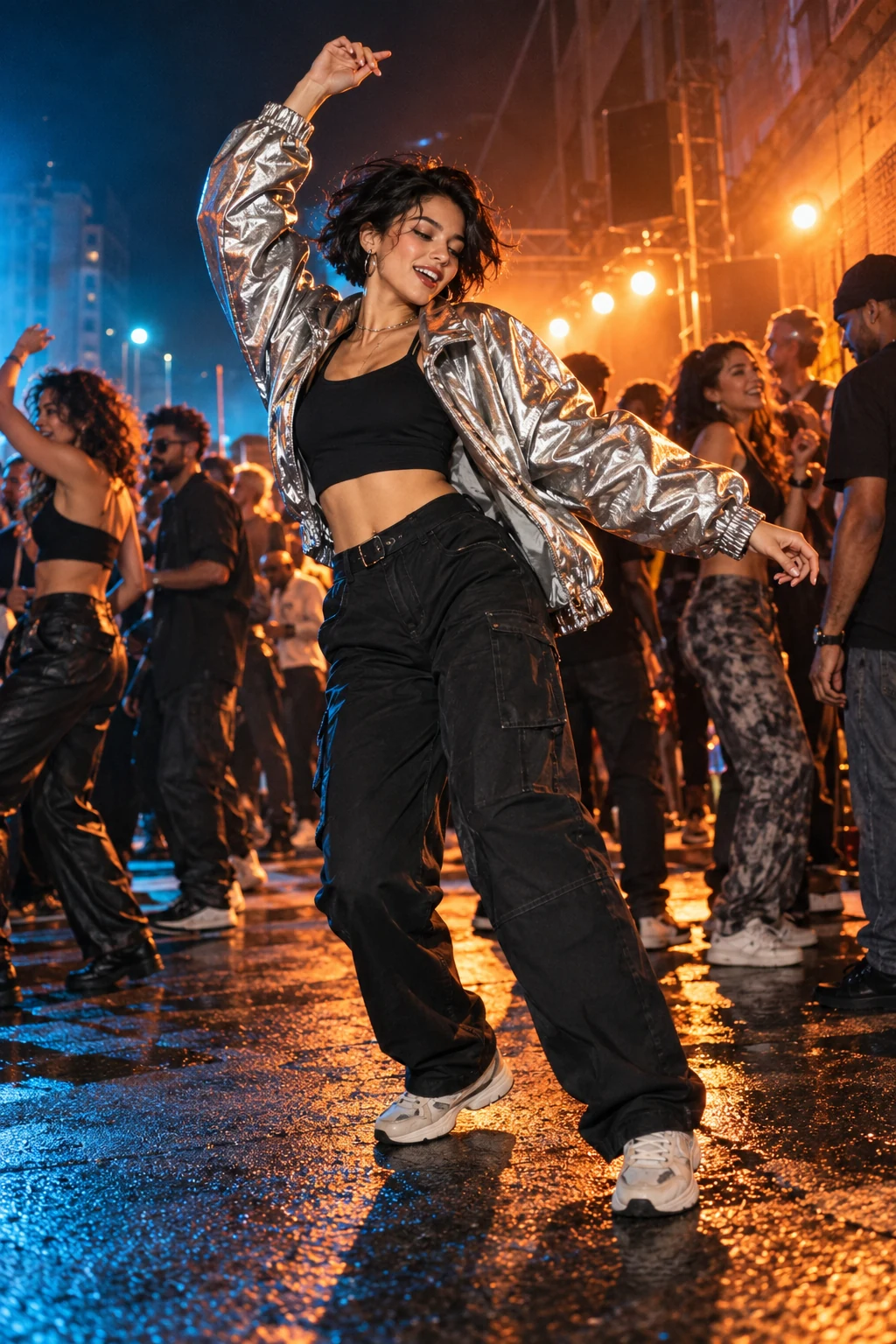
A simple studio helps evaluate choreography, while a neon setting gives a more dramatic look. Describe one setting in your brief, then choose an appropriate permitted reference in your video workflow. Do not assume a landscape dance can be cropped into a vertical frame without losing one performer. Your aspect selection is recorded in the recipe, without changing the concept artwork. Keep bright tubes and strong reflections behind the dancers instead of across their faces, and leave room at the top and bottom for raised arms and changes in body height.

4

Inspect synchronization and crossings

A duo introduces problems that a solo photo animation does not have. Bodies can overlap, arms may cross, and the model may confuse similar outfits. Watch the identity of each dancer during turns, kicks and low poses. The reference guides shared timing; it does not guarantee exact synchronization in the generated result. A2O LITE NEON AI Dance needs a full-clip check of both characters, especially when one briefly moves in front of the other or the camera changes its distance.

5

Export the performance you reviewed

Use the recipe to describe a short duet in your chosen composition. The concept poster suggests a look; it does not demonstrate a generated performance. Before sharing, inspect both performers and confirm that the export includes the intended ending. Keep the sound decision separate from the visual recipe: artist names and choreography descriptions do not grant recording rights. Use an authorized track or available platform audio. Save the completed video and its chosen settings so a later variation can start from a clear, repeatable brief.

BEFORE THE SPOTLIGHT

A few good
questions.

How many photos does A2O LITE NEON AI Dance need?

The design uses two adult subject photos, one for each role in the shared dance formation.

Can I choose who stands on the left?

Write each dancer’s position in the creative direction. There are no role buttons; remove and reselect the photos if you want a different input order.

Does neon lighting change the choreography?

Lighting is a scene choice. The selected reference determines the intended formation and movement.

Can the output be perfectly synchronized?

Synchronization is a goal that requires actual provider testing, not a guarantee attached to the template name.

RESEARCH REFERENCES

Public competitor pages inspected on 23 October 2026. These references show how the effect is offered; they do not verify popularity or generated quality.

A2oliteneon.com Kavel NEON effect