Skip to content
Walk & reveal

Popstar AI Video Guide

Plan a Popstar AI Video hallway performance. Prepare a suitable portrait and describe a controlled walk, confident pose and camera movement in your recipe.

1 photo 9:16 or 16:9 · production planMulti-stage storyboard

Plan your version locally. Live video generation is not connected.

A scene worth making yours.
Bring the subject. We’ll help you prepare the direction.

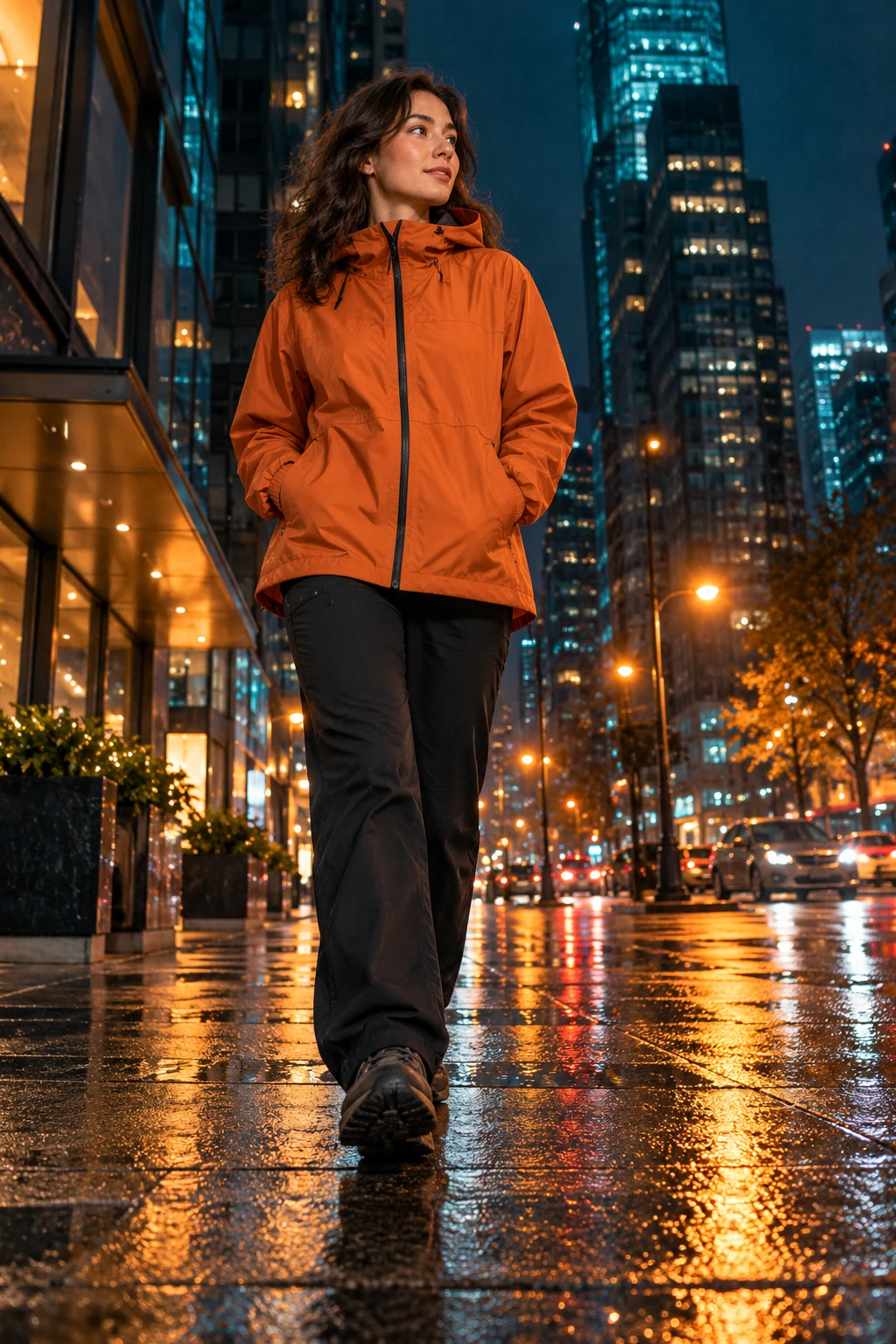
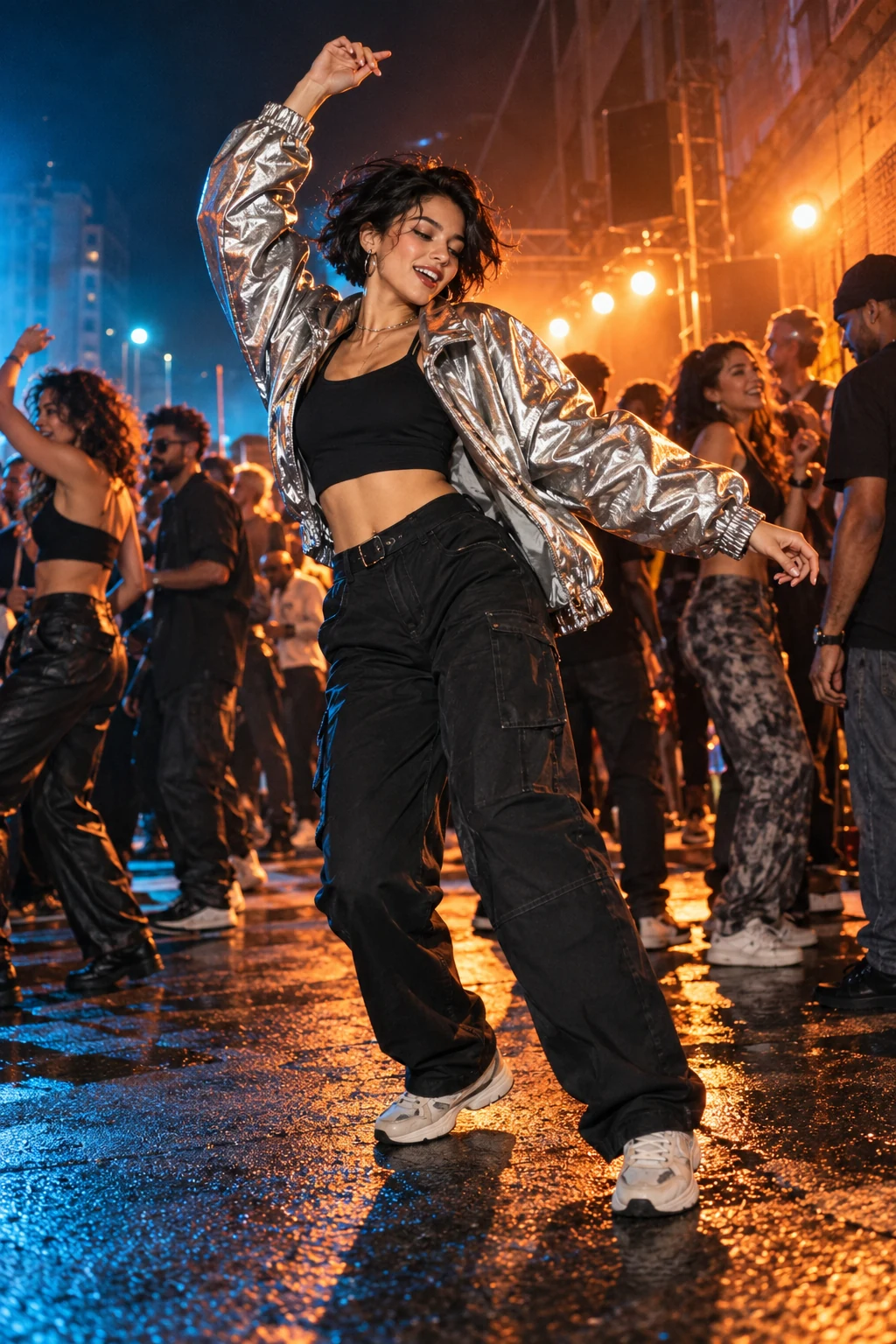
Concept artwork for Popstar Hallway; not a generated video example
CONCEPT ARTWORKWalk & reveal
Popstar HallwayYOUR NEXT
MAIN CHARACTER
MOMENT.
THE INPUTOne clear subject photo

JPEG, PNG or WebP. Up to 10 MB each.

THE APPROACHRecast the scene

Review the scene and transition carefully.

THE FORMAT9:16 or 16:9

5–12 seconds chosen around the cleared excerpt. Design target, not a current generation quote.

THE ACTUAL EFFECTRECIPE V2 · 9:16 or 16:9

What Popstar Hallway should look like

A mansion hallway performance with entourage, backward tracking and timed lip sync.

A plain corridor walk misses the entourage and music-performance timing.

The recognizable sequence

  1. 01

    Establish the lead and guests in a glossy party corridor.

  2. 02

    Track backward as the lead walks and performs to camera.

  3. 03

    Resolve the excerpt with controlled gesture and verified mouth timing.

What this effect needs before generation
  • Composed mansion-party frame and approved performance reference.
  • Cleared song segment and tested lip-sync stage.

What a finished result must pass

  • The party context and entourage are visible.
  • Identity stays stable throughout the walk.
  • Only the intended lead mouths the cleared audio.

This production plan was inferred from public examples and descriptions. It is not a tested generator or a recovered competitor prompt. Rendering stays paused until its assets and workflow pass visual review.

1

Recognize the Popstar AI Video scene

Popstar AI Video can describe more than one performance idea. This guide focuses on a confident walk through a glossy party hallway, with the camera travelling in front of the lead. It differs from a concert-stage scene with a microphone and cheering audience. Describe the entrance, the surrounding guests and the backward camera movement in your recipe. The hallway needs enough depth for the approach to read clearly. A static portrait against party lights will not communicate the same walking sequence or sense of arrival.
2

Prepare your hallway portrait

Begin with one well-lit photograph of one adult, preferably without a hat or dark glasses. A clear face helps when the head turns during the walk. For Popstar AI Video, include visible shoulders and clothing if you want the outfit to guide the scene. Keep background guests as supporting details in the creative direction. Your Popstar AI Video input defines the lead rather than every person in the hallway. Choose photographs of someone who agreed to appear, and avoid treating a celebrity image as a substitute for your own cast.

3

Plan the Popstar AI Video walk

Build the entrance as a connected sequence: the lead walks toward the lens, the camera tracks back and the hallway opens behind them. A steady pace helps the face stay readable while the surrounding party gives the shot energy. Keep the corridor clear enough to avoid people passing directly across the lead. After rendering in a suitable video workflow, inspect walking direction, shoulder proportions, background interactions and cuts. Lip movement is a separate question; visual resemblance alone does not show that the mouth matches an intended soundtrack.

4

Review your Popstar AI Video performance

For a Popstar hallway AI recipe, choose the framing before adding extra action. A vertical composition can emphasize the lead, while a wider scene leaves more room for the entourage and corridor. Write the desired framing into the creative direction and keep the camera path simple. The poster is an illustration of the mood, not an output sample. Copy or download your brief, then review the full result in your selected workflow. Watch the final pose as carefully as the first few steps down the hallway.

BEFORE THE SPOTLIGHT

A few good
questions.

Is this the hallway or concert-stage effect?

This guide follows the hallway entrance, with the camera tracking backward in front of the lead. A concert-stage performance has a different setting and movement.

What photo works for Popstar AI Video?

Start with one clear adult face. A group photo makes the lead ambiguous, while the background entourage is provided by the scene direction rather than cast from that image.

Does Popstar Hallway AI include lip sync?

The local studio prepares text and photo previews, not lip-synced video. If you render elsewhere, review the mouth movement and audio together; exact lyrics are not guaranteed.

Which format should I choose?

Choose vertical to emphasize the lead, or wide to include more hallway and guests. Your selected aspect ratio is written into the recipe; the concept poster does not change composition.

RESEARCH REFERENCES

Public competitor pages inspected on 23 October 2026. These references show how the effect is offered; they do not verify popularity or generated quality.

Popstar AI WakePix