Dame Hombro Dance AI · Your Photo, the Shoulder Groove
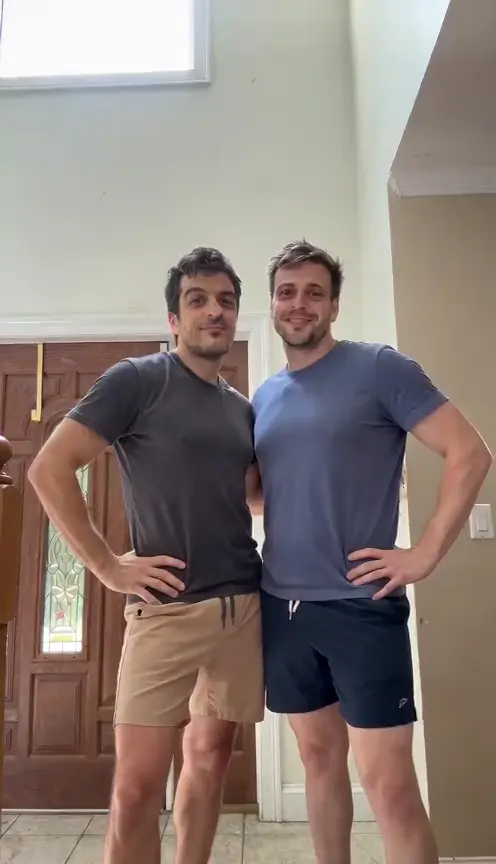
Dame Hombro Dance AI brings the shoulder groove to the adult in your photo. Add one clear picture and make a solo street dance: side-on shoulder pops, a turn toward the camera, low knee bounces and an expressive finish. No dancing experience is needed.
Make my shoulder dance · 30One photo → a shoulder dance
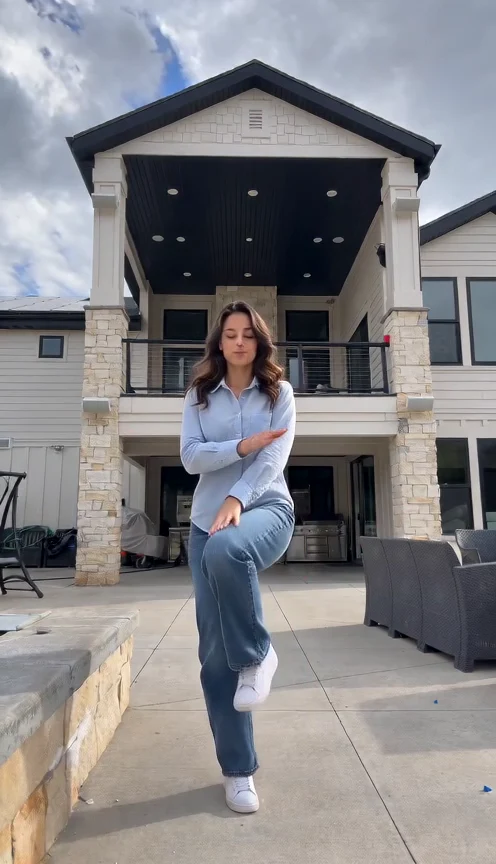
Our dame hombro dance ai test shows side-on shoulder pops at 0–5 seconds, a turn and knee bounce around 6–8.5 seconds, then face-level gestures and a chest-level finish. Shoes leave the frame briefly during the approach. Fast hands soften; this sample does not verify group synchronization.
The dame hombro dance ai shoulder sequence
The movement starts with the body turned slightly sideways. Alternating shoulders carry the rhythm while the knees bounce. The dancer then faces the lens, lowers the stance, steps closer and brings the hands toward the face and chest. This page makes the dance, rather than the separate street-freestyle performance.
Give the shoulders and knees room
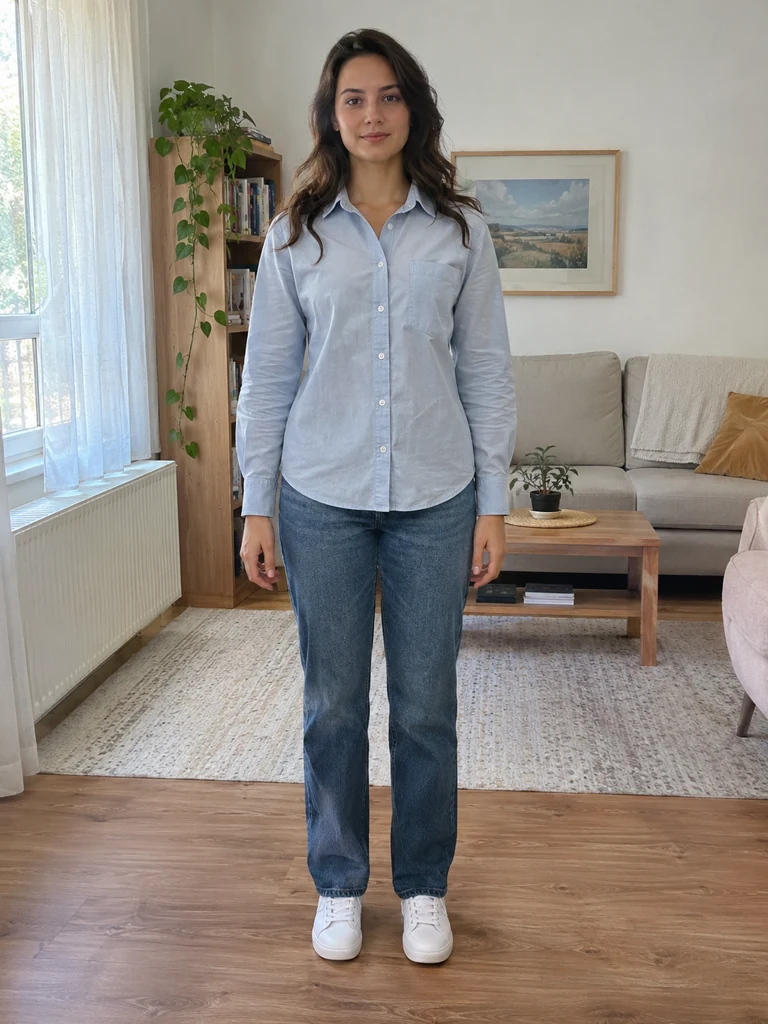
Use one permitted photo of one adult, ideally from head to shoes or at least to the knees. Keep the face sharp, both arms visible and the hands empty. Everyday clothes work. Avoid a tight selfie crop, crossed arms, other people and heavy filters that hide facial detail.
Make my shoulder dance · 30Solo movement, one continuous scene
The preset makes one fifteen-second vertical clip in a daylight sidewalk setting before a closed shutter. Your photo supplies the person and visible outfit. The scene is included. This is a solo version; separate uploads, group synchronization and exact matching of every finger gesture are not promised.
Check the complete dance before sharing
Watch the shoulders, knees and hands from beginning to end. Shoulder movement should continue as the body turns and lowers. Check that the wrists stay connected, the face remains recognizable and the ending finishes naturally. Brief motion softness can occur; extra arms or a merged face are defects.
Make your video in three steps
Add one adult photo
Upload a permitted JPEG or PNG with a clear face and room around the body. You do not need a dance video, music file or written direction.
Review the quote and generate
Sign in, check the current credit quote and press Generate once. Following progress does not start another video.
Watch and download
Review the entire clip, then download the MP4 you accept. Label it as AI-generated when posting. A deliberately new version spends credits again.
Questions before you dance
What do I upload for dame hombro dance ai?
One clear photo of one consenting adult. A full-body or knee-up image gives the shoulder groove and knee bounce more room than a face-only picture.
Is the original song included?
No licensed original song is included. The preset requests original light percussion. You can add a track you may use in your editor or posting app.
What are the format and cost?
About fifteen seconds at 480p, vertical 9:16. The current quote is 30 credits; always check the Generate button before spending.
Will my face and clothes stay exact?
The photo guides appearance and clothing, but a moving result can vary. Review facial likeness, fingers and loose fabric before you share it.
What if a generation fails?
A failed task returns its deducted credits through the task flow. Checking progress is free. Starting a different version uses credits again.