1Recognize the Popstar AI Video scene
Popstar AI Video can describe more than one performance idea. This guide focuses on a confident walk through a glossy party hallway, with the camera travelling in front of the lead. It differs from a concert-stage scene with a microphone and cheering audience. Describe the entrance, the surrounding guests and the backward camera movement in your recipe. The hallway needs enough depth for the approach to read clearly. A static portrait against party lights will not communicate the same walking sequence or sense of arrival.
Prepare your hallway portrait
Begin with one well-lit photograph of one adult, preferably without a hat or dark glasses. A clear face helps when the head turns during the walk. For Popstar AI Video, include visible shoulders and clothing if you want the outfit to guide the scene. Keep background guests as supporting details in the creative direction. Your Popstar AI Video input defines the lead rather than every person in the hallway. Choose photographs of someone who agreed to appear, and avoid treating a celebrity image as a substitute for your own cast.
Plan the Popstar AI Video walk
Build the entrance as a connected sequence: the lead walks toward the lens, the camera tracks back and the hallway opens behind them. A steady pace helps the face stay readable while the surrounding party gives the shot energy. Keep the corridor clear enough to avoid people passing directly across the lead. After rendering in a suitable video workflow, inspect walking direction, shoulder proportions, background interactions and cuts. Lip movement is a separate question; visual resemblance alone does not show that the mouth matches an intended soundtrack.
Review your Popstar AI Video performance
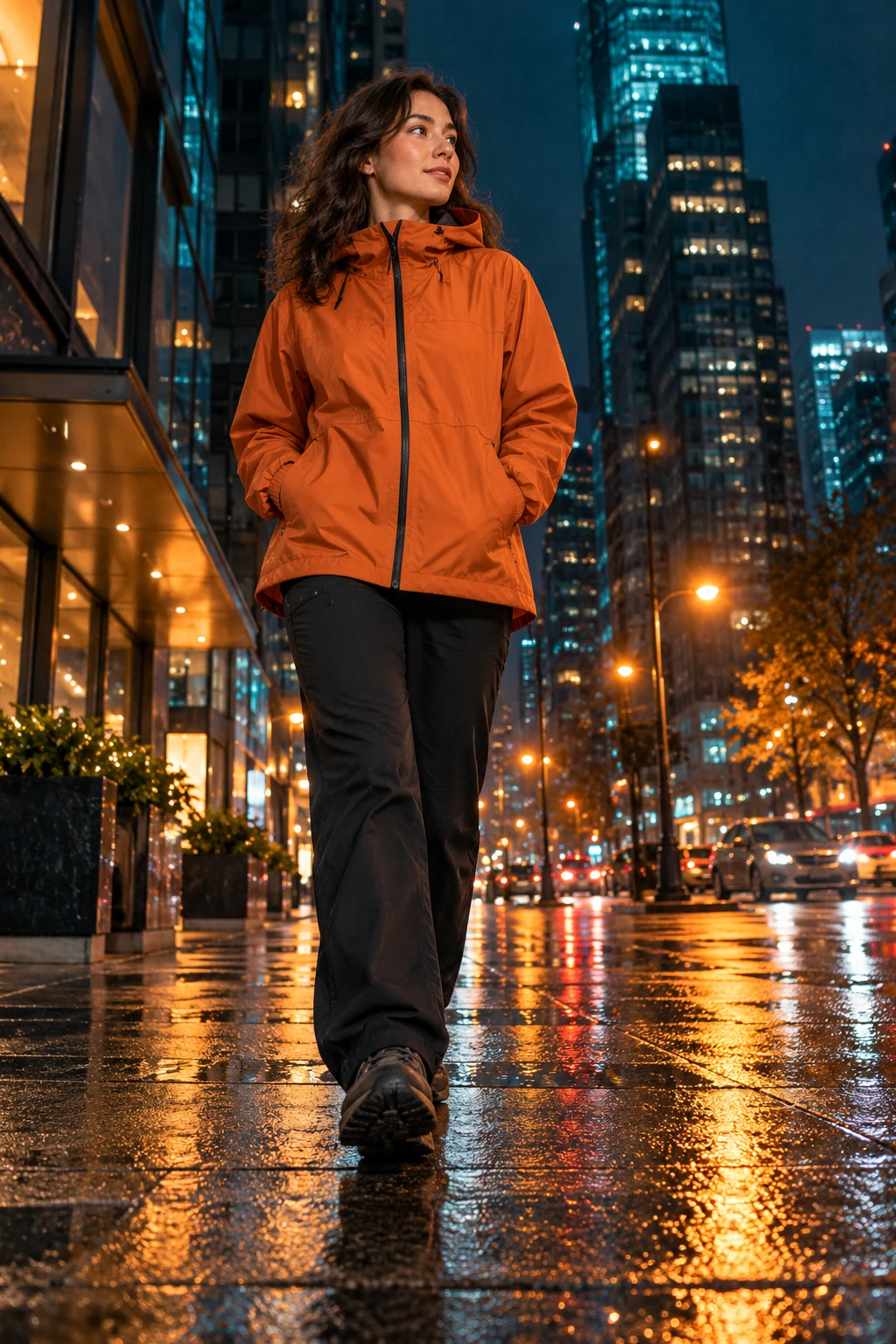
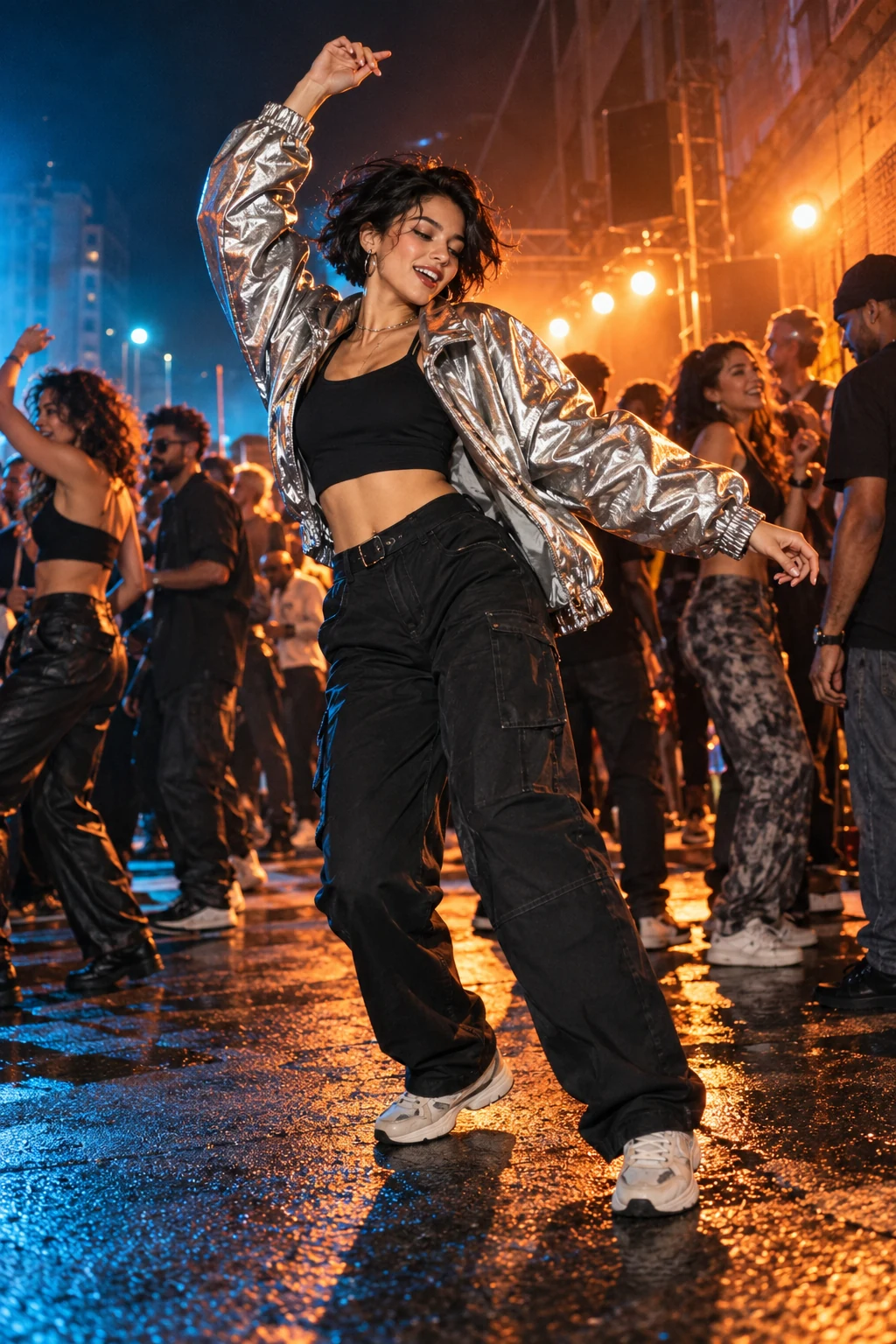
For a Popstar hallway AI recipe, choose the framing before adding extra action. A vertical composition can emphasize the lead, while a wider scene leaves more room for the entourage and corridor. Write the desired framing into the creative direction and keep the camera path simple. The poster is an illustration of the mood, not an output sample. Copy or download your brief, then review the full result in your selected workflow. Watch the final pose as carefully as the first few steps down the hallway.