1Build the joke around the reaction
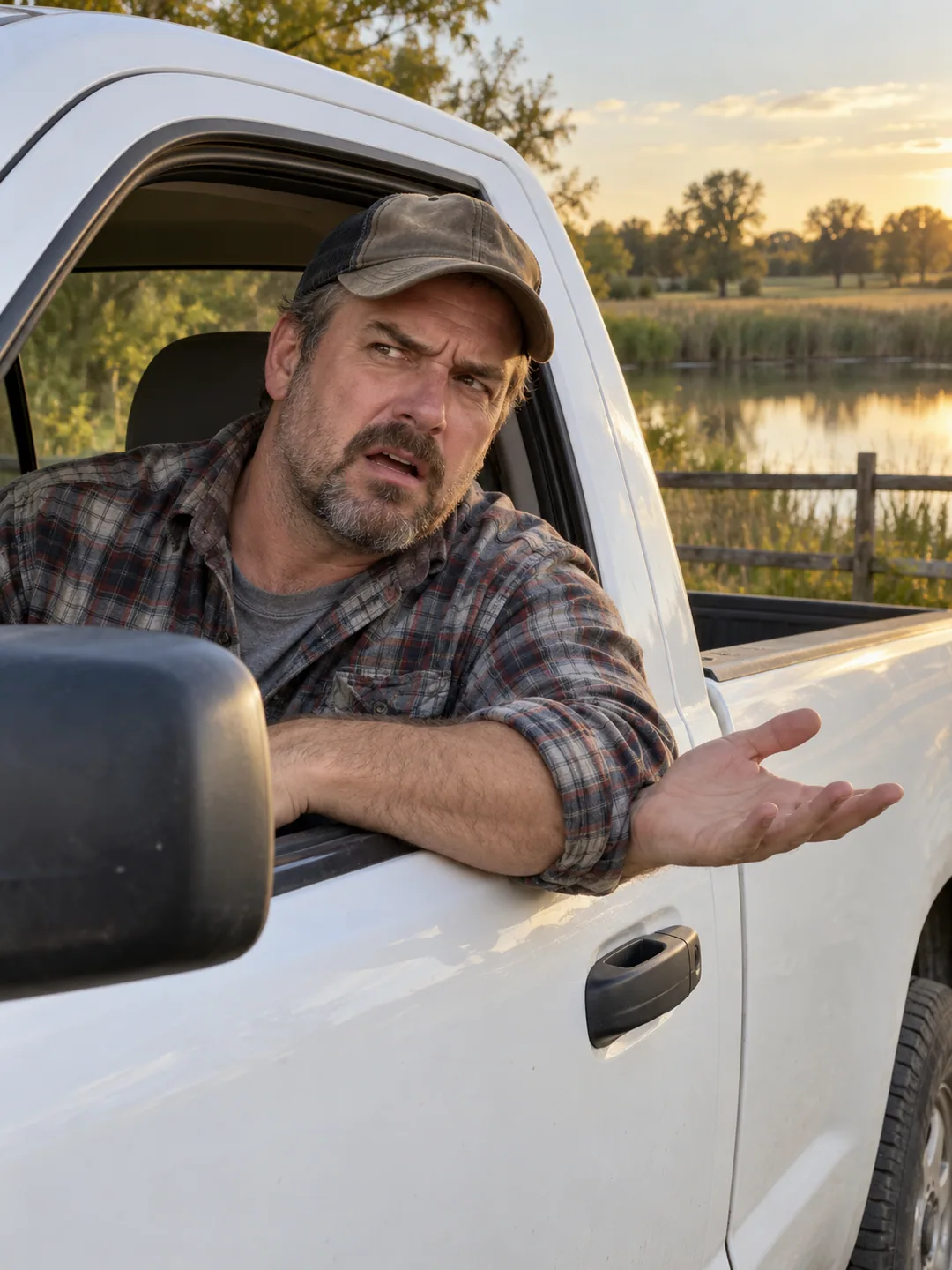
Hit the Road Dude AI is a short reaction-scene idea built around a driver challenging an unseen visitor. The recognizable pieces are an open pickup window, a puzzled pause and a dismissive response. Describe those beats in order rather than treating the scene as a generic talking portrait. Keep the lead readable inside the vehicle, while the off-camera visitor remains outside the frame. A simple exchange lets the expression carry the joke. A long conversation or several visible speakers can distract from the driver's short reaction.
Prepare your Hit the Road Dude AI portrait
Choose a clear adult portrait with visible eyes and shoulders. The image supplies the driver's appearance; it does not need to contain a vehicle or pond. Avoid hands in front of the mouth and sunglasses that hide the expression. For Hit the Road Dude AI, check your local photo preview before writing the reaction direction. Leave enough visible detail around the jaw for a turn toward the open window. A photograph taken from an extreme angle can make the driver's face harder to recognize in a side-facing seat position.
Keep scene and speech controls separate
Describe a pickup beside a pond, an open side window and a camera near the visitor's position. The face needs enough light to show the doubtful pause and the final dismissal. Speech deserves its own review when you render: listen for who is speaking, how long the pause lasts and whether the mouth follows the sound. A silent reaction is another option if you plan to add an authorized recording later in a separate editor.
One meme can have several search names
State Property AI and Private Property AI are related names for this confrontation format in the collection. If either phrase is what you remember, use the pickup, open window and doubtful driver to confirm the scene you want. The State Property AI recipe prepares an imagined performance rather than promising original footage, an exact voice or the same dialogue. Keep the exchange brief and make the driver's intended expression explicit. Copy or download your direction, then review face detail and timing through the whole clip in your chosen video workflow.