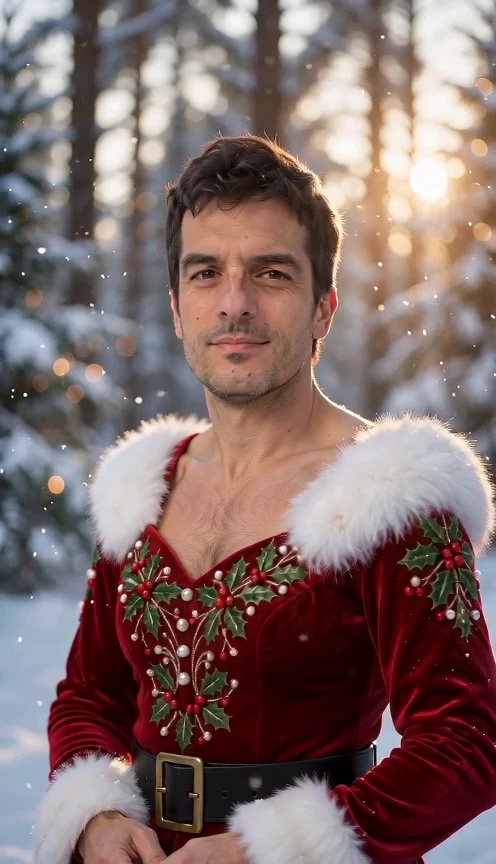
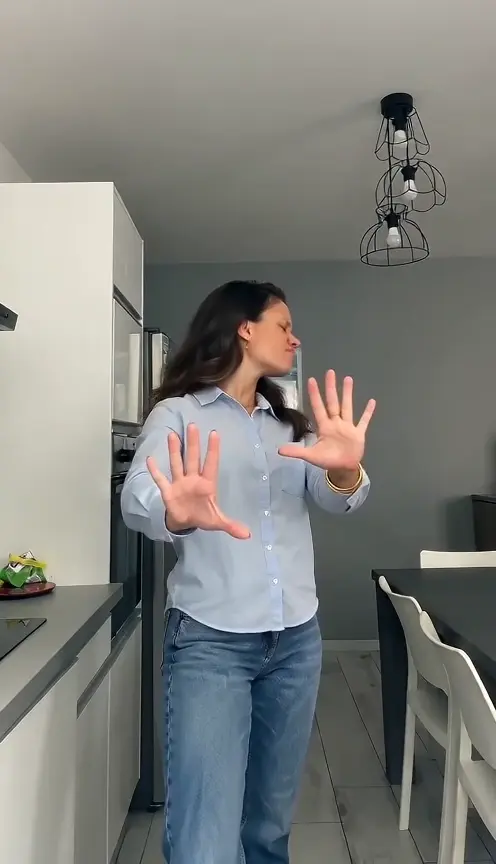
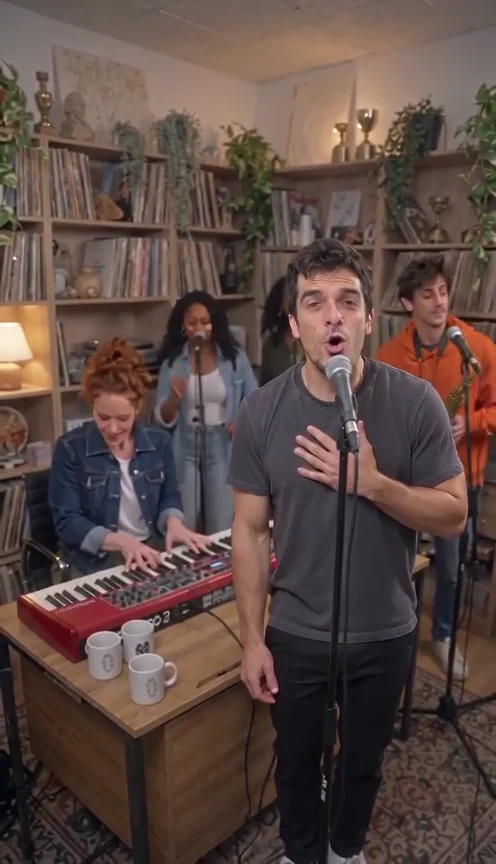
Ghost Prank AI · A Ghost Behind Your Selfie
ghost prank AI adds a pale, long-haired visitor behind your shoulder while you look into the camera. Turn around and it hides; face the lens and it returns. Upload one adult photo to make a twelve-second fictional scare. Compare the paired input and real result before choosing to generate.
Make my ghost prank · 25One photo → real generated demo
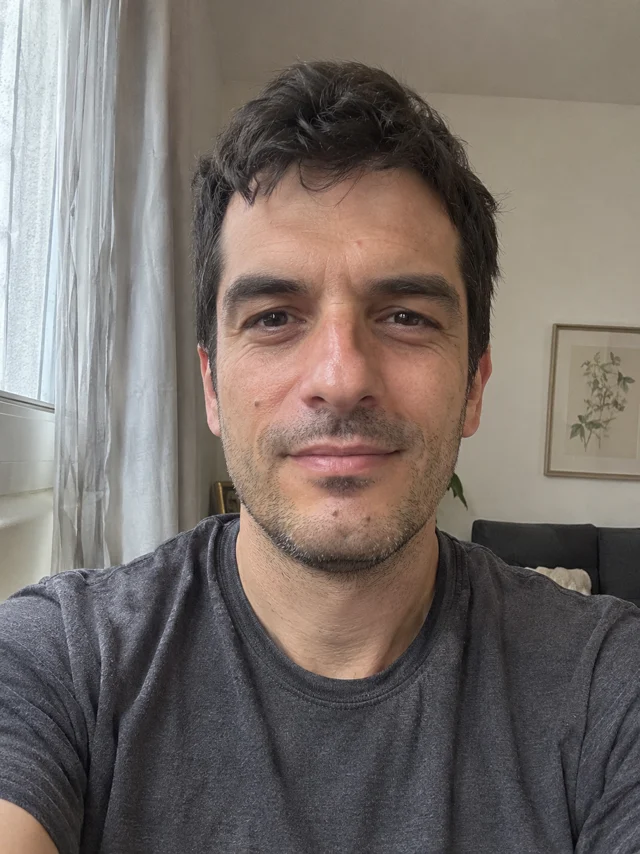
Generated here from the exact fictional adult photo shown. The 12.096-second take keeps his face and grey T-shirt. The ghost appears, vanishes for both looks back, and returns. It fades before the head turns; the ending is a smile rather than a big jump scare. Small ghost fingers soften.
How ghost prank AI works
A pale, long-haired figure peeks into a normal selfie, disappears when the person checks behind them, then returns. Your face stays human. This differs from a Ghostface mask scene and the white-sheet ghost photoshoot. This version supports one adult protagonist and adds the ghost automatically. It generates video from a still photo, rather than filtering a live camera.
Choose a selfie with room behind you
Use a sharp, front-facing photo of one consenting adult. Include the head and shoulders, normal indoor light and empty background. A doorway or plain wall helps the silhouette read. Avoid mirrors, groups, sunglasses, face coverings and heavy filters. No children or people without permission. You do not need to act frightened, learn a movement or find another performer.
Make my ghost prank · 25The twelve-second ghost prank AI sequence
The planned sequence starts with an ordinary selfie and a ghost over a shoulder. The adult looks back, the ghost hides and the doorway briefly appears empty. When the adult faces the lens, it returns. A second look and final appearance complete the gag. These are intended beats, not frame-perfect promises. Look for a separate silhouette, readable hiding and consistent light.
What our real take shows
Across all 289 reviewed frames, the face, short hair, stubble and grey shirt remain recognizable. 0–2.3 seconds: the ghost peeks behind the shoulder; it fades out by 2.5 seconds. Around 4–5.3 seconds the adult looks back at the empty hallway, and by 5.5 seconds the ghost returns. Around 8.5–9.5 seconds the second hide and look occur; the ghost returns near 10.8 seconds and stays through the ending. The disappearance anticipates the turn instead of matching it exactly. The final expression is a smile. No visible watermark, hard cut or black frame was found; small ghost fingers remain soft.
Sound, credits and limits
The preset requests newly generated room tone, an eerie hum and a short comic scare sting. It does not promise a commercial song or the original filter recording. Each new request is twelve seconds at the 480p tier in a vertical MP4 and currently costs 25 site credits. Check the live quote before submitting. A new attempt spends credits again; checking progress does not. Timing, ghost design and small hand details vary. Watch the entire download, compare your face with the input and label the post as AI-generated.
Create from one photo
Upload one adult photo
Add a permitted JPEG or PNG and check its preview. Only a photo is required; no video, audio, prompt or material URL.
Review the quote and generate
Sign in, confirm photo permission and press Generate once. Follow progress on the page or in My creations.
Inspect and download
Check the face, ghost, hands and ending before saving the MP4. Share with adults who are comfortable with a fictional scare.
Before you start
What do I upload for ghost prank AI?
One clear photo of one consenting adult, with face and shoulders visible. This page does not offer pets or group-photo replacement.
Do I write a prompt or upload a reference clip?
No. Add your photo only. The scene and effect are prepared automatically.
What are the ghost prank AI format and price?
Twelve seconds requested at 480p, vertical 9:16 MP4, currently 25 site credits. The button displays the current quote before submission.
Is it a live filter or a Ghostface transformation?
Neither: this makes a new video from your still photo. A separate long-haired ghost appears behind you; your face is not meant to become a ghost or a mask.
Does it include sound or a watermark?
New eerie ambience and a short sting are requested; no copied soundtrack is promised. Inspect the reviewed demo notes for the actual output, including any visible watermark or visual limitation.
What happens if generation fails?
The existing task flow restores credits when a generation is marked failed. An ambiguous timeout may still be processing: check My creations before starting another paid request.
Can I leave, and how are photos handled?
Return to My creations to check progress. Only upload photos you have permission to process. See the Privacy Policy for storage and deletion details; do not use the clip to claim a real haunting.