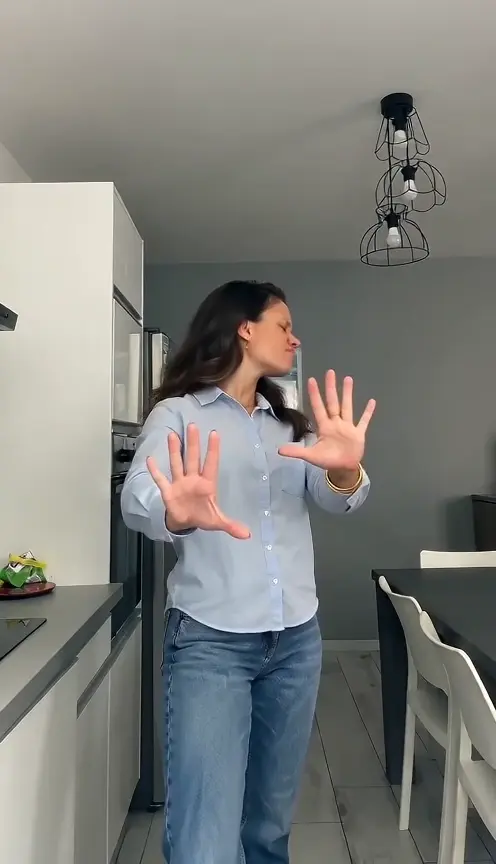
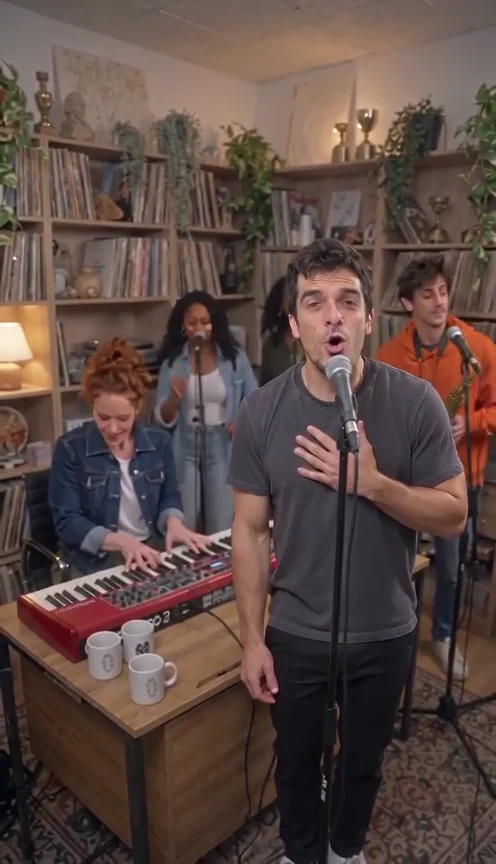
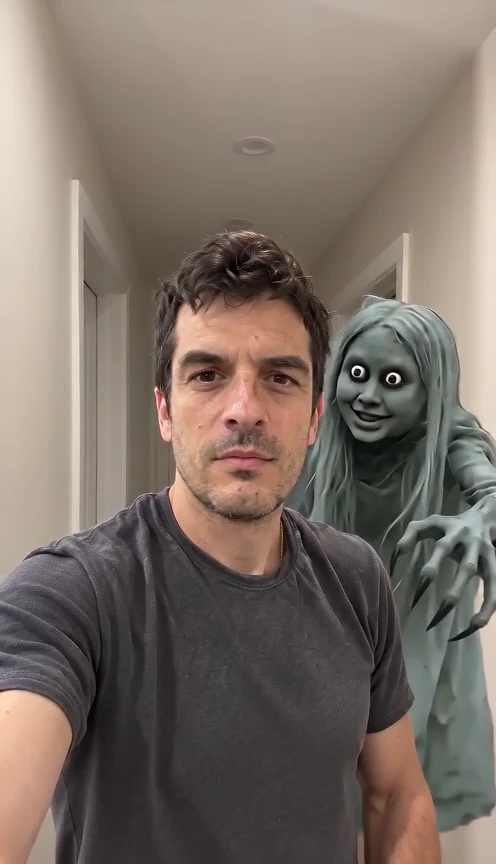
Christmas AI · Your Moving Winter Portrait
Christmas AI turns your selfie into a moving winter portrait: a red holiday outfit, evergreen details and drifting snow. Upload one adult photo, check the price and generate a short seasonal greeting.
Make my winter portrait · 15Your photo → a real winter video
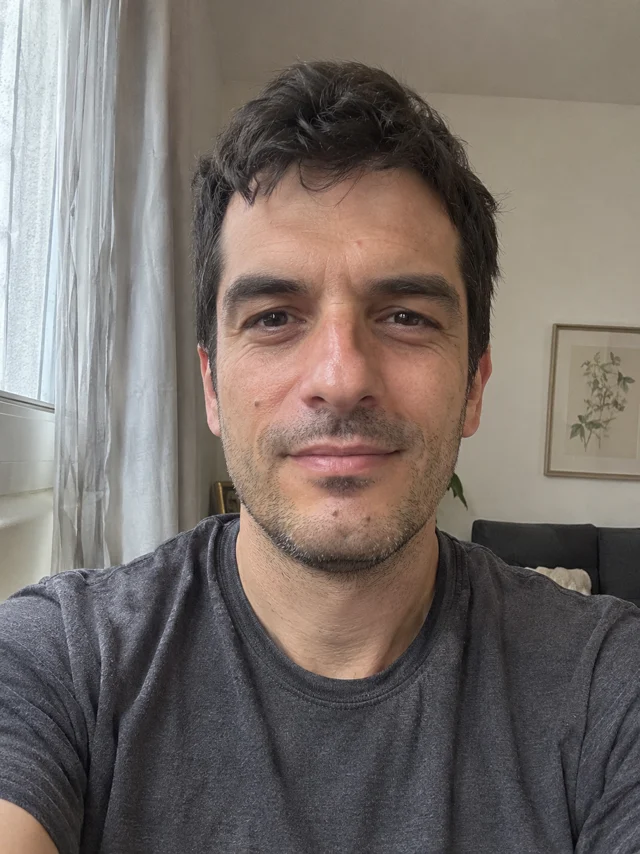
Same fictional selfie, real generation. Some fingers sit below the crop; the festive outfit may vary.
Christmas AI, softly in motion
A steady portrait keeps your face visible. Snow drifts behind you as your head and shoulders move gently, ending in a calm pose.
Choose your christmas AI selfie
Use one adult facing the camera in even light, with shoulders visible. Avoid sunglasses, groups and heavy filters. Everyday clothes are fine.
Make my winter portrait · 15Check your christmas AI result
In this test, eyes close at the start, the head turns near one second and faces forward near three seconds. Some fingers stay below the frame. Compare the face before sharing.
Create in three steps
Upload
Add one permitted JPEG or PNG photo.
Generate
Sign in, check the displayed credits and press Generate once.
Review and download
Watch the full MP4, then save it. Another attempt spends credits again.
Before you create
What does christmas AI make?
A five-second vertical winter portrait with a red festive outfit, evergreen details and gentle movement.
Can I choose another outfit or add two people?
One adult and one prepared holiday look. Outfit choices and two-person scenes are unavailable.
What does it cost?
The current quote is 15 credits for a five-second 480p MP4. Check the live price before starting.
Does it speak or include a Christmas song?
No spoken greeting or licensed song is included. Add your own permitted caption or music after downloading.