Independent guide · English edition · Published · Updated
Pika H3 Flex ComfyUI Guide: Files, Six-Step Settings and Limits
Set up Pika H3 Flex ComfyUI templates for T2V, Ref2VA and FL2VA. Check model folders, the six-step schedule, reference limits and prompting caveats.
VideoTrendKit does not host or run Pika H3 Flex. This independent guide is not an official Pika publication. Our studio offers separate photo-to-trend templates: choose an available effect and upload only subject photos; no prompt, audio, video or material URL is required.
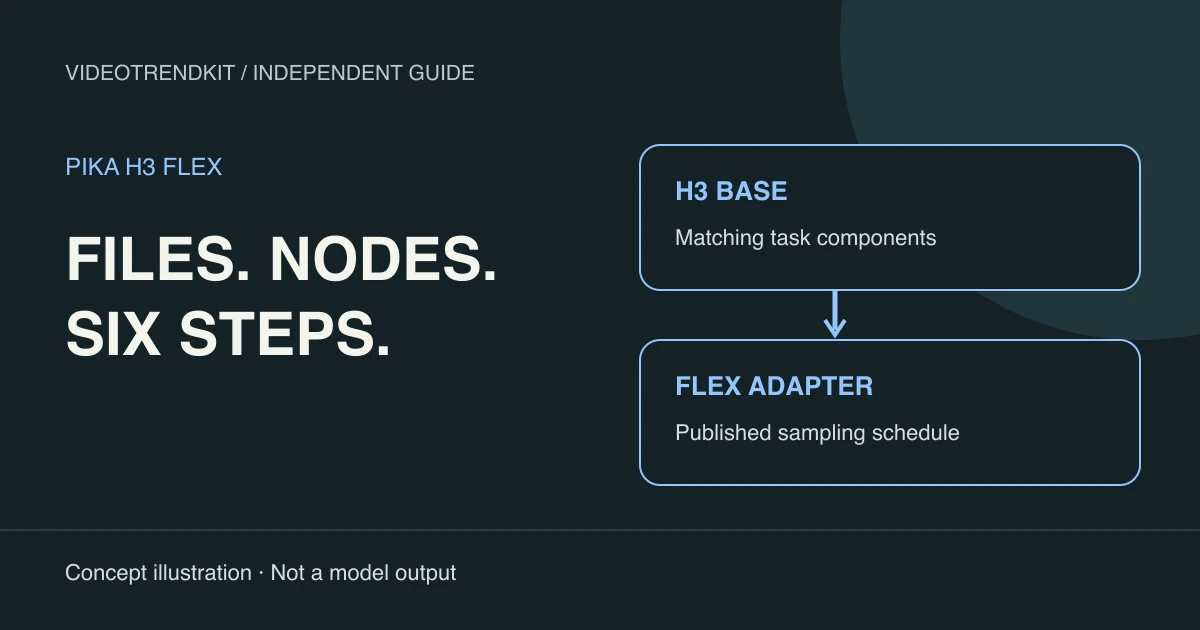
Pika H3 Flex ComfyUI prerequisites
This Pika H3 Flex ComfyUI guide describes a local workflow outside VideoTrendKit. It assumes you can install and operate ComfyUI and are eligible under the model license. The instructions are a reading of the official templates, not a report of a completed local validation run.
Update ComfyUI before opening a template and inspect any missing-node warnings. The official tutorial lists version 0.43.2+ for T2V and 0.30.0+ for the reference and endpoint-frame templates. A current supported release is the sensible starting point rather than mixing files from old tutorials.
Already having an H3 installation may let you reuse the base components. The two Flex LoRA adapters are the additions; they are not replacements for the encoder or decoders. Keep the downloaded versions and template together so a later change can be diagnosed.
Official ComfyUI workflow tutorialPika-Labs model card and open weights
Choose one of three template workflows
Open Template Library → Video and search for Pika H3 Flex. Choose the task before changing any nodes. T2V and FL2VA share the endpoint-frame model family; Ref2VA uses its own base transformer and matching adapter.
Use the official tutorial’s workflow downloads rather than rebuilding a graph from an illustration. The node graph carries conditioning and audio wiring that a checklist of sampler values cannot replace.
| Template | Input and purpose | Matching pair |
|---|---|---|
| Text to Video (T2V) | Prompt-only scene with synchronized audio | FL2VA base + FL2VA adapter |
| Reference to Video (Ref2VA) | References guide subjects, objects and setting | Ref2VA base + Ref2VA adapter |
| First and Last Frame (FL2VA) | Opening and ending images anchor the shot | FL2VA base + FL2VA adapter |
Model folders and exact file names
Place each file in its model-type folder, then refresh the model selectors or restart ComfyUI. Select the actual filename in every loader; merely copying a file does not change a previously saved selection. Download links are maintained in the official ComfyUI tutorial linked below.
This tree shows the union of files used by the three templates. A selected workflow needs its matching transformer and adapter, plus the shared encoder and VAEs. Do not rename a Ref2VA file to satisfy an FL2VA loader.
ComfyUI/models/
  diffusion_models/
    minimax_h3_fl2va_pruned_int8_convrot.safetensors
    minimax_h3_ref2va_pruned_int8_convrot.safetensors
  loras/
    pika_h3_flex_fl2va_v1_bf16.safetensors
    pika_h3_flex_ref2va_v1_bf16.safetensors
  text_encoders/
    qwen3vl_32b_minimax_h3_nvfp4_awq.safetensors
  vae/
    minimax_h3_video_vae_int8_convrot.safetensors
minimax_h3_audio_vae_fp32.safetensorsKeep the trained six-step schedule intact
Use lcm with ManualSigmas and CFG 1.0 through BasicGuider, with adapter strength 1.0. Retain the published seven-value sigma list from the template: it defines six transitions. Six generic steps with a different scheduler are not an equivalent setup.
Do NOT stack a turbo or Lightning LoRA on top. The Flex adapter already supplies the distilled acceleration. Adding another acceleration adapter, shortening the sigma list or increasing the step count changes the trained path; more steps do not automatically buy more detail.
If you start from a base H3 template, check more than the LoRA dropdown. The official tutorial contrasts its res_multistep / BasicScheduler path with Flex’s lcm / ManualSigmas path. Using the purpose-built Flex template reduces the chance of leaving an incompatible scheduler behind.
Official ComfyUI workflow tutorialPika-Labs model card and open weights
Reference limits are a shared budget
Ref2VA accepts at most 12 reference files overall: up to 9 images, up to 3 videos and up to 3 standalone audio clips. Those are simultaneous ceilings, not an allowance for 15 files. At least one image or video is required in the documented local reference mode.
Each video or standalone audio clip must be 2–15 seconds. Combined video duration must stay within 15 seconds; combined standalone-audio duration has its own 15-second ceiling. An embedded video soundtrack remains part of that video rather than consuming another standalone-audio slot.
A template may expose fewer convenient input slots than the model’s maximum. Check its actual wiring before assuming extra media will be consumed. Begin with a small reference set and one clear role per asset; accepted input limits do not guarantee memory capacity or visual fidelity.
Prompting: give the camera a destination
Describe style, shot action, camera movement and sound separately. Give a movement an ending position: “The camera moves along the counter and stops beside the cup” is easier to inspect than “cinematic camera.” This is an original illustrative sentence, not an official showcase prompt or a verified output.
For wide framing, describe visible content: a small subject surrounded by a large empty room. A bare “wide shot” instruction can leave too much ambiguity. Build the main action so it still works if a hand touches a prop; precise non-contact spacing and exact cut timing should not be treated as reliable constraints.
Ref2VA uses a structured reference form. The documented fields include subject_definitions, summary, retention_analysis, detailed_description, overall_soundscape and non_diegetic_music. Follow the syntax linked from the official tutorial and identify which reference supplies each role instead of pasting T2V prose into every input.
Hardware expectations and first-run inspection
Representative official CLI runs use an H100 80GB; that is context, not a measured minimum for every ComfyUI configuration. We have not verified a consumer card. Quantization, offload, host RAM, resolution, duration and reference count all affect whether a request fits.
For an authorized first run, inspect the complete decoded file with sound. Check identity, opening and ending composition, camera stopping point, audio alignment and actual duration. Save the workflow and settings alongside your assessment; a successful queue item alone does not establish usable footage.
License checks before using the works
Not legal advice. The adapters are governed by the MiniMax H3 Community License, rather than a permissive license for unrestricted model use. Review the full agreement for your location, business and distribution plan before running or deploying the works.
The Applicable Territory excludes the United States (US), the European Union (EU), the United Kingdom (UK) and the Republic of Korea. The community agreement does not authorize use outside that territory; contact MiniMax about separate authorization rather than treating a downloadable file as permission.
Commercial products and services with yearly revenue greater than USD 20 million need prior written authorization from MiniMax. A commercial product or service using the works must prominently display “MiniMax H3” on its user interface. Revenue below the threshold does not remove the other conditions.
Outputs are not Model Derivatives under the agreement, but this does not erase the use restrictions, territorial conditions or responsibility for rights in the result. Hosted access also calls for review of the applicable service terms; a paid endpoint is not evidence of a blanket exception.
MiniMax H3 Community License — full textPika-Labs model card and open weights
Local setup steps
Check eligibility and update ComfyUI
Read the MiniMax license and hardware notes, then update ComfyUI to a release supporting your selected template.
Download and place the matching files
Use the official tutorial’s downloads and place the transformer, adapter, text encoder and both VAEs in the folders shown above.
Open the appropriate template
Choose T2V, Ref2VA or FL2VA in Template Library → Video and confirm every loader selects the matching model family.
Verify the six-step sampling settings
Keep lcm, ManualSigmas with the template’s seven sigma values, CFG 1.0 and adapter strength 1.0. Do not add turbo or Lightning LoRA.
Prepare permitted inputs and shot direction
Use inputs appropriate to the task, keep reference counts and durations within the documented limits, and describe camera endpoints and sound.
Run locally and inspect the complete result
Once you have authorized your own compute use, queue the local workflow. Review the decoded video with sound and save settings with your findings.
Frequently asked questions
Which Pika H3 Flex ComfyUI template should I open?
Use T2V for a prompt-only scene, Ref2VA for reference-guided generation, or FL2VA to connect opening and ending frames. The selected adapter and base transformer must match.
Can I reuse my MiniMax H3 base files?
Yes, if they match the supported template. The Flex additions are its two task adapters; the base transformer, encoder and VAEs are still needed.
What are the six-step settings?
Use lcm, ManualSigmas with the published seven-value sigma list, CFG 1.0 through BasicGuider and adapter strength 1.0. Keep the template’s trained schedule.
Should I add a turbo or Lightning LoRA?
No. Do not stack another acceleration LoRA on the already distilled Flex adapter; the official tutorial warns that this breaks the output.
Can I supply nine images, three videos and three audio files together?
No. The per-type limits also share a maximum of 12 files total. Video and standalone audio clips each last 2–15 seconds, with separate 15-second aggregate budgets per type.
Is a consumer GPU confirmed to work?
We have not tested one for this guide. Official representative CLI configurations include an H100 80GB. Check your workflow, quantization, memory and offload requirements.
Does this workflow run inside VideoTrendKit?
No. This tutorial concerns a separate ComfyUI installation. VideoTrendKit does not host or run Pika H3 Flex; its studio offers its own photo-to-trend templates.
First-party references
Reviewed November 6, 2026. Specifications and service offerings can change.