1Recognize the Thank You Baby AI movement
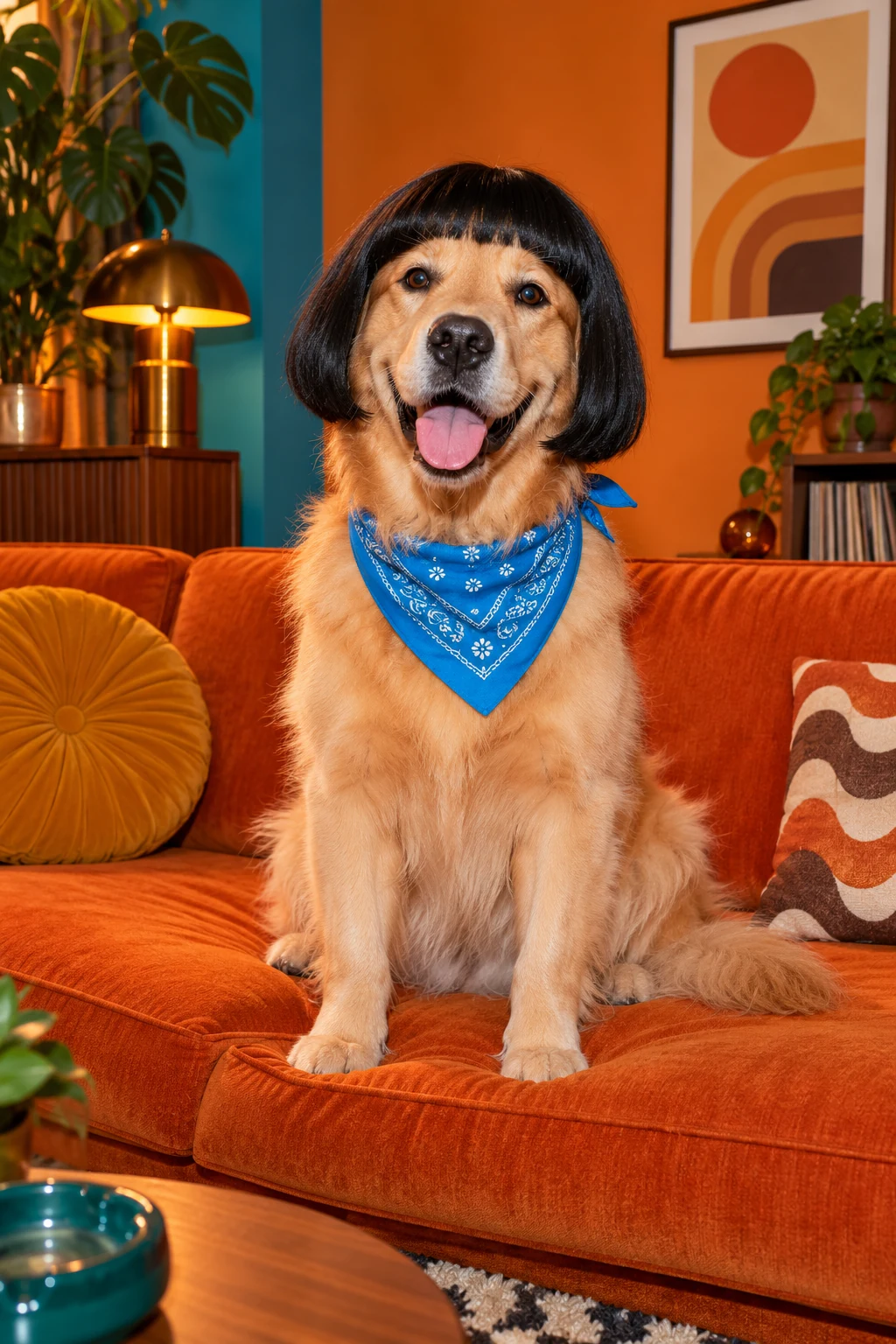
Thank You Baby AI is an ambiguous label across existing tools. Some examples emphasize a gentle head tilt and shy expression; others use stronger head bobs, shoulder bounces or a pet wearing a wig. This guide focuses on a small seated head-and-shoulder performance with a clear face. Describe that exact routine in your recipe rather than relying on the name alone. A restrained movement can make the reaction readable without turning the subject into a full-body dancer or changing the scene halfway through the clip.
Choose a Thank You Baby AI photo
Choose one clear cat or dog facing the camera with the chest and shoulders visible. Fur should stand out from the background so the expression stays easy to read. For Thank You Baby AI, a front-facing pet photograph gives the head tilt and shoulder bounce a useful starting point. Avoid a second animal behind the subject or a toy covering the muzzle. If you want an accessory, describe it in the creative direction and keep it away from the eyes and ears that help identify the pet.
Separate pet, adult and child workflows
Keep your first recipe focused on the pet's natural proportions. A seated pose leaves the face and upper body visible while the head tilts and returns. Describe a modest bounce instead of combining several unrelated dance moves. A real baby photo or an adult-to-toddler transformation is a different input task and is outside this pet guide. When you render in your selected workflow, check whether the animation preserves the muzzle, ears, fur pattern and body shape. Watch the transition back to the starting pose as well as the opening movement.
Use the preview to settle the name
Thank You Babeh AI may be a spelling you remember from a sound, while Thank You Baby dance AI may appear in a tutorial. Compare the movement you want: a name alone does not establish that every example uses the same choreography. Write the head tilt, seated position and gentle shoulder bounce into the recipe. The poster illustrates a mood rather than a tested animation. Choose audio separately, save your direction and review the entire resulting clip for sudden changes in expression or misplaced paws before sharing.