1Frame the SaWaDiKa Dance AI greeting
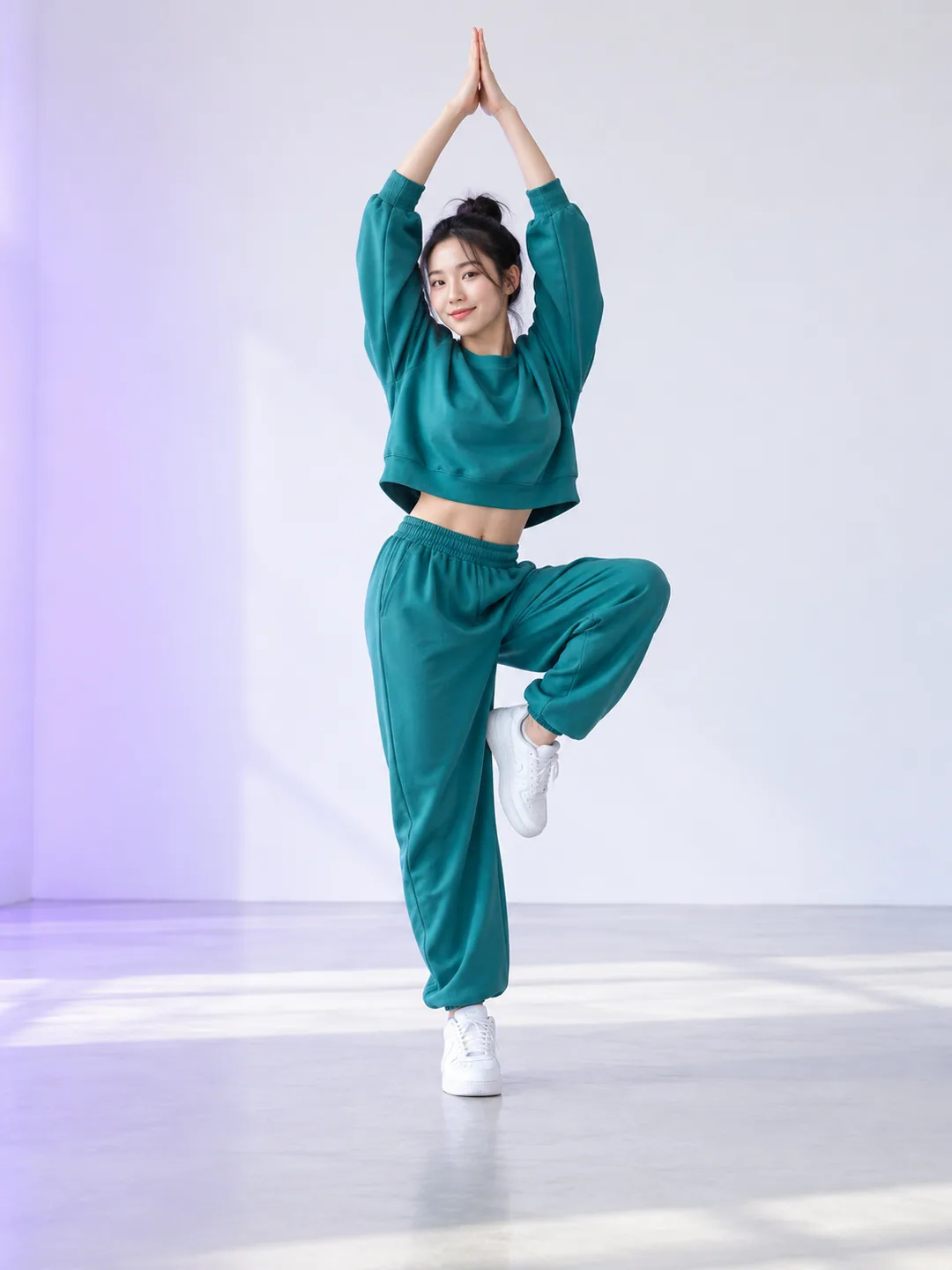
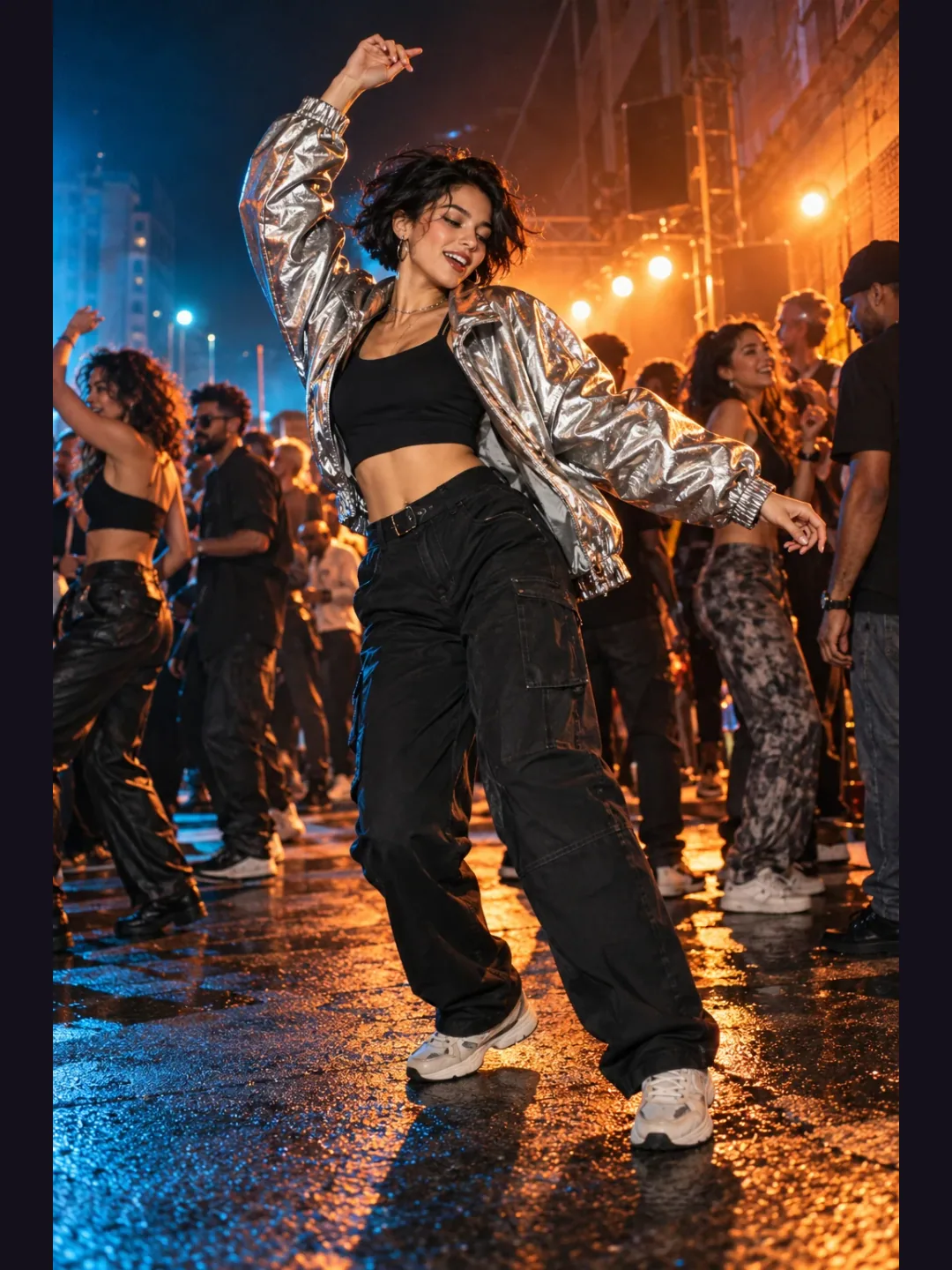
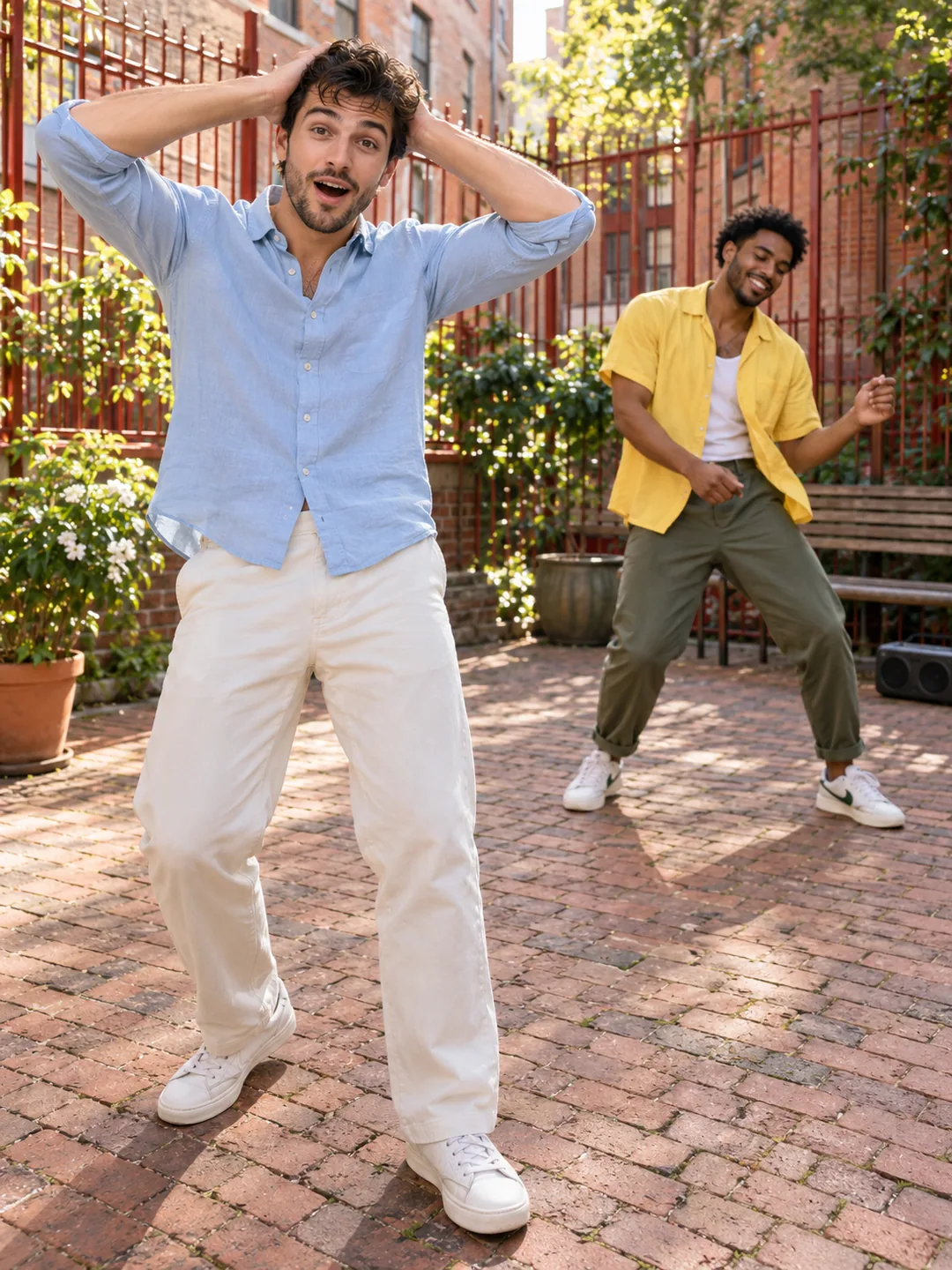
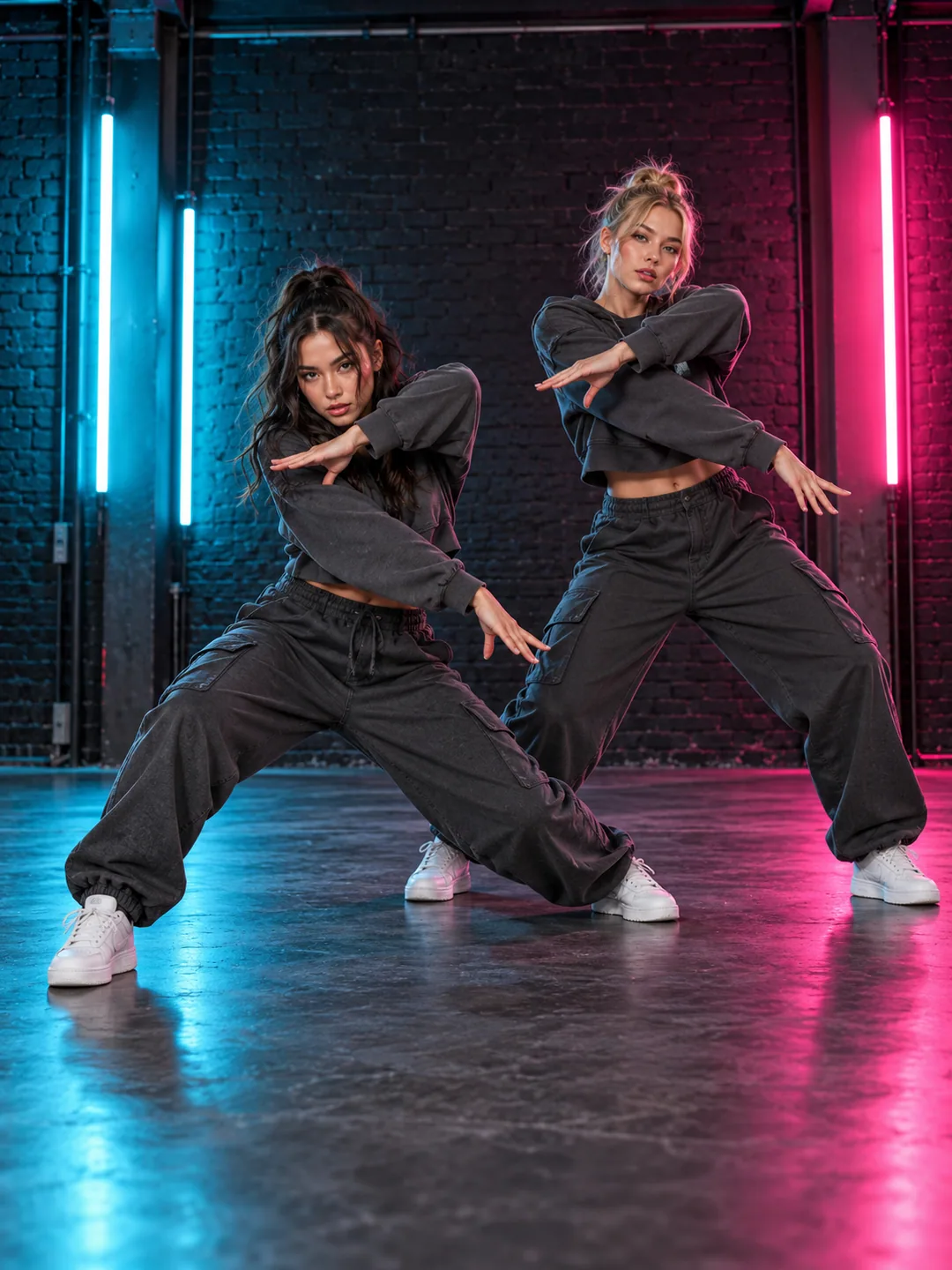
SaWaDiKa Dance AI is planned around an expressive opening pose followed by arm accents and a short solo routine. The greeting gesture should be visible from the first useful frame. Keep the camera far enough back to include the hands above the head and the lower part of the body. This is a movement-first template: a decorative background contributes less than a clear silhouette. Use the concept preview to see the intended framing before choosing the photograph you want to animate.
Prepare your SaWaDiKa Dance AI portrait
A full-body standing image offers more guidance than a close-up selfie. Keep the face visible, avoid crossing the hands over it, and leave space between the arms and torso. A crop that cuts off the shoes forces the model to invent the lower body during kicks and steps. Choose even lighting and clothing with a readable outline. For the Sawadika dance AI generator, the photo check should explain missing body regions before submission, so you can replace an unsuitable picture early.
Keep SaWaDiKa Dance AI movement readable
The proposed workflow uses your photo for the person and a prepared motion reference for the dance. Clothing, hair and the scene are separate visual decisions from the choreography. Start with the original outfit and a simple stage, then review how it behaves during the raised-arm poses. Large sleeves, bags and objects held in the hands can complicate the silhouette. Avoid adding unrelated actions to the same brief, because a second routine can interrupt the greeting-led movement this page is designed to explain.
Review the SaWaDiKa Dance AI gestures
Hands are small, fast-moving details in this routine. Watch the fingers as the palms approach each other, check the shoulders during arm changes, and look at the feet when the dancer shifts weight. A smooth face close-up alone does not establish a successful dance. SaWaDiKa Dance AI should be reviewed from the opening pose to the final stance, including the transitions. If the arms merge with the torso, try a clearer standing image before changing the entire scene or adding more instructions.
Prepare a clear social version
The planned output composition is vertical, with space for the full dancer and a short caption. Keep platform interface overlays away from the feet and hands. Audio is an independent choice: the dance name does not provide a license for an artist recording. Add a track you can use through your publishing platform or an authorized source. The prototype can prepare this scene and its input brief; a finished result requires a connected generation service, an appropriate reference and a complete review before sharing.