1Find the Charme Dance AI groove
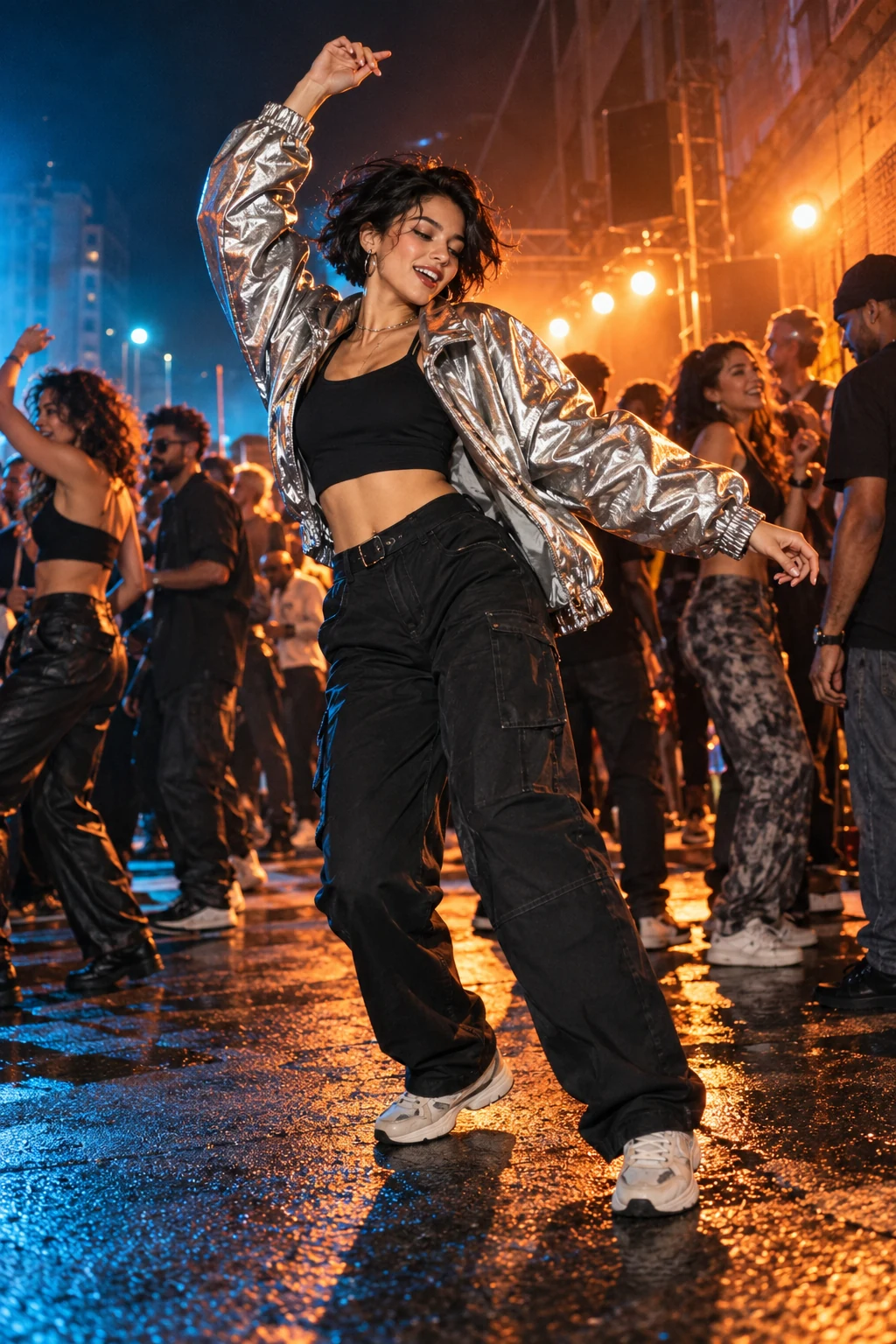
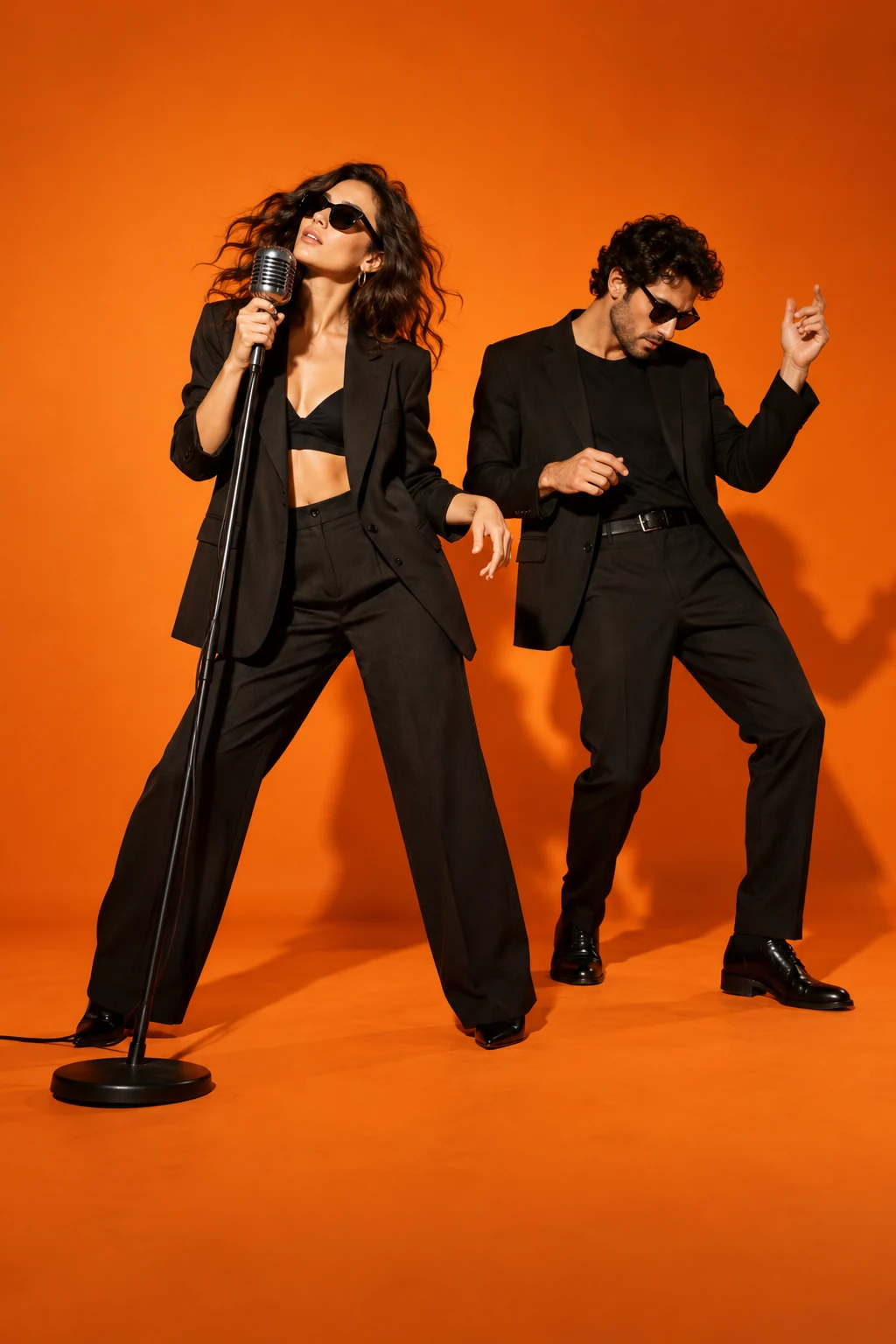
Charme Dance AI is a photo-to-dance idea built around an easygoing social groove. Focus on small weight shifts, relaxed shoulders and brief raised-hand gestures, with room to see the dancer's connection to the surrounding party. A tight talking-head crop hides the details that make this routine recognizable. The poster suggests the atmosphere; it is concept artwork rather than a finished performance or a demonstration of how your photograph will animate.
Prepare your Charme Dance AI photo
Choose a sharp photograph with one adult facing the camera and enough of the body visible to understand the outfit. Avoid crossed arms, objects covering the face and cropped hands where possible. A simple standing pose gives the movement a clearer starting point. For Charme Dance AI, your photograph describes appearance while your permitted reference describes the steps. If a portrait ends above the waist, a video model must invent the missing clothing and legs, and those details can differ from your expectations.
Frame your solo street party
Begin your recipe with one dancer near the centre of a street party. Warm lights and a softly detailed crowd can establish the setting without competing with the lead. Describe clothing or lighting in the creative direction while keeping the routine consistent. Leave enough space around the feet for the side-to-side steps. When you make a video in your chosen workflow, review face shape, foot placement and the distance between the dancer and nearby people. Watch the whole movement before selecting a final take.
Understand the Baile Charme AI variations
Baile Charme AI names the same street-party making task in this collection. Searches mentioning Seu Ze may instead be looking for a particular character or the background of a meme; your recipe can feature your own consenting subject. Write down whether you want a courtyard, open street or covered party space, then keep that setting consistent throughout the shot. Choose audio separately from the visual idea. You can copy or download the recipe here, while rendering the video requires a separate video workflow.