1Map the A2O LITE NEON AI Dance formation
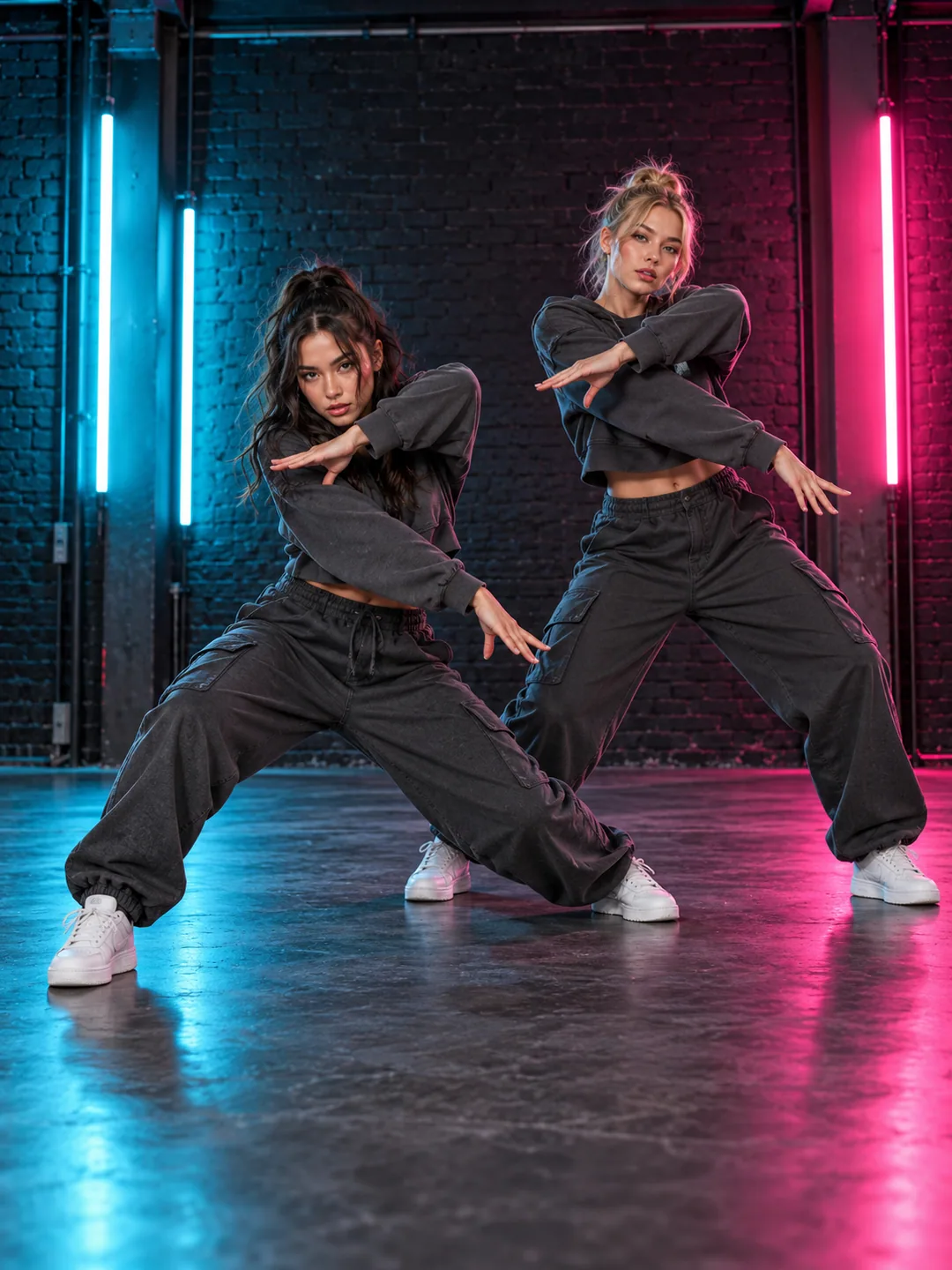
A2O LITE NEON AI Dance is a two-person choreography concept with coordinated poses, changes of level and a shared stage. Start by understanding where the two subjects stand. Neon lighting provides atmosphere, but the formation is what makes the duet legible. Choose the left and right roles before selecting a background. Describe enough room for both bodies and their wide arm positions, so your intended scene reads as a synchronized routine rather than two unrelated portraits moving beside each other.
Match the input framing
Use a separate photo for each adult, with a clear face and visible clothing. Similar camera angles help stage the pair. A waist-up photo beside a distant full-body image can produce different apparent body scales. Avoid masks and objects that obscure facial features. For a NEON AI dance generator recipe, write each dancer’s position in the creative direction. Use Swap subjects A and B to change their order.
Choose the stage after the cast
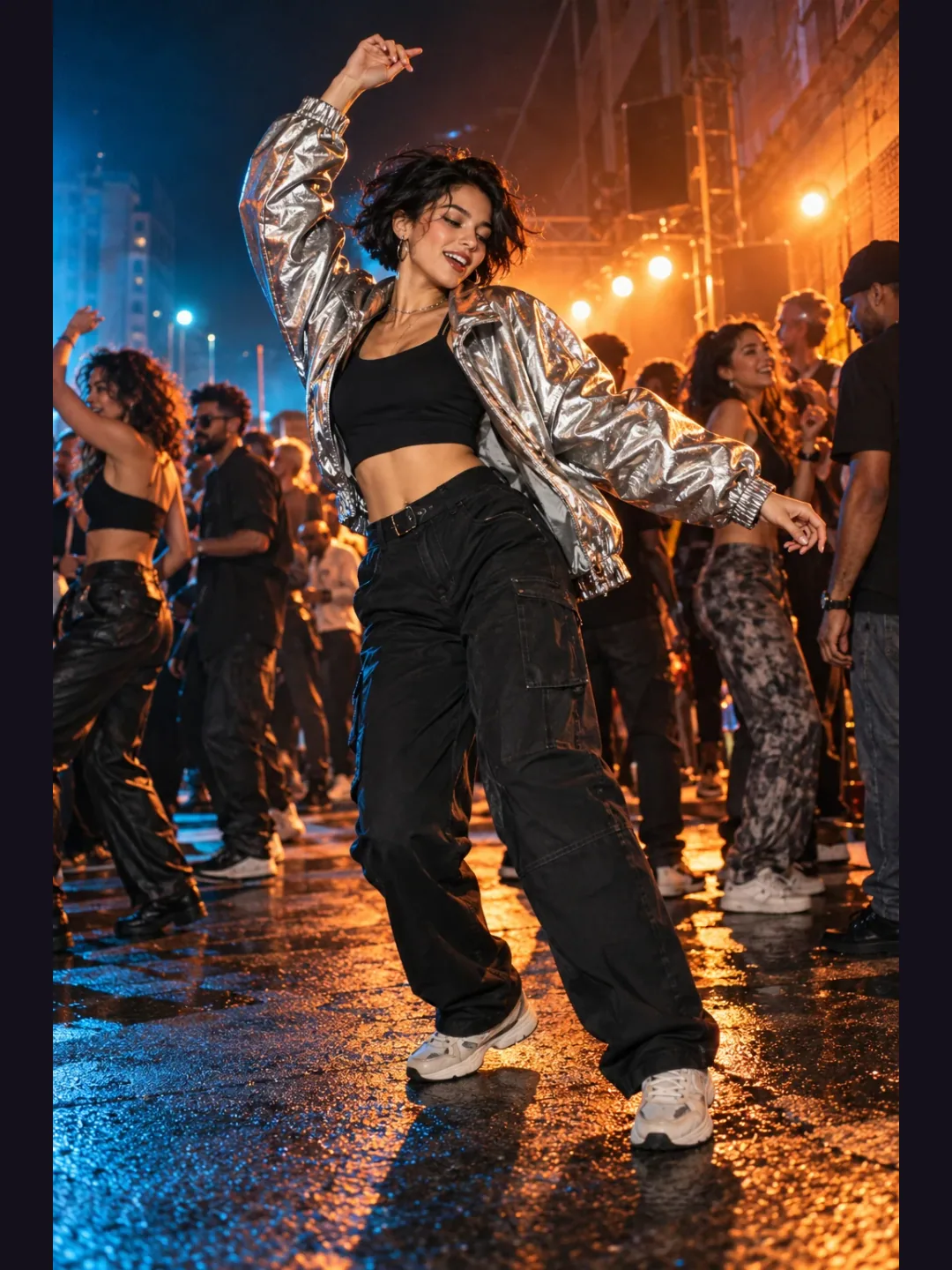
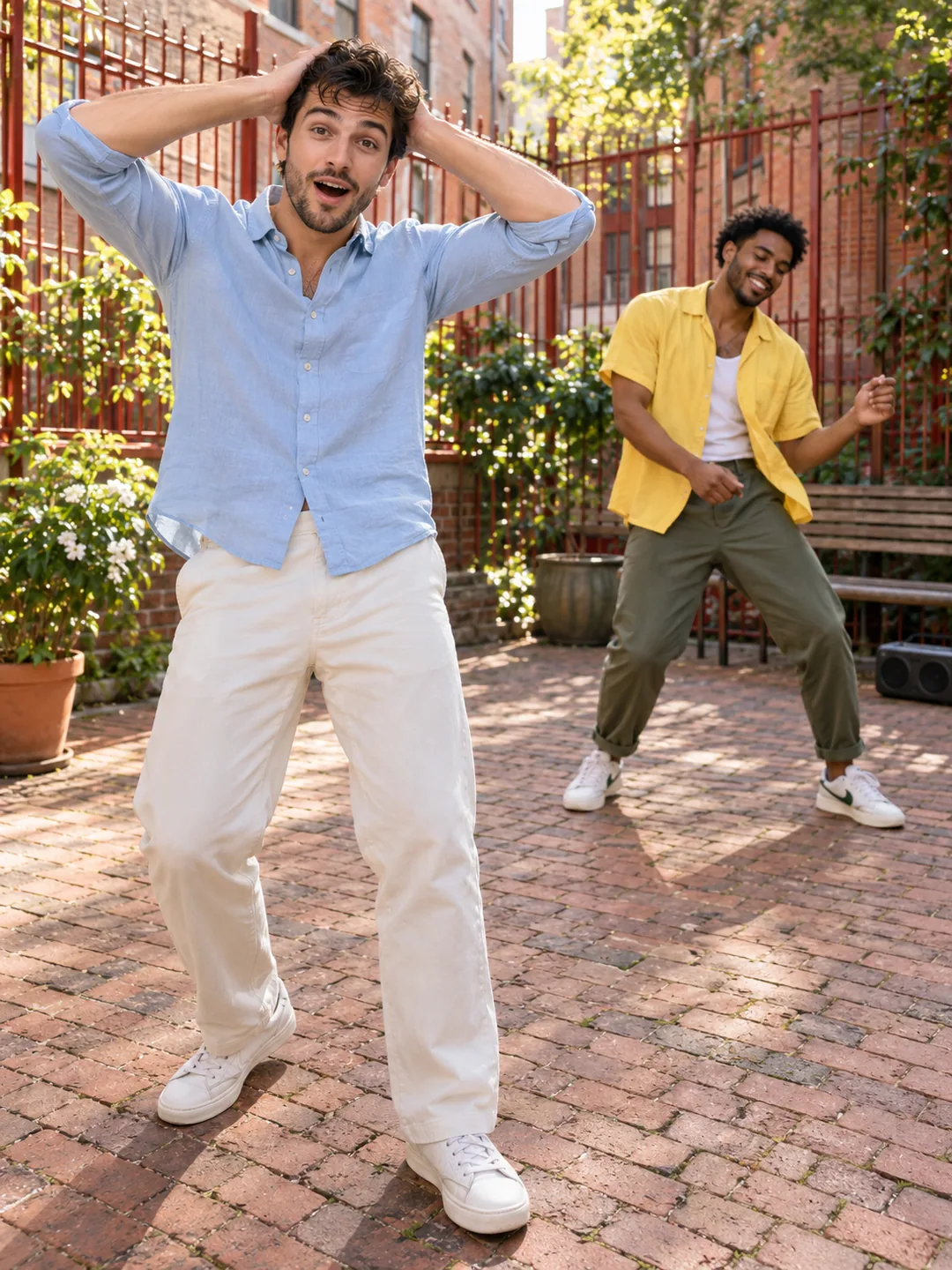
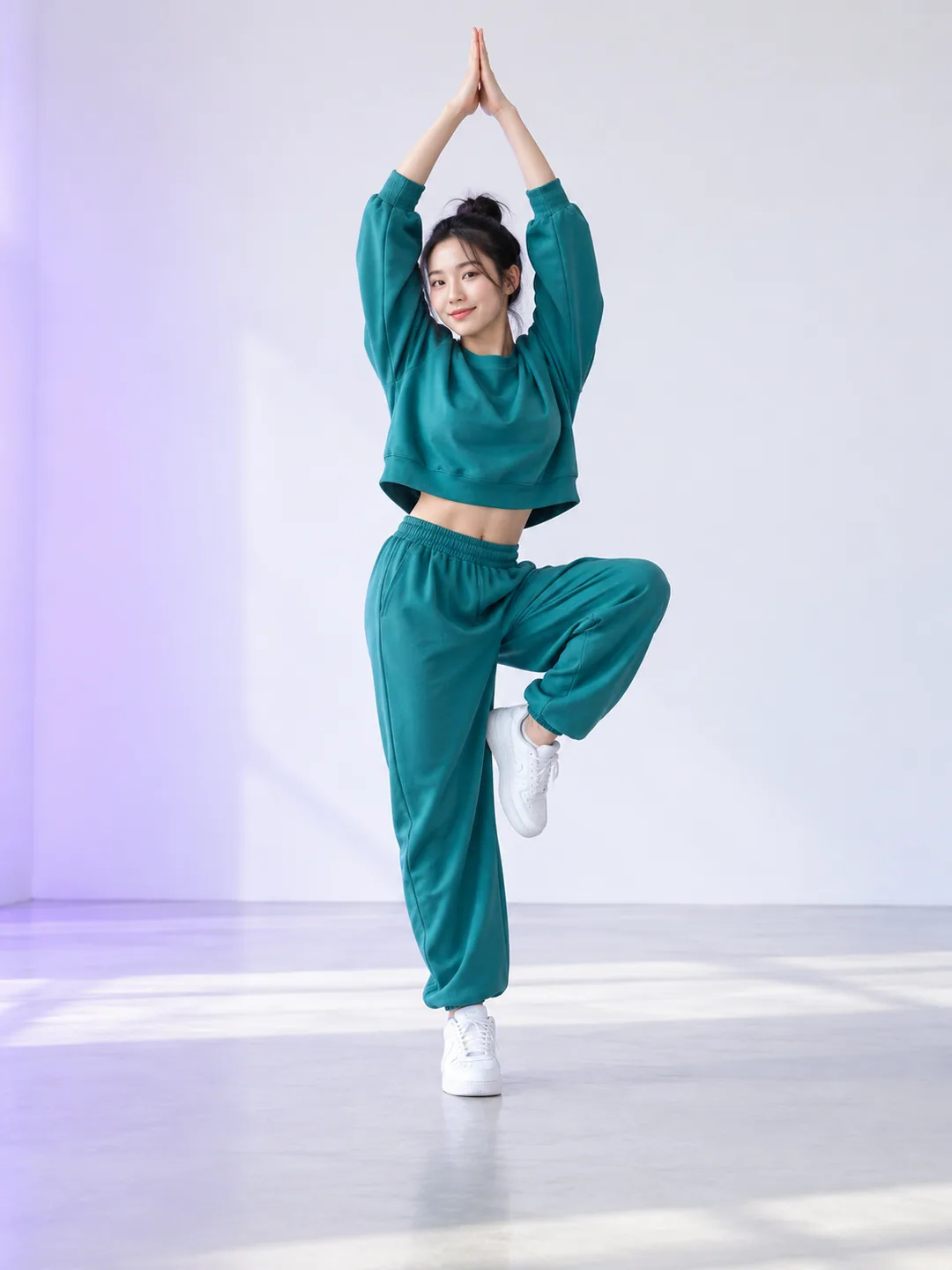
A simple studio helps evaluate choreography, while a neon setting gives a more dramatic look. Describe one setting in your brief, then choose an appropriate permitted reference in your video workflow. Do not assume a landscape dance can be cropped into a vertical frame without losing one performer. Your aspect selection is recorded in the recipe, without changing the concept artwork. Keep bright tubes and strong reflections behind the dancers instead of across their faces, and leave room at the top and bottom for raised arms and changes in body height.
Inspect synchronization and crossings
A duo introduces problems that a solo photo animation does not have. Bodies can overlap, arms may cross, and the model may confuse similar outfits. Watch the identity of each dancer during turns, kicks and low poses. The reference guides shared timing; it does not guarantee exact synchronization in the generated result. A2O LITE NEON AI Dance needs a full-clip check of both characters, especially when one briefly moves in front of the other or the camera changes its distance.
Export the performance you reviewed
Use the recipe to describe a short duet in your chosen composition. The concept poster suggests a look; it does not demonstrate a generated performance. Before sharing, inspect both performers and confirm that the export includes the intended ending. Keep the sound decision separate from the visual recipe: artist names and choreography descriptions do not grant recording rights. Use an authorized track or available platform audio. Save the completed video and its chosen settings so a later variation can start from a clear, repeatable brief.