Independent guide · English edition · Published · Updated
This guide is currently available in English. The site navigation and studio retain your selected language.
What Is Pika H3 Flex? Open Weights, Audio and Limits
Pika H3 Flex is Pika’s six-step adaptation of MiniMax H3. Understand local 480p/768p video, hosted 4K finishing, audio and license boundaries.
VideoTrendKit does not host or run Pika H3 Flex. This independent guide is not an official Pika publication. Our studio offers separate photo-to-trend templates: choose an available effect and upload only subject photos; no prompt, audio, video or material URL is required.
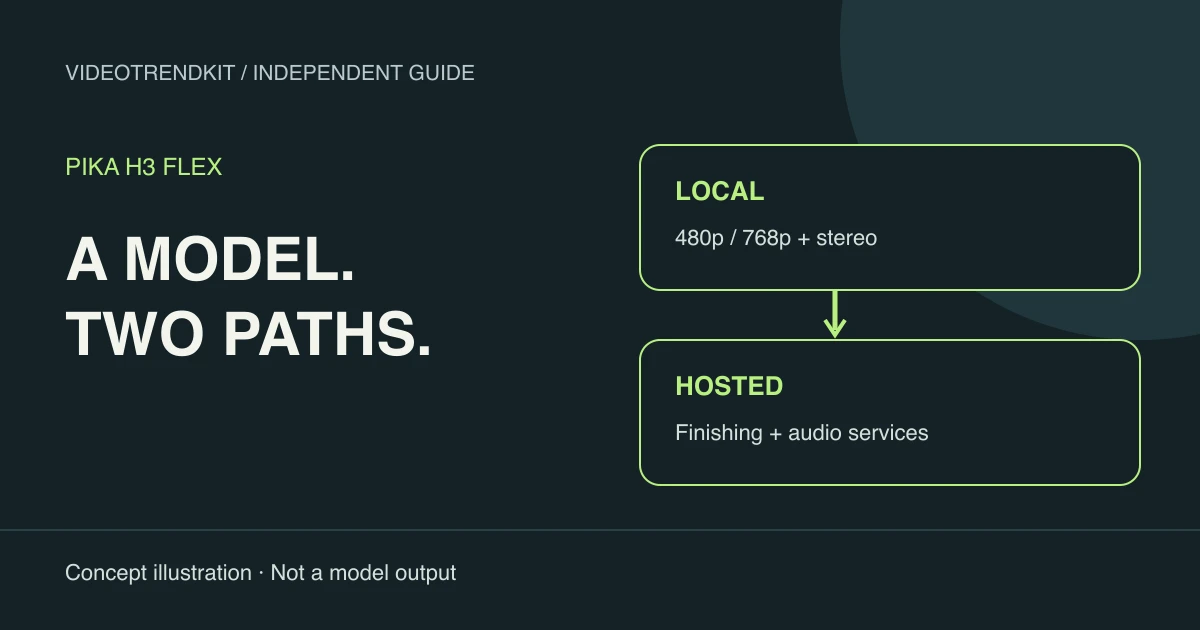
Pika H3 Flex in plain English
Pika H3 Flex, announced on October 29, 2026, adapts MiniMax H3 for a shorter generation schedule. It produces moving pictures and synchronized sound together. Think of it as a model workflow for directing a scene, rather than a library of ready-made social effects.
The downloadable release uses two task adapters on top of H3 base components. FL2VA covers text and opening or ending frames; Ref2VA uses references to guide appearance and action. The distinction matters because the input wiring and selected transformer must agree with the adapter.
A useful first question is where the work will run. Local access gives you control of the files and runtime. A hosted service can add processing stages that are absent from those files. A screenshot of a service feature therefore says little about what a clean local installation can export.
Pika launch article — October 29, 2026Pika-Labs model card and open weights
Pika H3 Flex capabilities: local versus hosted
Read the resolution and audio claims as two separate delivery paths. The open-weight package creates a native draft with a mixed soundtrack; higher-resolution finishing and isolated audio are optional hosted operations. Downloading the adapters does not download those services.
| Capability | Local open-weight Flex | Pika-hosted Flex |
|---|---|---|
| Picture | Native 480p / 768p | Native drafts plus hosted finishing at 1080p, 2K or 4K |
| Audio | Synchronized 32 kHz mixed stereo | Synchronized audio; separate stem service, subject to endpoint docs* |
| Inputs | Text, endpoint frames, or multimodal references according to adapter | Reference workflows and service-specific editing options |
| Prompt assistance | Write the model input yourself | Optional hosted prompt enhancement |
| Runtime | Your GPU, memory and software configuration | Pika serving infrastructure; queue and finishing add time |
Pika-Labs model card and open weightsPika product specifications and FAQ
What open weights actually give you
Open weights let an eligible operator inspect the release, pin its components and build a repeatable pipeline. They do not turn the adapter into a standalone small model. You still need the matching base transformer, text encoder, video decoder and audio decoder, plus enough memory to run the chosen workload.
For planning, separate storage from working memory. A download size is not a VRAM requirement, and the advertised maximum number of references is not a promise that the largest request fits your machine. Start by checking a supported configuration and the exact workflow you intend to use.
The official local model card describes 24 fps, integer duration requests from 5 to 15 seconds and aspect-ratio buckets. Actual duration follows its frame grid, so a nominal five-second request need not be exactly five seconds. Check encoded duration before dropping the clip into a timed edit.
Why “seven seconds” is not a delivery promise
The launch benchmark measures transformer computation for a particular 15-second, 768p workload. It does not measure the complete time from submission to a downloadable file. Encoding inputs, decoding outputs, queueing, transfers and optional finishing remain part of the job.
For your own estimate, time the whole operation and record hardware, resolution, duration, references and whether models were already loaded. Compare repeated requests under the same conditions. We have not run a consumer-GPU benchmark or generated a Flex validation clip for this guide.
Choose a model workflow or a photo template
Pika H3 Flex makes sense to investigate when you need to direct original scenes, reason about references or integrate a licensed model pipeline. Budget time for setup, shot design, inspection and editing. A fast sampler does not remove those creative decisions.
If your goal is a recognizable dance, transformation or other available photo trend, inspect the examples in VideoTrendKit’s effect directory instead. Its templates supply their own generation instructions. You upload the subject photos and review the displayed credit cost; this is a separate product flow, not access to Flex.
Use the companion ComfyUI guide for file placement and sampling settings. Use the MiniMax H3 comparison when deciding whether your work calls for the adapted schedule, a base-model experiment or a hosted finishing stage.
License checks before using the works
Not legal advice. The adapters are governed by the MiniMax H3 Community License, rather than a permissive license for unrestricted model use. Review the full agreement for your location, business and distribution plan before running or deploying the works.
The Applicable Territory excludes the United States (US), the European Union (EU), the United Kingdom (UK) and the Republic of Korea. The community agreement does not authorize use outside that territory; contact MiniMax about separate authorization rather than treating a downloadable file as permission.
Commercial products and services with yearly revenue greater than USD 20 million need prior written authorization from MiniMax. A commercial product or service using the works must prominently display “MiniMax H3” on its user interface. Revenue below the threshold does not remove the other conditions.
Outputs are not Model Derivatives under the agreement, but this does not erase the use restrictions, territorial conditions or responsibility for rights in the result. Hosted access also calls for review of the applicable service terms; a paid endpoint is not evidence of a blanket exception.
MiniMax H3 Community License — full textPika-Labs model card and open weights
Frequently asked questions
What is Pika H3 Flex?
It is Pika’s post-trained adaptation of MiniMax H3, released with two task adapters and a six-step generation schedule for video with synchronized audio.
Does the local release include sound?
Yes. The documented local output includes mixed stereo audio. Separate Dialogue, Music or other stem exports are a hosted feature, with conflicting official stem counts described in the footnote.
Can local Pika H3 Flex generate native 4K?
The published local release specifies native 480p and 768p. The 1080p, 2K and 4K finishing workflow belongs to Pika’s hosted service.
Will a clip arrive in seven seconds on my GPU?
That is not established. The launch figure concerns transformer computation in a controlled benchmark, not end-to-end latency or a consumer-GPU guarantee.
Can I use the weights in the US, EU, UK or Republic of Korea?
Those locations are excluded from the Applicable Territory of the community license. Review the full agreement and contact MiniMax about separate authorization. Not legal advice.
What are the main commercial license conditions?
Commercial products or services with yearly revenue above USD 20 million require prior MiniMax written authorization. Commercial UI using the works must prominently display “MiniMax H3”; other license conditions still apply. Not legal advice.
Does VideoTrendKit run Pika H3 Flex?
No. VideoTrendKit does not host or run this model. Its studio provides separate photo-to-trend video templates and requires only subject photos as creative input.
First-party references
Reviewed November 6, 2026. Specifications and service offerings can change.